Matter Physics with Bitmap Text
Demonstrates how to add a Matter.js physics body to a Bitmap Text object, allowing it to fall, bounce, and collide with other physical bodies.
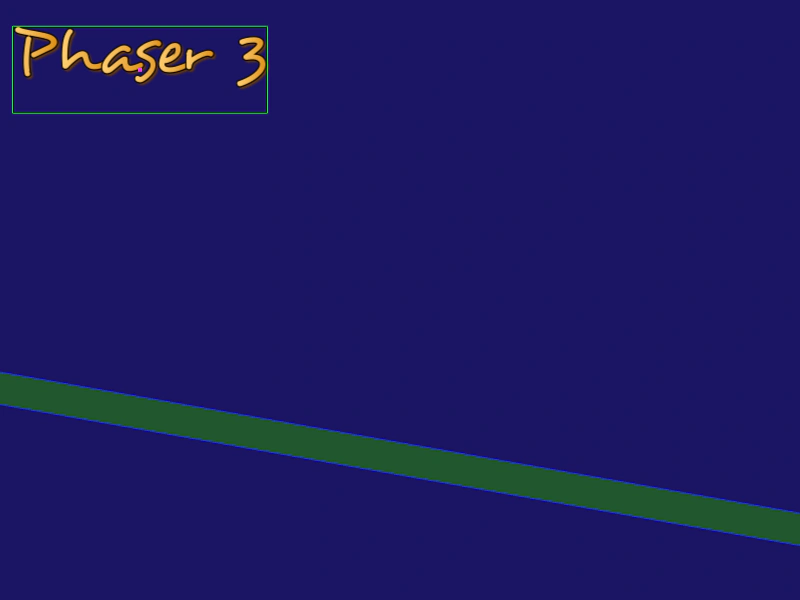
800 × 600
class Example extends Phaser.Scene
{
    preload ()
    {
        this.load.setBaseURL('https://cdn.phaserfiles.com/v410');
        this.load.image('platform', 'assets/sprites/platform.png');
        this.load.bitmapFont('desyrel', 'assets/fonts/bitmap/desyrel.png', 'assets/fonts/bitmap/desyrel.xml');
    }

    create ()
    {
        const text = this.add.bitmapText(140, -100, 'desyrel', 'Phaser 3');

        this.matter.add.gameObject(text, { render: { sprite: { yOffset: 0.2 } } });

        text.setFrictionAir(0.001);
        text.setBounce(0.9);

        this.matter.add.image(350, 450, 'platform', null, { isStatic: true }).setScale(2, 0.5).setAngle(10);
    }
}

const config = {
    scale: { mode: Phaser.Scale.FIT },
    type: Phaser.AUTO,
    width: 800,
    height: 600,
    backgroundColor: '#1b1464',
    parent: 'game-container',
    physics: {
        default: 'matter',
        matter: {
            debug: true,
            gravity: {
                y: 0.3
            }
        }
    },
    scene: Example
};

const game = new Phaser.Game(config);
More in Matterjs67 examples
 Matter Physics with Text ObjectsDemonstrates how to add Matter.js physics bodies to Text Game Objects, using both default rectangular bounds and custom polygon shapes.
 Matter Physics Wrap BoundsDemonstrates how to use the wrapBounds property in Matter.js to automatically wrap physics bodies around the screen when they exit a defined area.
 Matter Scene RestartDemonstrates how to restart a scene containing Matter physics bodies, effectively resetting the simulation and all objects to their initial state on a pointer click.
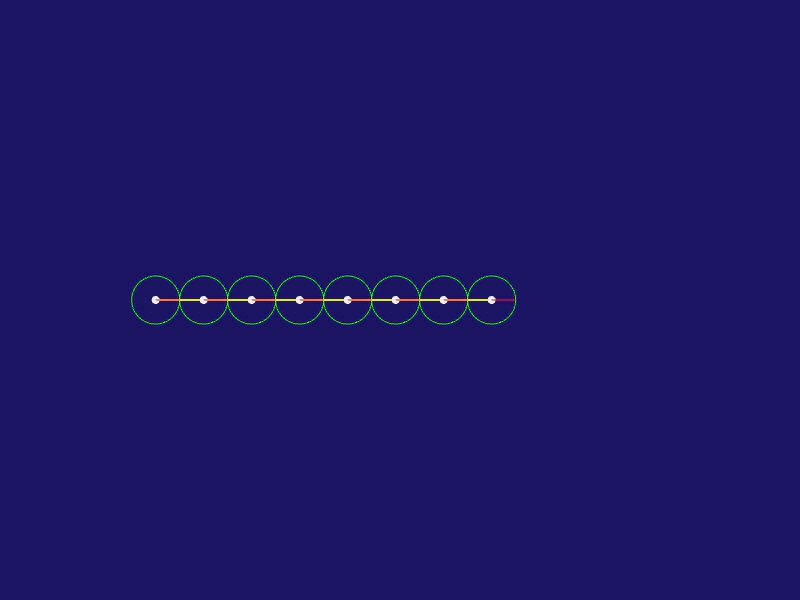 Matter Snake ChainDemonstrates how to create a chain of circular bodies connected by springs in Matter.js to simulate a snake-like physics structure that can be manipulated with the mouse.