Matter.js Chamfer Bodies
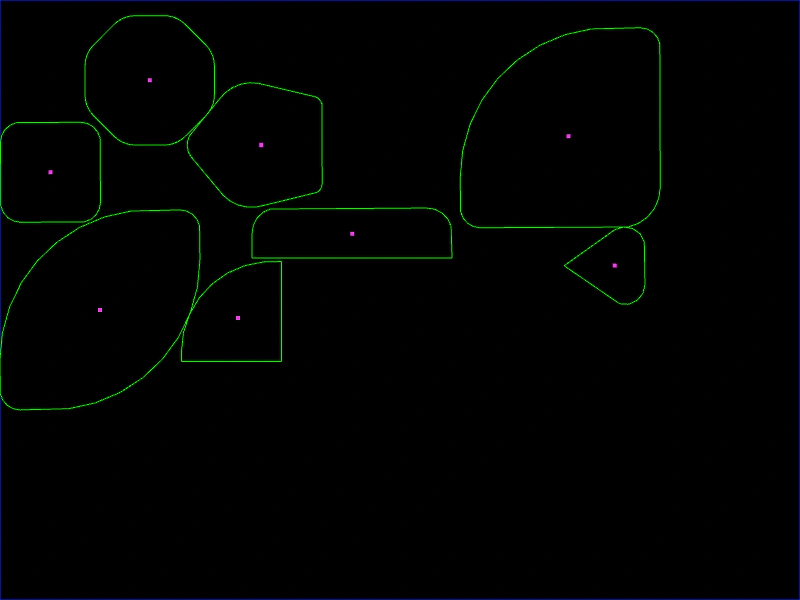
Demonstrates how to create physics bodies with rounded corners (chamfering) using uniform or per-vertex radius settings for rectangles and polygons.
800 × 600
class Example extends Phaser.Scene
{
    create ()
    {
        this.matter.world.setBounds();

        this.matter.add.rectangle(200, 200, 100, 100, {
            chamfer: { radius: 20 }
        });

        this.matter.add.rectangle(300, 200, 100, 100, {
            chamfer: { radius: [ 90, 0, 0, 0 ] }
        });

        this.matter.add.rectangle(400, 200, 200, 200, {
            chamfer: { radius: [ 150, 20, 40, 20 ] }
        });

        this.matter.add.rectangle(200, 200, 200, 200, {
            chamfer: { radius: [ 150, 20, 150, 20 ] }
        });

        this.matter.add.rectangle(300, 200, 200, 50, {
            chamfer: { radius: [ 25, 25, 0, 0 ] }
        });

        this.matter.add.polygon(200, 100, 8, 80, {
            chamfer: { radius: 30 }
        });

        this.matter.add.polygon(300, 100, 5, 80, {
            chamfer: { radius: [ 10, 40, 20, 40, 10 ] }
        });

        this.matter.add.polygon(400, 200, 3, 50, {
            chamfer: { radius: [ 20, 0, 20 ] }
        });

        this.matter.add.mouseSpring();
    }
}

const config = {
    scale: { mode: Phaser.Scale.FIT },
    type: Phaser.AUTO,
    width: 800,
    height: 600,
    backgroundColor: '#000000',
    parent: 'game-container',
    physics: {
        default: 'matter',
        matter: {
            gravity: {
                y: 0
            },
            debug: true
        }
    },
    scene: Example
};

const game = new Phaser.Game(config);
More in Matterjs67 examples
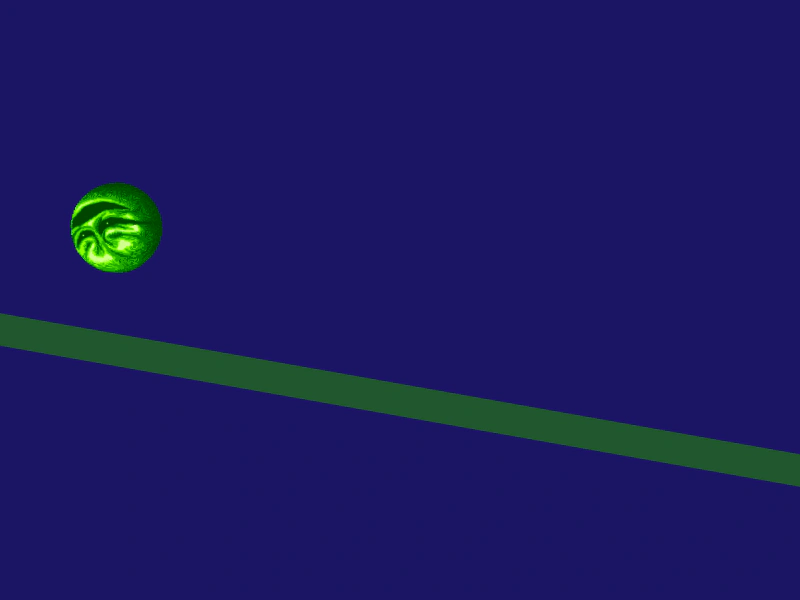 Matter.js Circular BodyDemonstrates how to create a circular physics body in Matter.js, including setting friction, bounce, and initial velocity.
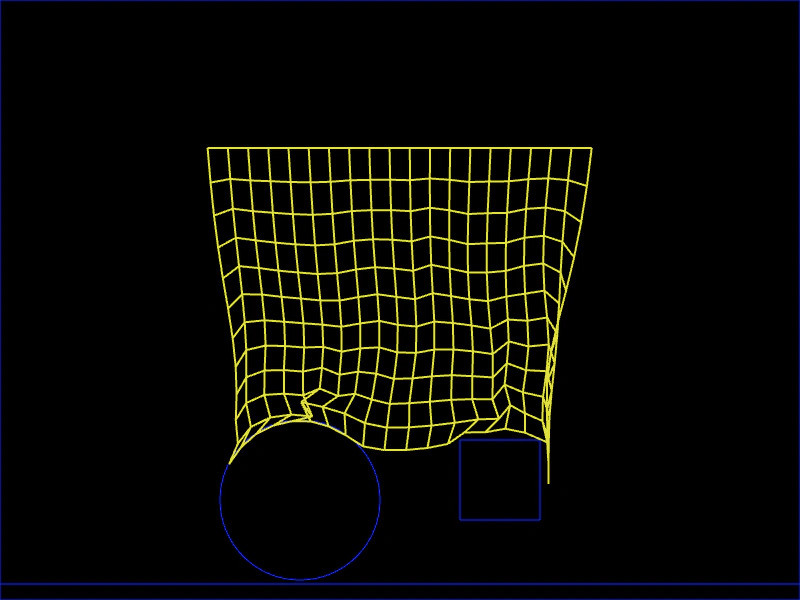 Matter.js ClothCreate a cloth-like simulation using a soft body composed of particles and constraints. The example demonstrates how to pin the top row of particles to make it hang and interact with it using a mouse spring.
 Matter.js Collision EventListen for the collisionstart event in the Matter physics world to detect when two bodies collide and manipulate their parent Game Objects.
 Matter.js Container CollisionThis example demonstrates how to apply Matter.js physics to a Container. It highlights the requirement of setting the container size before enabling physics and shows how to handle collision events for a physics-enabled container and its children.