Matter Physics with Text Objects
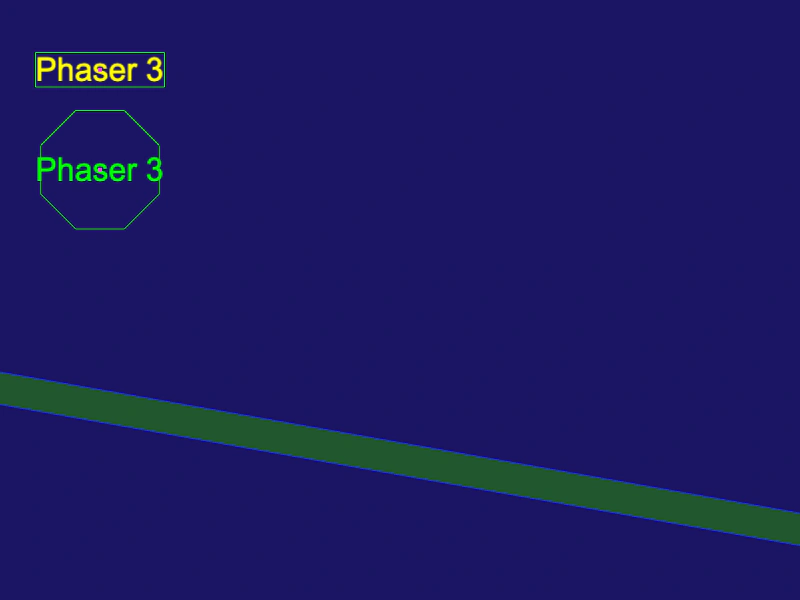
Demonstrates how to add Matter.js physics bodies to Text Game Objects, using both default rectangular bounds and custom polygon shapes.
800 × 600
class Example extends Phaser.Scene
{
    preload ()
    {
        this.load.setBaseURL('https://cdn.phaserfiles.com/v410');
        this.load.image('platform', 'assets/sprites/platform.png');
    }

    create ()
    {
        const text = this.add.text(100, 0, 'Phaser 3', { font: '32px Arial', fill: '#00ff00' });
        const text2 = this.add.text(100, -100, 'Phaser 3', { font: '32px Arial', fill: '#ffff00' });

        const matterText = this.matter.add.gameObject(text, { shape: { type: 'polygon', sides: 8, radius: 64 } }).setFrictionAir(0.001).setBounce(0.9);
        const matterText2 = this.matter.add.gameObject(text2).setFrictionAir(0.001).setBounce(0.9);

        this.matter.add.image(350, 450, 'platform', null, { isStatic: true }).setScale(2, 0.5).setAngle(10);
    }
}

const config = {
    scale: { mode: Phaser.Scale.FIT },
    type: Phaser.AUTO,
    width: 800,
    height: 600,
    backgroundColor: '#1b1464',
    parent: 'game-container',
    physics: {
        default: 'matter',
        matter: {
            debug: true,
            gravity: {
                y: 0.3
            }
        }
    },
    scene: Example
};

const game = new Phaser.Game(config);
More in Matterjs67 examples
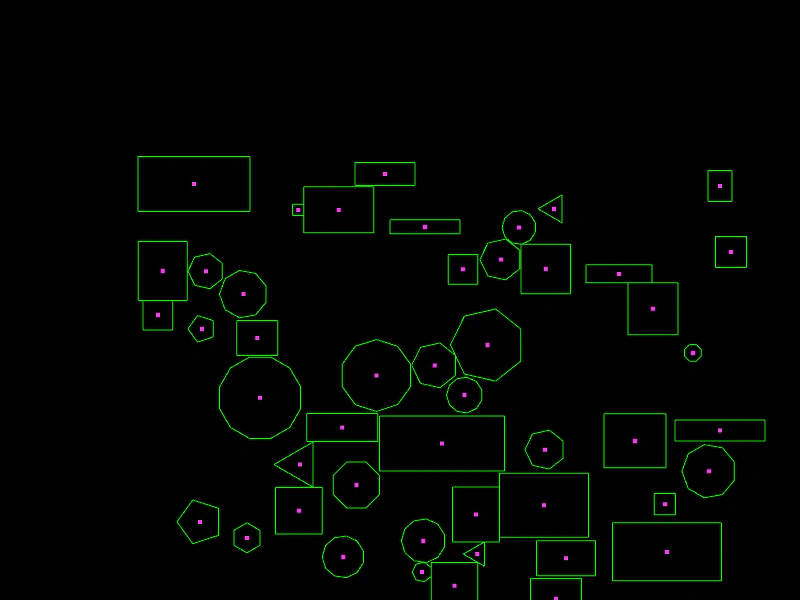 Matter Physics Wrap BoundsDemonstrates how to use the wrapBounds property in Matter.js to automatically wrap physics bodies around the screen when they exit a defined area.
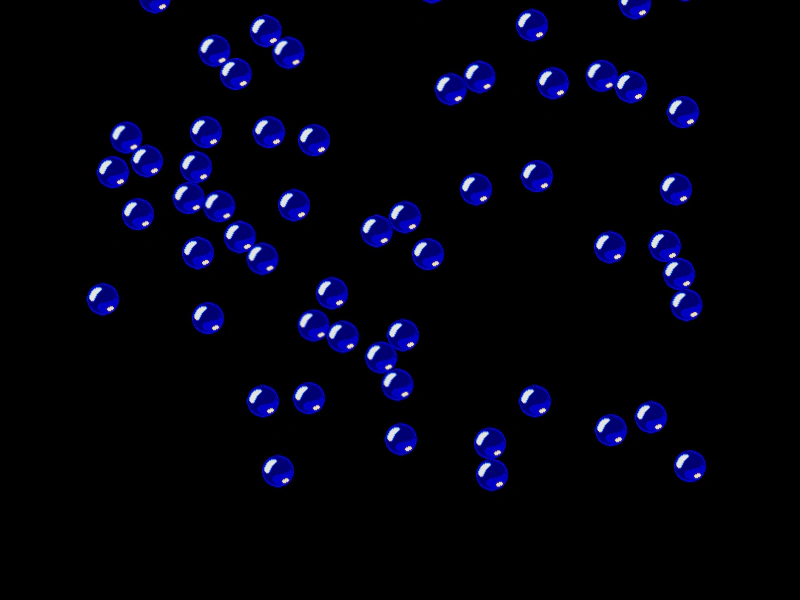 Matter Scene RestartDemonstrates how to restart a scene containing Matter physics bodies, effectively resetting the simulation and all objects to their initial state on a pointer click.
 Matter Snake ChainDemonstrates how to create a chain of circular bodies connected by springs in Matter.js to simulate a snake-like physics structure that can be manipulated with the mouse.
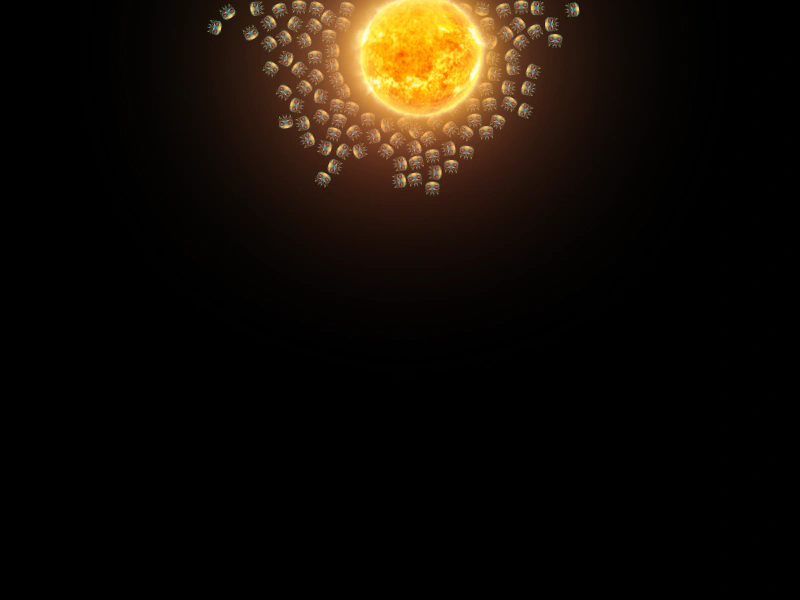 Matter.js AttractorsDemonstrates how to use attractors in Matter.js to create gravitational effects, pulling multiple physics bodies toward a specific object.