Matter JS Compound Sensors
Demonstrates how to create a complex Matter.js body using multiple parts, including sensors with custom labels to detect directional collisions.
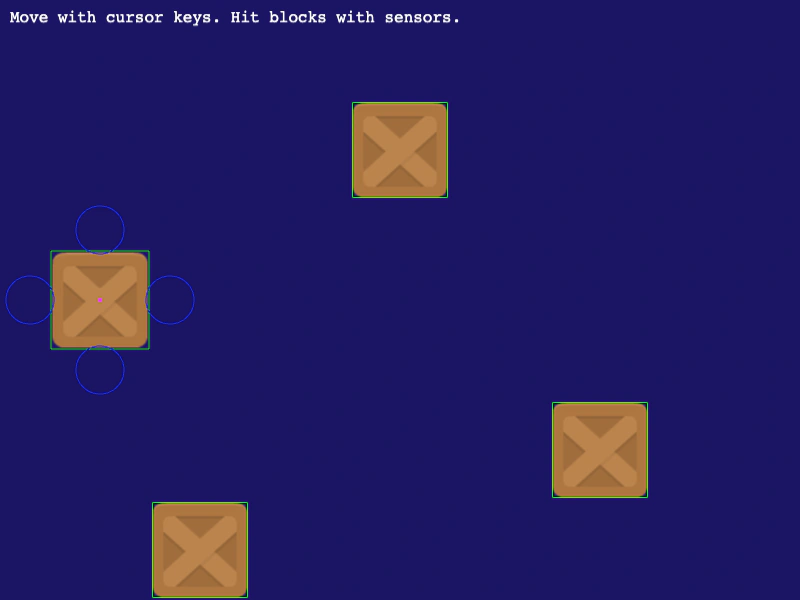
800 × 600
class Example extends Phaser.Scene
{
    cursors;
    player;

    preload ()
    {
        this.load.setBaseURL('https://cdn.phaserfiles.com/v410');
        this.load.image('block', 'assets/sprites/block.png');
        this.load.image('platform', 'assets/sprites/platform.png');
    }

    create ()
    {
        const Bodies = Phaser.Physics.Matter.Matter.Bodies;

        const rect = Bodies.rectangle(0, 0, 98, 98);
        const circleA = Bodies.circle(-70, 0, 24, { isSensor: true, label: 'left' });
        const circleB = Bodies.circle(70, 0, 24, { isSensor: true, label: 'right' });
        const circleC = Bodies.circle(0, -70, 24, { isSensor: true, label: 'top' });
        const circleD = Bodies.circle(0, 70, 24, { isSensor: true, label: 'bottom' });

        const compoundBody = Phaser.Physics.Matter.Matter.Body.create({
            parts: [ rect, circleA, circleB, circleC, circleD ],
            inertia: Infinity
        });

        this.player = this.matter.add.image(0, 0, 'block');

        this.player.setExistingBody(compoundBody);
        this.player.setPosition(100, 300);

        const testA = this.matter.add.image(400, 150, 'block').setStatic(true);
        const testB = this.matter.add.image(600, 450, 'block').setStatic(true);
        const testC = this.matter.add.image(200, 550, 'block').setStatic(true);

        this.matter.world.on('collisionstart', event =>
        {

            //  Loop through all of the collision pairs
            const pairs = event.pairs;

            for (let i = 0; i < pairs.length; i++)
            {
                const bodyA = pairs[i].bodyA;
                const bodyB = pairs[i].bodyB;

                //  We only want sensor collisions
                if (pairs[i].isSensor)
                {
                    let blockBody;
                    let playerBody;

                    if (bodyA.isSensor)
                    {
                        blockBody = bodyB;
                        playerBody = bodyA;
                    }
                    else if (bodyB.isSensor)
                    {
                        blockBody = bodyA;
                        playerBody = bodyB;
                    }

                    //  You can get to the Sprite via `gameObject` property
                    const playerSprite = playerBody.gameObject;
                    const blockSprite = blockBody.gameObject;

                    let color;

                    if (playerBody.label === 'left')
                    {
                        color = 0xff0000;
                    }
                    else if (playerBody.label === 'right')
                    {
                        color = 0x00ff00;
                    }
                    else if (playerBody.label === 'top')
                    {
                        color = 0x0000ff;
                    }
                    else if (playerBody.label === 'bottom')
                    {
                        color = 0xffff00;
                    }

                    blockSprite.setTint(color).setTintMode(Phaser.TintModes.FILL);
                }
            }

        });

        this.cursors = this.input.keyboard.createCursorKeys();

        this.add.text(10, 10, 'Move with cursor keys. Hit blocks with sensors.', { font: '16px Courier', fill: '#ffffff' });
    }

    update ()
    {
        if (this.cursors.left.isDown)
        {
            this.player.setVelocityX(-10);
        }
        else if (this.cursors.right.isDown)
        {
            this.player.setVelocityX(10);
        }
        else
        {
            this.player.setVelocityX(0);
        }

        if (this.cursors.up.isDown)
        {
            this.player.setVelocityY(-10);
        }
        else if (this.cursors.down.isDown)
        {
            this.player.setVelocityY(10);
        }
        else
        {
            this.player.setVelocityY(0);
        }
    }
}

const config = {
    scale: { mode: Phaser.Scale.FIT },
    type: Phaser.AUTO,
    width: 800,
    height: 600,
    backgroundColor: '#1b1464',
    parent: 'game-container',
    physics: {
        default: 'matter',
        matter: {
            debug: true,
            gravity: {
                y: 0
            }
        }
    },
    scene: Example
};

const game = new Phaser.Game(config);
More in Matterjs67 examples
 Matter JS Scene TransitionDemonstrates how to transition between two different Scenes that both utilize Matter JS physics.
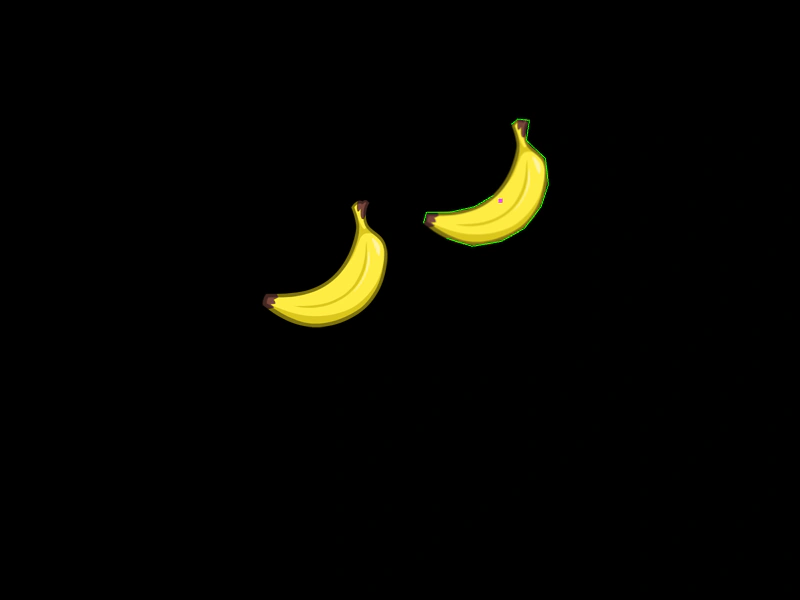 Matter JS Shape Bounds and AlignmentDemonstrates how to use body bounds and center of mass offsets to precisely position Matter JS physics bodies relative to their visual display.
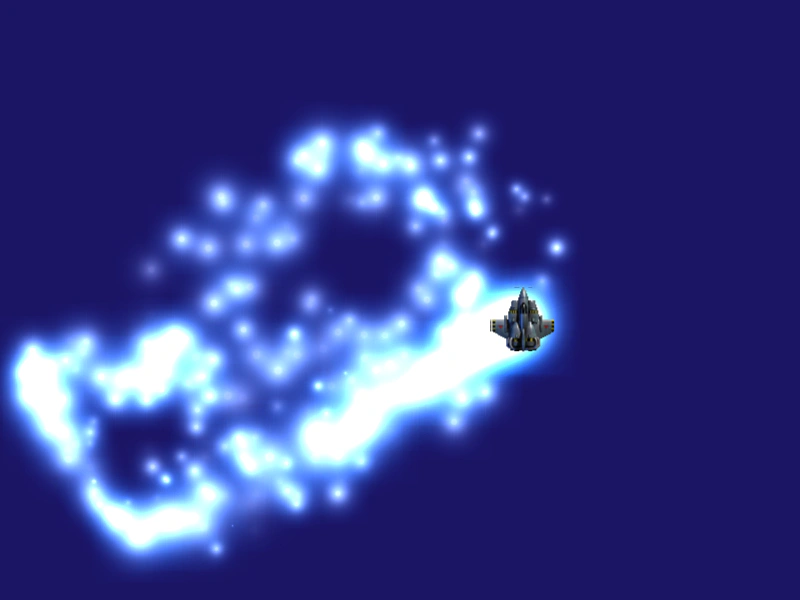 Matter JS ThrustDemonstrates using Matter.js thrust methods for omnidirectional movement and linking particle emitter properties to a physics body's speed.
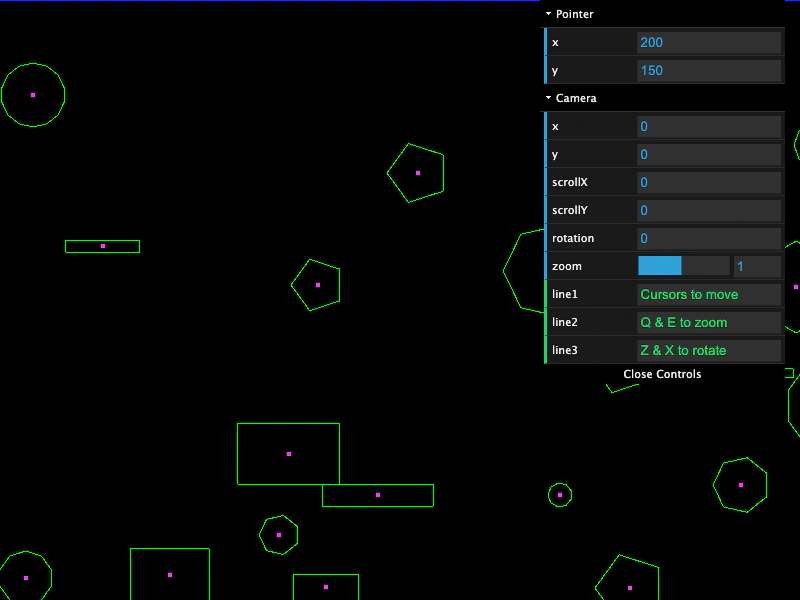 Matter JS World Bodies and Camera NavigationCreate a large Matter JS physics world populated with random polygons and rectangles. This example demonstrates world bounds, mouse interaction via mouseSpring, and camera navigation including panning, zooming, and rotation.