Destroy Matter Body
Demonstrates how to remove a Matter.js physics body and its associated Game Object from the simulation using the destroy method.
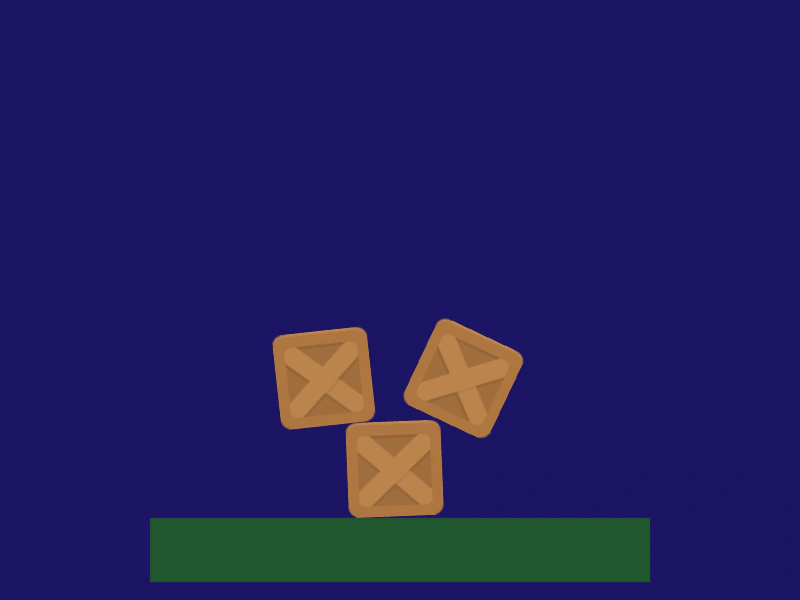
800 × 600
class Example extends Phaser.Scene
{
    preload ()
    {
        this.load.setBaseURL('https://cdn.phaserfiles.com/v410');
        this.load.image('block', 'assets/sprites/block.png');
        this.load.image('platform', 'assets/sprites/platform.png');
    }

    create ()
    {
        this.matter.add.image(325, -100, 'block');
        this.matter.add.image(400, 300, 'block');
        this.matter.add.image(450, 50, 'block');

        const platform = this.matter.add.image(400, 550, 'platform', null, { isStatic: true });

        console.log(platform);

        this.input.once('pointerup', () =>
        {

            platform.destroy();

        });
    }
}

const config = {
    scale: { mode: Phaser.Scale.FIT },
    type: Phaser.AUTO,
    width: 800,
    height: 600,
    backgroundColor: '#1b1464',
    parent: 'game-container',
    physics: {
        default: 'matter'
    },
    scene: Example
};

const game = new Phaser.Game(config);
More in Matterjs67 examples
 Drag Matter Physics BodiesDemonstrates how to enable interactive dragging of Matter.js physics bodies using a pointer constraint or mouse spring.
 Drag Through BallsDemonstrates dragging a heavy Matter JS body through a field of particles that are configured to ignore direct pointer interaction.
 Draw ChainCreate a dynamic chain of Matter.js physics bodies by dragging the pointer, linking segments with constraints based on movement distance.
 Draw Matter TrianglesLearn how to dynamically create small triangle physics bodies in the Matter.js engine by clicking and dragging the pointer.