Drag Matter Physics Bodies
Demonstrates how to enable interactive dragging of Matter.js physics bodies using a pointer constraint or mouse spring.

800 × 600
class Example extends Phaser.Scene
{
    preload ()
    {
        this.load.setBaseURL('https://cdn.phaserfiles.com/v410');
        this.load.image('block', 'assets/sprites/block.png');
    }

    create ()
    {
        this.matter.world.setBounds();

        this.matter.add.image(400, 100, 'block', null, { chamfer: 16 }).setBounce(0.9);

        //  These both do the same thing:

        // this.matter.add.pointerConstraint({ length: 1, stiffness: 0.6 });

        this.matter.add.mouseSpring({ length: 1, stiffness: 0.6 });
    }
}

const config = {
    scale: { mode: Phaser.Scale.FIT },
    type: Phaser.AUTO,
    width: 800,
    height: 600,
    backgroundColor: '#1b1464',
    parent: 'game-container',
    physics: {
        default: 'matter'
    },
    scene: Example
};

const game = new Phaser.Game(config);
More in Matterjs67 examples
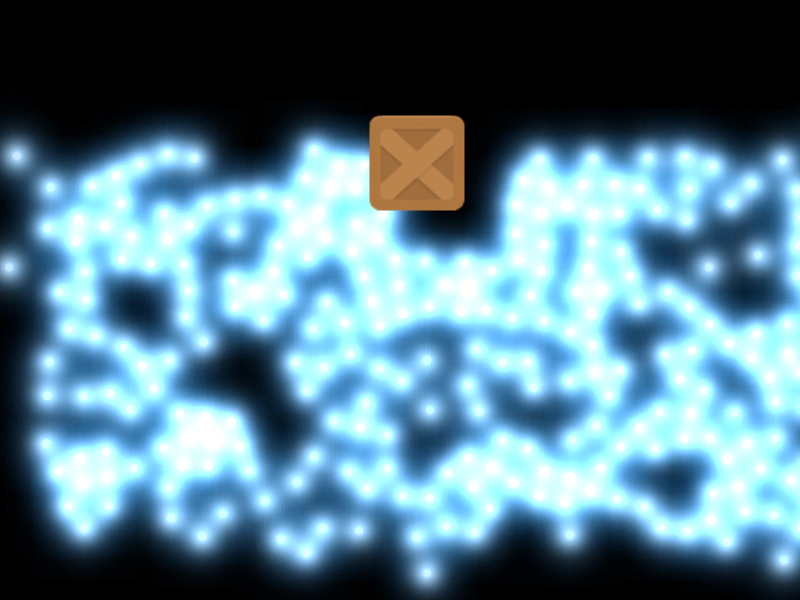 Drag Through BallsDemonstrates dragging a heavy Matter JS body through a field of particles that are configured to ignore direct pointer interaction.
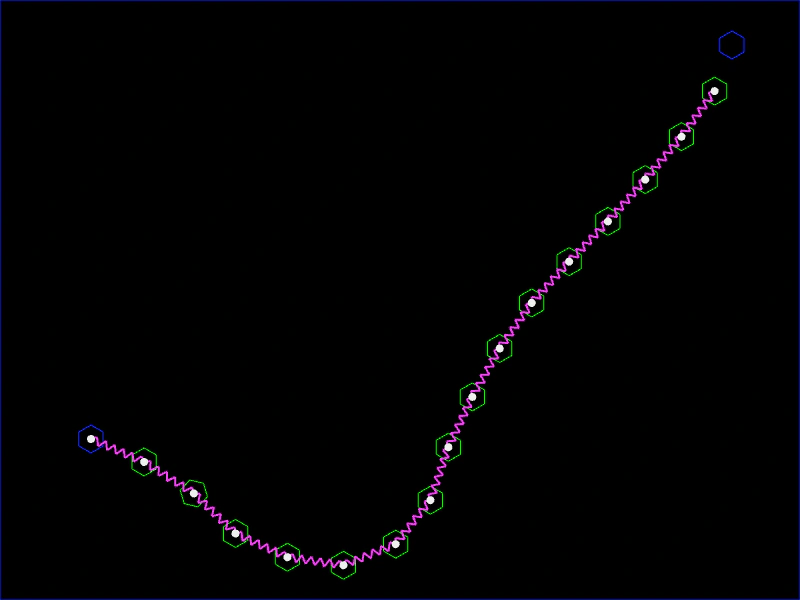 Draw ChainCreate a dynamic chain of Matter.js physics bodies by dragging the pointer, linking segments with constraints based on movement distance.
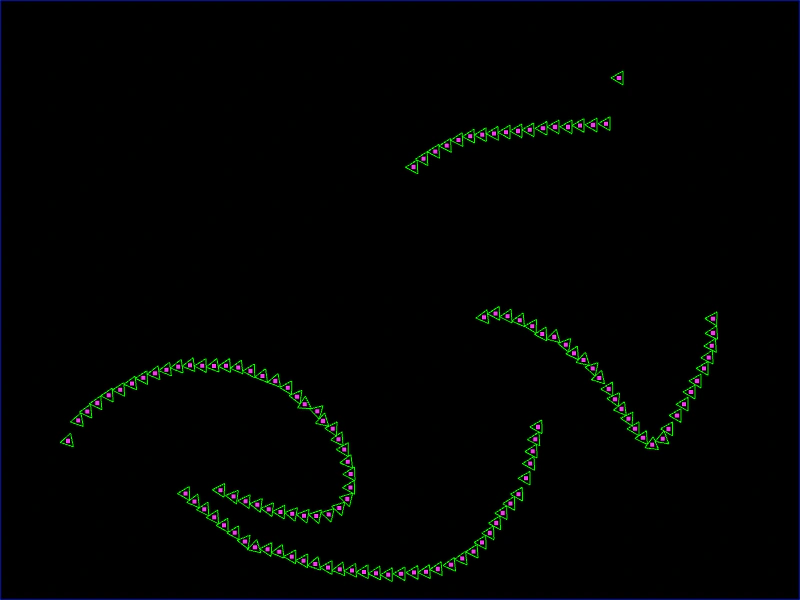 Draw Matter TrianglesLearn how to dynamically create small triangle physics bodies in the Matter.js engine by clicking and dragging the pointer.
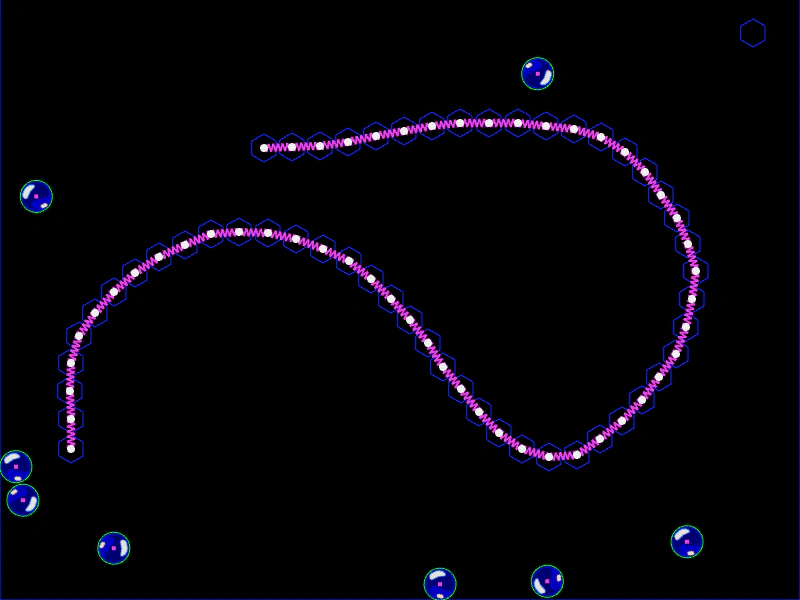 Draw Stiff LineCreate a path of static Matter.js bodies connected by constraints while drawing with the mouse, forming a rigid obstacle for falling objects.