Pixel Art Mode
Demonstrates how to enable pixel art mode in the game configuration to disable texture smoothing, keeping scaled images, tilemaps, and text crisp and sharp.
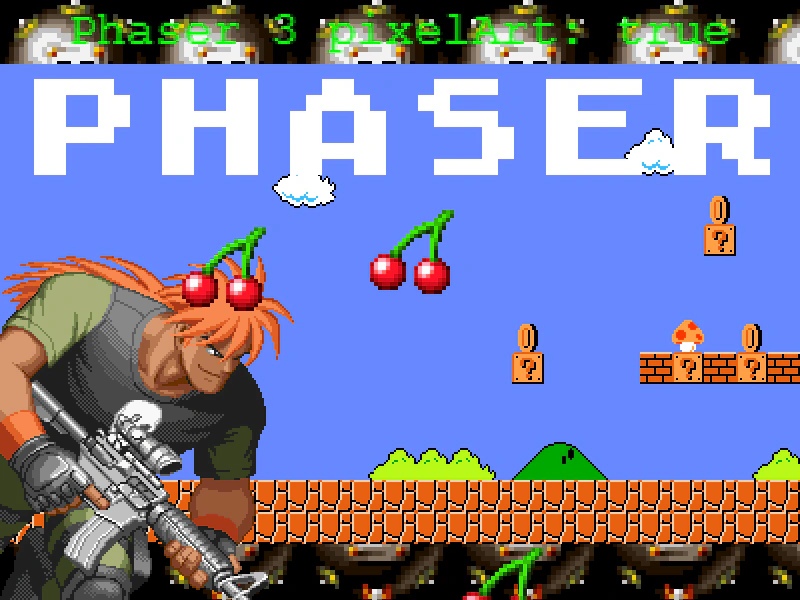
800 × 600
class Example extends Phaser.Scene
{
    constructor ()
    {
        super();
        this.iter = 0;
    }

    preload ()
    {
        this.load.setBaseURL('https://cdn.phaserfiles.com/v410');
        this.load.image('toy', 'assets/pics/shocktroopers-toy.png');
        this.load.bitmapFont('atari', 'assets/fonts/bitmap/atari-classic.png', 'assets/fonts/bitmap/atari-classic.xml');
        this.load.spritesheet('veg', 'assets/sprites/fruitnveg32wh37.png', { frameWidth: 32, frameHeight: 37 });
        this.load.image('mushroom', 'assets/sprites/mine.png');
        this.load.tilemapTiledJSON('map1', 'assets/tilemaps/maps/super-mario.json');
        this.load.image('tiles1', 'assets/tilemaps/tiles/super-mario.png');
    }

    create ()
    {
        this.tilesprite = this.add.tileSprite(400, 300, 800, 600, 'mushroom');

        const map1 = this.make.tilemap({ key: 'map1' });
        const tileset1 = map1.addTilesetImage('SuperMarioBros-World1-1', 'tiles1');
        const layer1 = map1.createLayer('World1', tileset1, 0, 64).setScale(2);

        this.add.image(0, 600, 'toy').setOrigin(0, 1).setScale(2);

        this.add.text(400, 8, 'Phaser 3 pixelArt: true', { font: '16px Courier', fill: '#00ff00' }).setOrigin(0.5, 0).setScale(3);

        this.add.particles(400, 300, 'veg', {
            frame: 0,
            speed: 100,
            frequency: 300,
            lifespan: 4000
        }).setScale(4);

        this.add.bitmapText(400, 128, 'atari', 'PHASER').setOrigin(0.5).setScale(2);
    }

    update ()
    {
        this.tilesprite.tileScaleX = Math.max(2, Math.sin(this.iter) * 8);
        this.tilesprite.tileScaleY = Math.max(2, Math.sin(this.iter) * 8);

        this.iter += 0.01;
    }
}

const config = {
    scale: { mode: Phaser.Scale.FIT },
    type: Phaser.AUTO,
    width: 800,
    height: 600,
    parent: 'game-container',
    pixelArt: true,
    scene: Example
};

const game = new Phaser.Game(config);
More in Game Config19 examples
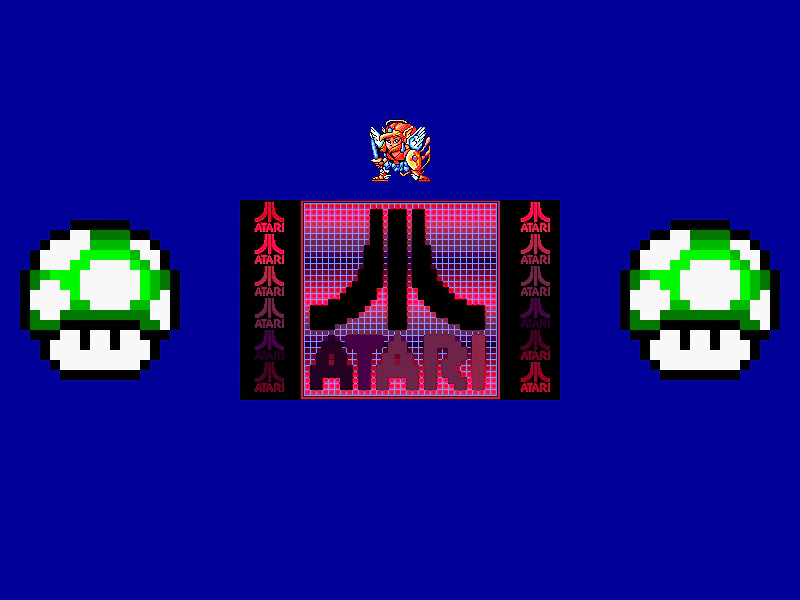 Round PixelsDemonstrates how the roundPixels configuration setting ensures Game Objects are rendered at whole integer pixel coordinates, preventing sub-pixel blur even when positions use decimal values.
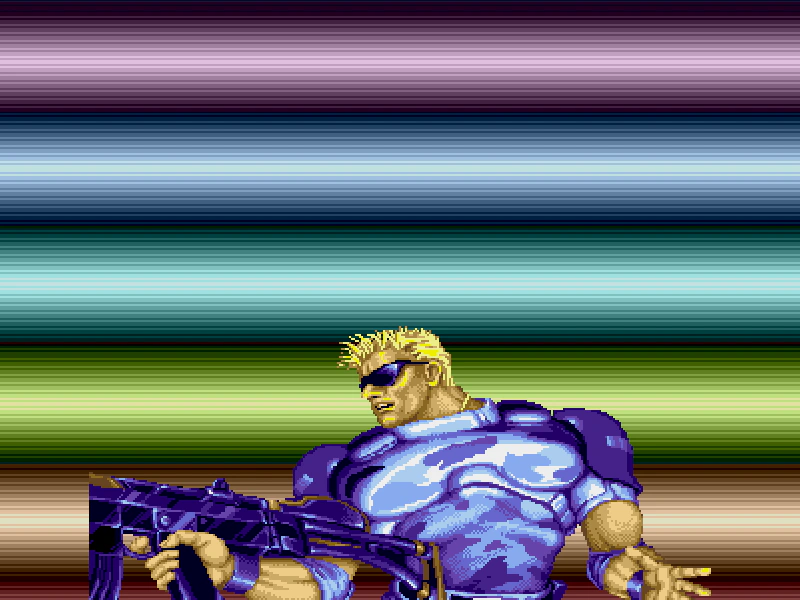 Transparent Game CanvasConfigure a Phaser game to have a transparent canvas, allowing the underlying HTML page or CSS background to show through the scene.
 Clear Before RenderDemonstrates how to disable canvas clearing between frames using the clearBeforeRender and preserveDrawingBuffer configuration settings to create persistent motion trails.
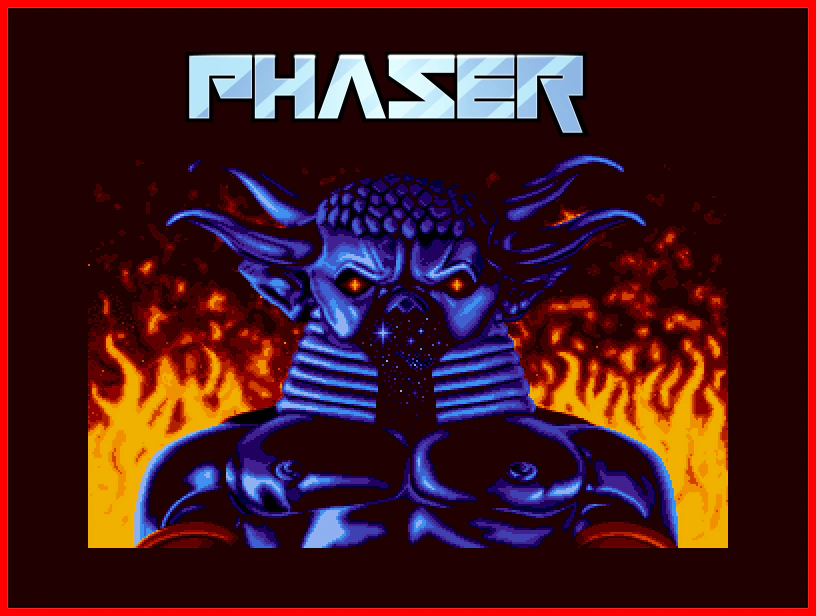 Custom CanvasDemonstrates how to provide an existing HTML5 Canvas element to the Phaser game configuration instead of allowing Phaser to create its own.