Game Version and Title
Demonstrates how to define a title and version number in the game configuration and access them through the game config object.
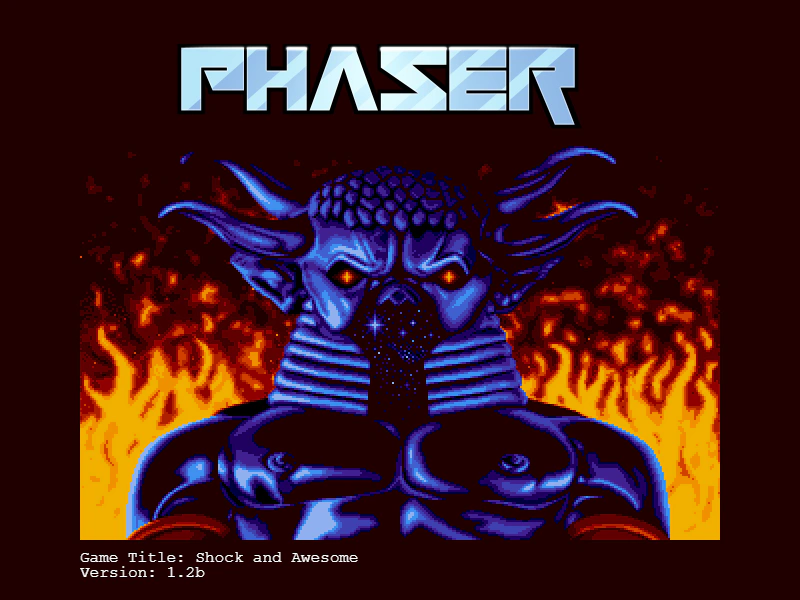
800 × 600
class Example extends Phaser.Scene
{
    preload ()
    {
        this.load.setBaseURL('https://cdn.phaserfiles.com/v410');
        this.load.image('pic', 'assets/pics/baal-loader.png');
    }

    create ()
    {
        this.add.image(400, 300, 'pic');

        const text = this.add.text(80, 550, '', { font: '16px Courier', fill: '#ffffff' });

        text.setText([
            `Game Title: ${game.config.gameTitle}`,
            `Version: ${game.config.gameVersion}`
        ]);
    }
}

const config = {
    scale: { mode: Phaser.Scale.FIT },
    type: Phaser.AUTO,
    parent: 'game-container',
    width: 800,
    height: 600,
    scene: Example,

    //  Open the Dev Tools
    //  The version of your game appears after the title in the banner
    title: 'Shock and Awesome',
    version: '1.2b'
};

const game = new Phaser.Game(config);
More in Game Config19 examples
 Headless RendererConfigure the game to use the Phaser.HEADLESS renderer type, allowing the game loop and logic to run without rendering any visual output to the screen.
 Hide Console BannerDemonstrates how to disable the Phaser version and renderer information banner that typically appears in the browser console when the game starts.
 Hide Phaser From Console BannerLearn how to use the game configuration to remove the Phaser library name and version number from the browser console startup banner.
 Multiple Game InstancesDemonstrates how to run two completely independent Phaser game instances simultaneously on the same web page, each with its own configuration and Scenes.