Hide Phaser From Console Banner
Learn how to use the game configuration to remove the Phaser library name and version number from the browser console startup banner.
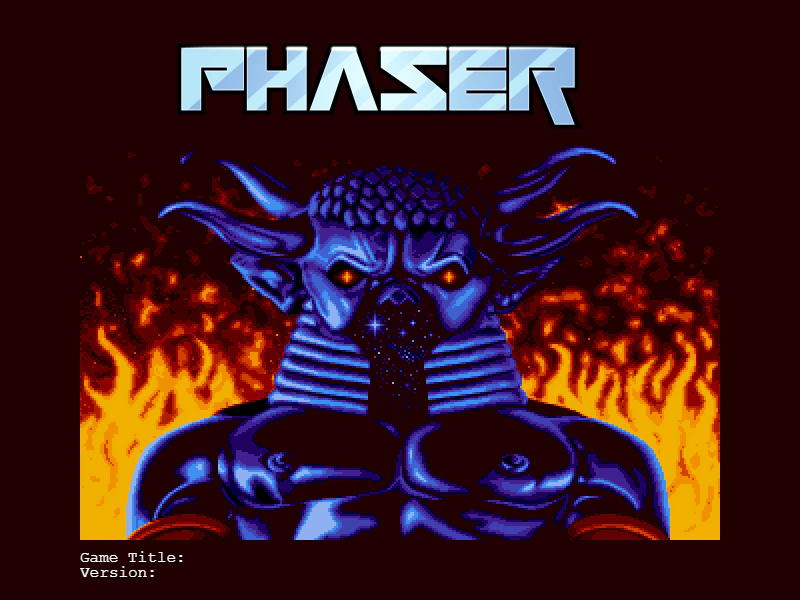
800 × 600
class Example extends Phaser.Scene
{
    preload ()
    {
        this.load.setBaseURL('https://cdn.phaserfiles.com/v410');
        this.load.image('pic', 'assets/pics/baal-loader.png');
    }

    create ()
    {
        this.add.image(400, 300, 'pic');

        const text = this.add.text(80, 550, '', { font: '16px Courier', fill: '#ffffff' });

        text.setText([
            `Game Title: ${game.config.gameTitle}`,
            `Version: ${game.config.gameVersion}`
        ]);
    }
}

const config = {
    scale: { mode: Phaser.Scale.FIT },
    type: Phaser.AUTO,
    parent: 'game-container',
    width: 800,
    height: 600,
    scene: Example,

    //  Open the Dev Tools
    //  Notice that it no longer says Phaser, or the Phaser version, in the banner
    banner: {
        hidePhaser: true
    }
};

const game = new Phaser.Game(config);
More in Game Config19 examples
 Multiple Game InstancesDemonstrates how to run two completely independent Phaser game instances simultaneously on the same web page, each with its own configuration and Scenes.
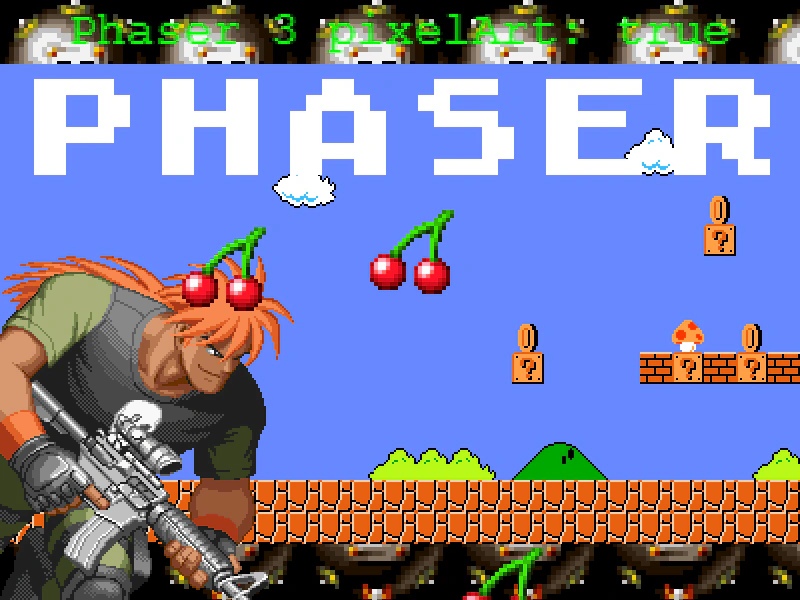 Pixel Art ModeDemonstrates how to enable pixel art mode in the game configuration to disable texture smoothing, keeping scaled images, tilemaps, and text crisp and sharp.
 Round PixelsDemonstrates how the roundPixels configuration setting ensures Game Objects are rendered at whole integer pixel coordinates, preventing sub-pixel blur even when positions use decimal values.
 Transparent Game CanvasConfigure a Phaser game to have a transparent canvas, allowing the underlying HTML page or CSS background to show through the scene.