Move Particles to Dynamic Target
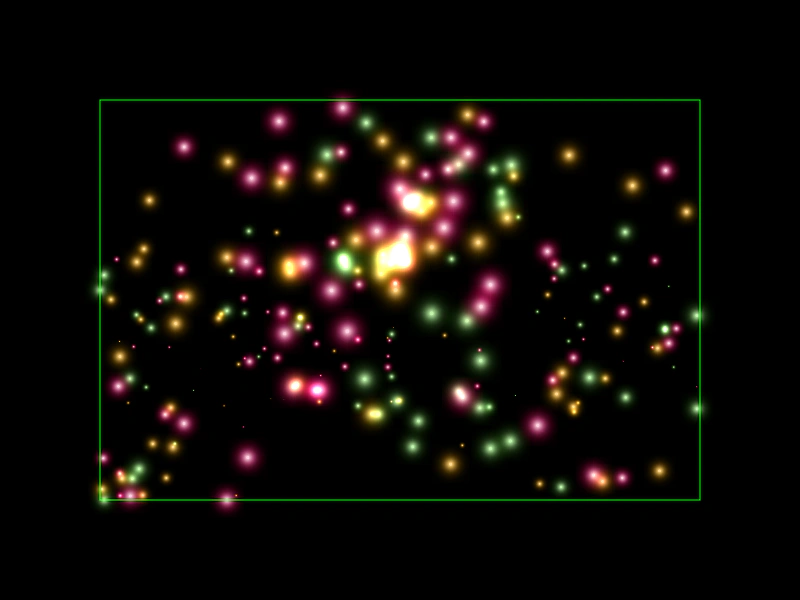
Demonstrates how to use onUpdate callbacks with particle moveTo properties to make particles track a moving target like the mouse pointer.
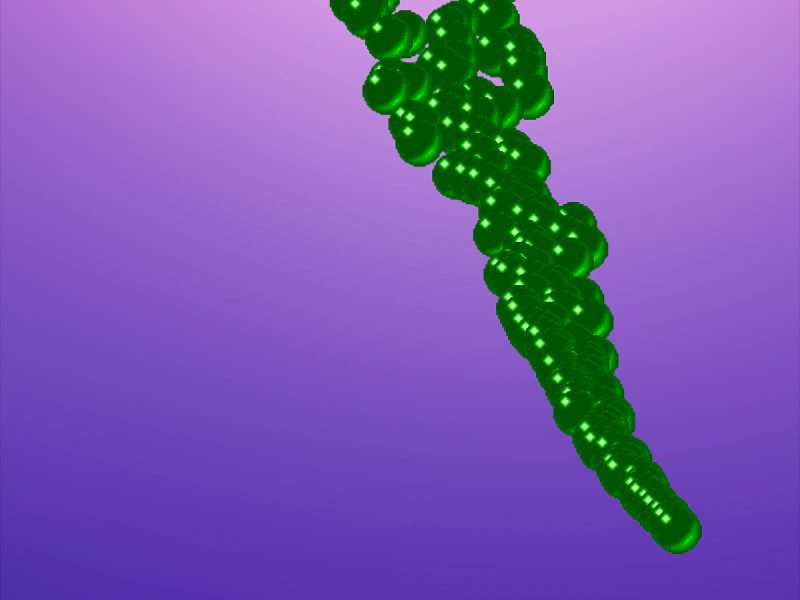
800 × 600
class Example extends Phaser.Scene
{
    preload ()
    {
        this.load.setBaseURL('https://cdn.phaserfiles.com/v410');
        this.load.image('bg', 'assets/skies/gradient26.png');
        this.load.image('ball', 'assets/demoscene/green_ball.png');
    }

    create ()
    {
        this.add.image(400, 300, 'bg');

        let x = 400;
        let y = 570;

        this.input.on('pointermove', pointer => {
            x = pointer.worldX;
            y = pointer.worldY;
        });

        this.add.particles(0, 0, 'ball', {
            x: { min: 300, max: 500 },
            y: -32,
            advance: 2000,
            moveToX: {
                onEmit: () => {
                    return x;
                },
                onUpdate: () => {
                    return x;
                }
            },
            moveToY: {
                onEmit: () => {
                    return y;
                },
                onUpdate: () => {
                    return y;
                }
            },
            lifespan: 2000,
            sortProperty: 'lifeT',
            sortOrderAsc: true
        });
    }
}

const config = {
    scale: { mode: Phaser.Scale.FIT },
    type: Phaser.AUTO,
    width: 800,
    height: 600,
    backgroundColor: '#000',
    parent: 'game-container',
    scene: Example
};

const game = new Phaser.Game(config);
More in Particle Emitter44 examples
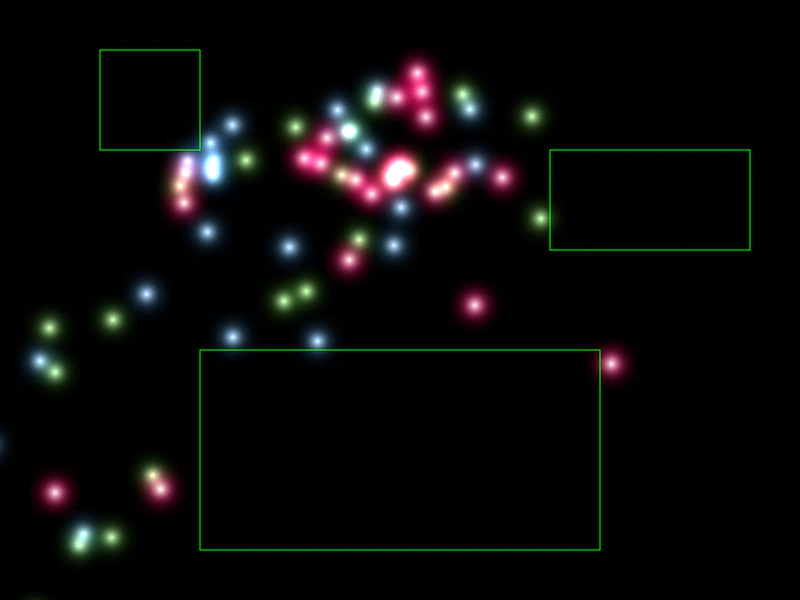 Multiple Death ZonesLearn how to define multiple geometric shapes as death zones to instantly kill particles that enter those areas.
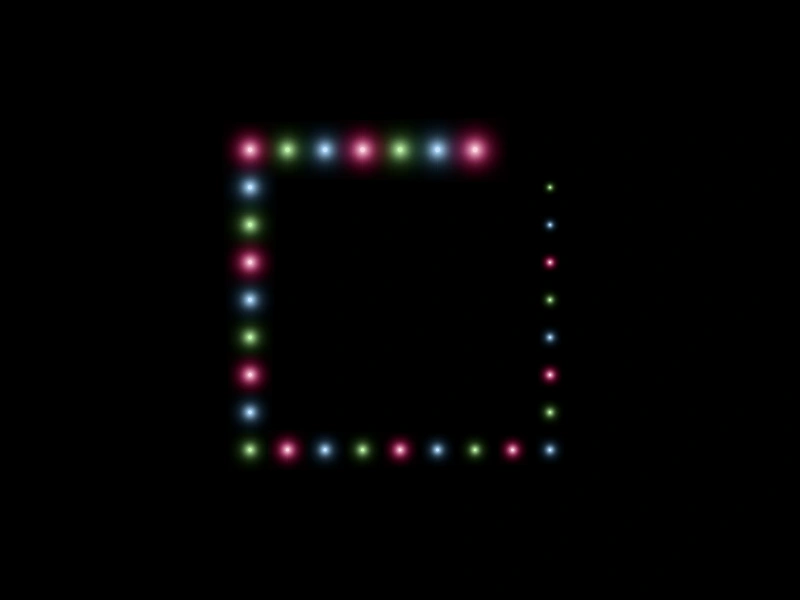 Multiple Edge Emit ZonesDemonstrates using multiple geometric shapes as edge emission zones for a single particle emitter, utilizing the total and quantity properties to control point distribution.
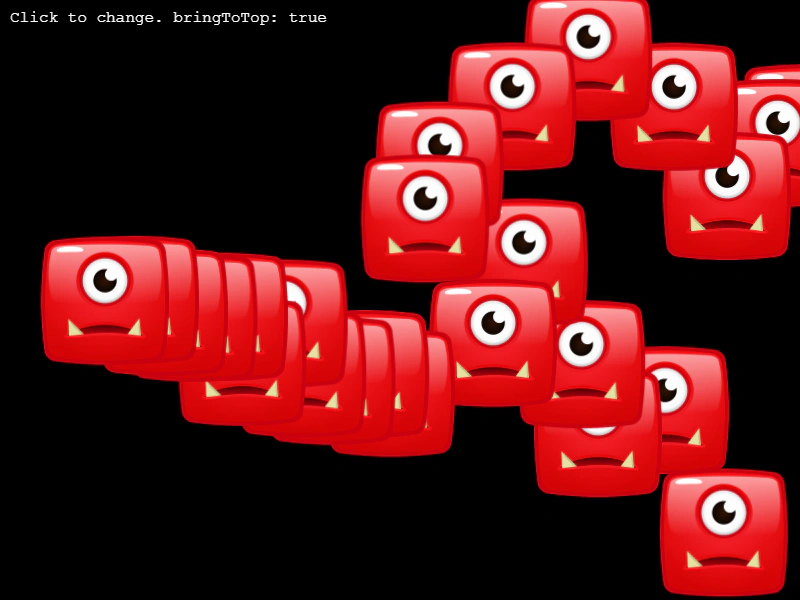 Particle Bring To TopDemonstrates how to toggle whether newly emitted particles are rendered on top of or behind older particles using the particleBringToTop property.
 Particle Emitter BoundsDemonstrates how to confine particles within a specific rectangular area and make them bounce off the edges using the bounds and bounce properties.