Start Animation from Random Frame
Demonstrates how to start playing an animation from a random frame in the sequence using the randomFrame configuration property.
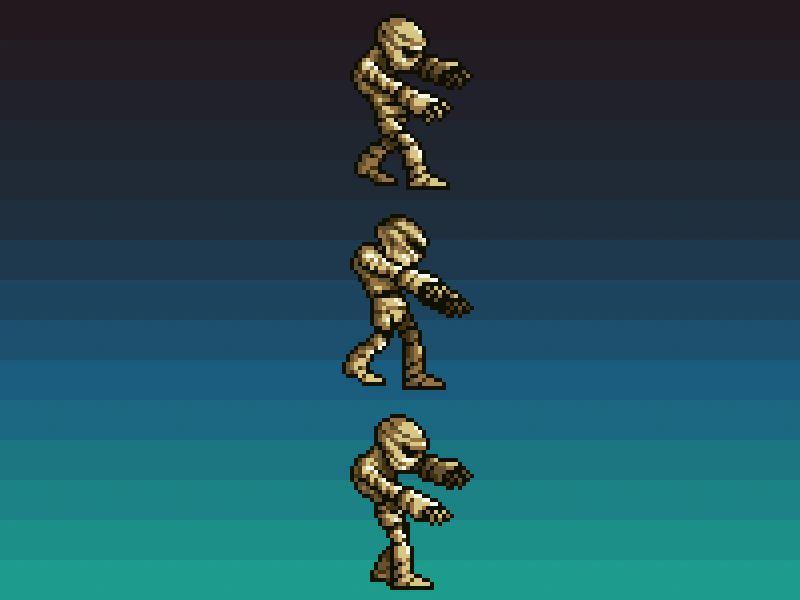
800 × 600
class Example extends Phaser.Scene
{
    constructor ()
    {
        super();
    }

    preload ()
    {
        this.load.setBaseURL('https://cdn.phaserfiles.com/v410');
        this.load.image('bg', 'assets/skies/sky5.png')
        this.load.spritesheet('mummy', 'assets/animations/mummy37x45.png', { frameWidth: 37, frameHeight: 45 });
    }

    create ()
    {
        this.add.image(400, 300, 'bg');

        this.anims.create({
            key: 'walk',
            frames: this.anims.generateFrameNumbers('mummy'),
            frameRate: 12,
            repeat: -1
        });

        const sprite1 = this.add.sprite(50, 100, 'mummy').setScale(4);
        const sprite2 = this.add.sprite(50, 300, 'mummy').setScale(4);
        const sprite3 = this.add.sprite(50, 500, 'mummy').setScale(4);

        //  By setting randomFrame to `true` it will pick a random frame to *START* the animation from

        sprite1.play({ key: 'walk', randomFrame: true, delay: 2000, showBeforeDelay: true });
        sprite2.play({ key: 'walk', randomFrame: true, delay: 2000, showBeforeDelay: true });
        sprite3.play({ key: 'walk', randomFrame: true, delay: 2000, showBeforeDelay: true });

        this.tweens.add({
            targets: [ sprite1, sprite2, sprite3 ],
            x: 750,
            flipX: true,
            yoyo: true,
            repeat: -1,
            duration: 8000,
            delay: 2000
        });
    }
}

const config = {
    scale: { mode: Phaser.Scale.FIT },
    type: Phaser.AUTO,
    parent: 'game-container',
    width: 800,
    height: 600,
    pixelArt: true,
    scene: Example
};

const game = new Phaser.Game(config);
More in Animation47 examples
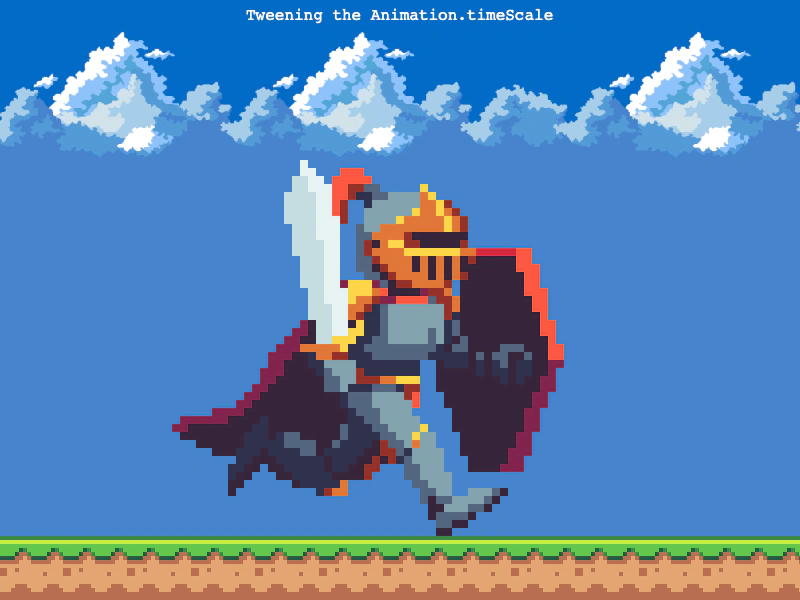 Tweening Animation Time ScaleThis example demonstrates how to use a tween to dynamically adjust the timeScale of a sprite animation, smoothly transitioning the playback speed over time.
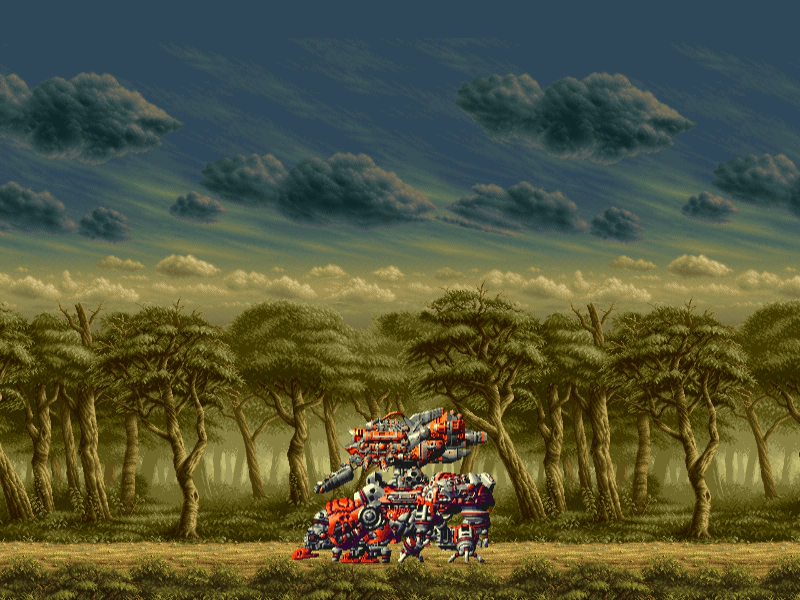 60fps Animation TestDemonstrates creating and playing a sprite animation at 60 frames per second using a texture atlas, combined with scrolling tile sprites.
 Add Animation EventDemonstrates how to listen for the ADD_ANIMATION event to trigger a callback whenever a new animation is created in the Animation Manager.
 Add Frames to Existing AnimationLearn how to dynamically add new frames to an animation after it has already been created and is currently being played by sprites.