Multiple Cameras and Effects
Create multiple camera viewports within a single Scene to display the same game objects with different simultaneous effects including shake, flash, fade, zoom, and rotation.
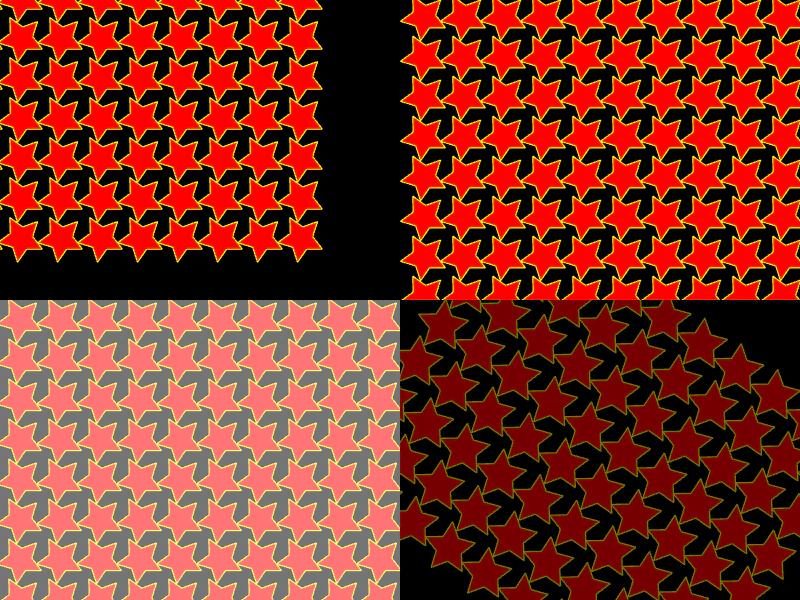
800 × 600
class Example extends Phaser.Scene
{
    stars = [];
    cameraRotation = 0;
    camera0;
    camera1;
    camera2;
    camera3;

    create() {
        const radius = 20;
        const radius2 = radius * 2;
        const maxWidth = (400 / radius2)|0;

        for (let i = 0; i < 80; ++i)
        {
            const graphics = this.add.graphics({x: radius + (i % maxWidth) * radius2, y: radius + ((i / maxWidth)|0) * radius2});
            this.drawStar(graphics, 0, 0, 5, radius, radius / 2, 0xff0000, 0xFFFF00);
            graphics.fillStyle(0xFFFF00 + (i % 0xFF), 1.0);
            this.stars.push(graphics);
            this.stars[i].rotation += 0.1;
        }

        this.cameras.main.setSize(400, 300);

        this.camera0 = this.cameras.main;
        this.camera1 = this.cameras.add(400, 0, 400, 300);
        this.camera2 = this.cameras.add(0, 300, 400, 300);
        this.camera3 = this.cameras.add(400, 300, 400, 300);
    }

    update() {
        this.camera0.scrollX = Math.cos(this.cameraRotation) * 100;
        this.camera0.scrollY = Math.sin(this.cameraRotation) * 100;
        this.camera1.shake(100, 0.01);
        this.camera2.flash(2000);
        this.camera3.fade(2000);
        this.camera3.rotation = Math.sin(this.cameraRotation);
        this.camera3.zoom = 0.5 + Math.abs(Math.sin(this.cameraRotation));
        if (this.camera3._fadeAlpha >= 1.0)
        {
            this.camera3._fadeAlpha = 0.0;
            this.camera3.fade(1000);
        }
        for (let i = 0; i < this.stars.length; ++i)
        {
            const star = this.stars[i];
            star.rotation += 0.01;
            star.scaleX = 0.5 + Math.abs(Math.sin(star.rotation));
            star.scaleY = 0.5 + Math.abs(Math.sin(star.rotation));
        }
        this.cameraRotation += 0.01;
    }

    drawStar (graphics, cx, cy, spikes, outerRadius, innerRadius, color, lineColor) {
        let rot = Math.PI / 2 * 3;
        let x = cx;
        let y = cy;
        const step = Math.PI / spikes;
        graphics.lineStyle(1, lineColor, 1.0);
        graphics.fillStyle(color, 1.0);
        graphics.beginPath();
        graphics.moveTo(cx, cy - outerRadius);
        for (let i = 0; i < spikes; i++) {
            x = cx + Math.cos(rot) * outerRadius;
            y = cy + Math.sin(rot) * outerRadius;
            graphics.lineTo(x, y);
            rot += step;

            x = cx + Math.cos(rot) * innerRadius;
            y = cy + Math.sin(rot) * innerRadius;
            graphics.lineTo(x, y);
            rot += step;
        }
        graphics.lineTo(cx, cy - outerRadius);
        graphics.closePath();
        graphics.fillPath();
        graphics.strokePath();
    }
}

const config = {
    scale: { mode: Phaser.Scale.FIT },
    type: Phaser.WEBGL,
    parent: 'game-container',
    width: 800,
    height: 600,
    scene: Example
};


const game = new Phaser.Game(config);
More in Graphics40 examples
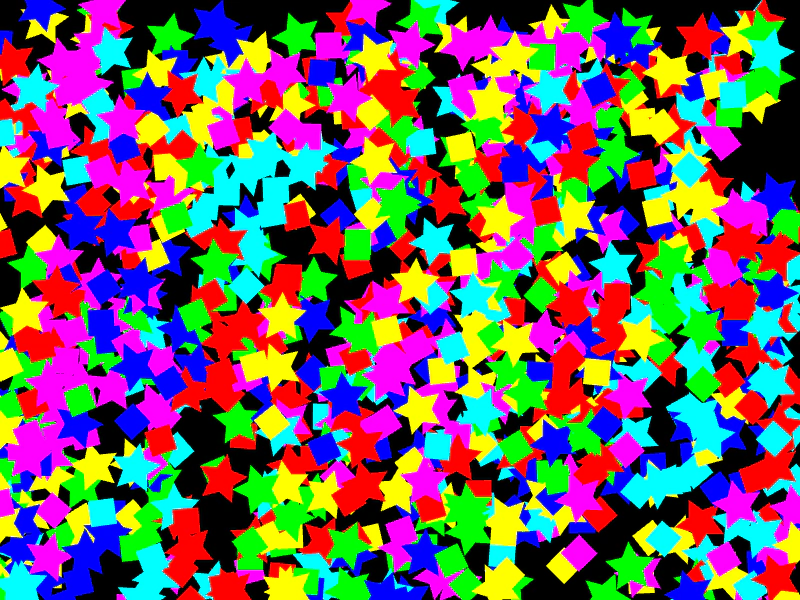 Multiple Graphics InstancesCreate and update hundreds of individual Graphics objects, each with unique positions, rotations, and scales.
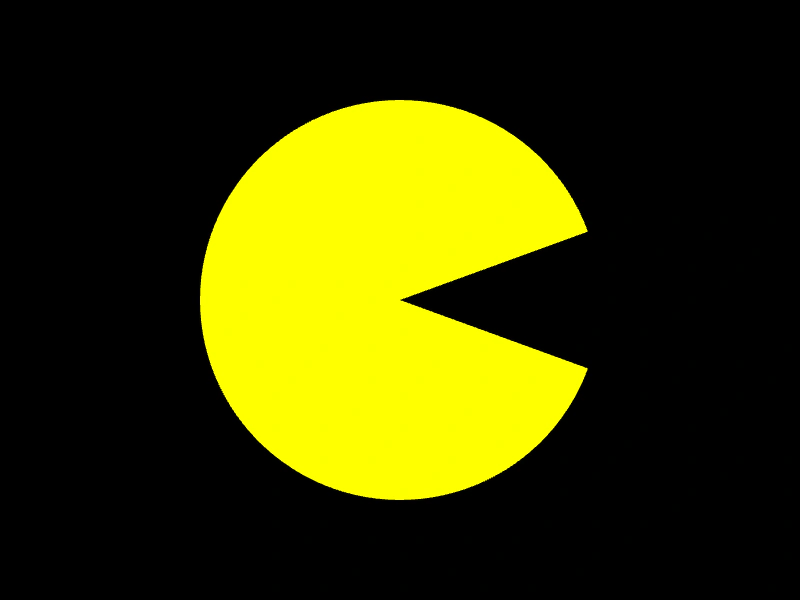 Pacman ArcDemonstrates how to use the Graphics.slice method to draw a partial circle, creating a filled Pacman-style shape.
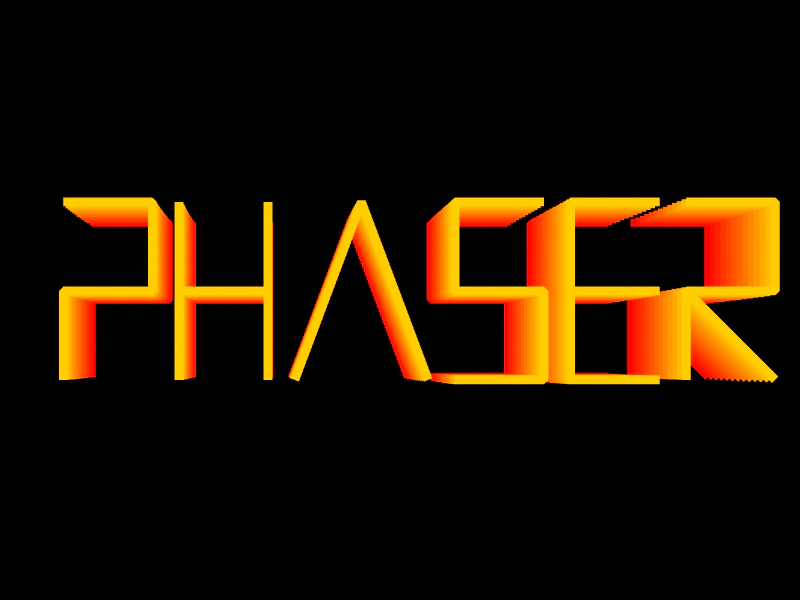 Phaser Logo ShiftDemonstrates complex Graphics transformations, color cycling, and manual vector drawing to create an animated, multi-layered logo effect.
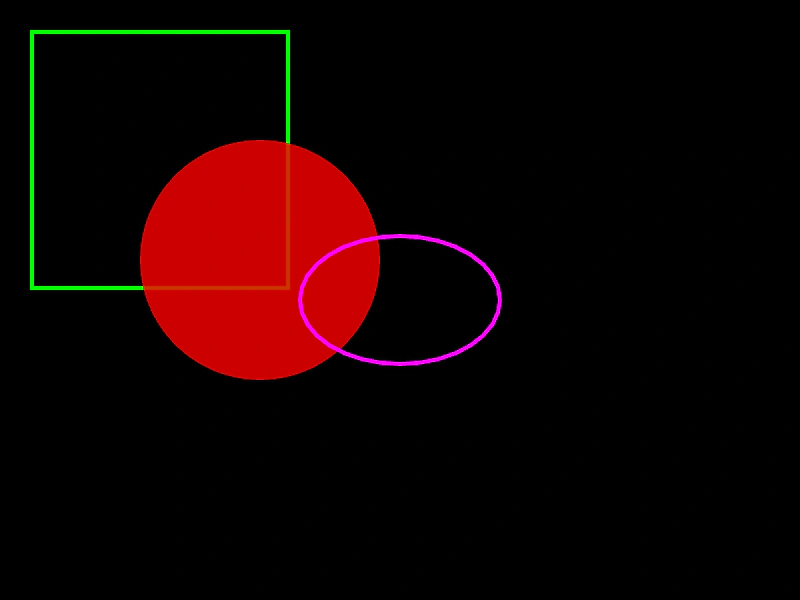 Primitive Graphics ShapesDemonstrates how to draw basic shapes using the Graphics object, including rectangles, circles, and ellipses with custom fill and line styles.