Line Thickness
Learn how to define the width and color of strokes when drawing rectangles, circles, and custom paths using the Graphics object.

800 × 600
class Example extends Phaser.Scene
{
    create ()
    {
        const graphics = this.add.graphics();

        graphics.lineStyle(20, 0x2ECC40);

        graphics.strokeRect(50, 50, 100, 40);

        graphics.strokeCircle(600, 400, 64);

        graphics.beginPath();

        graphics.moveTo(400, 100);
        graphics.lineTo(200, 278);
        graphics.lineTo(340, 430);
        graphics.lineTo(650, 80);

        graphics.closePath();
        graphics.strokePath();
    }
}

const config = {
    scale: { mode: Phaser.Scale.FIT },
    width: 800,
    height: 600,
    type: Phaser.WEBGL,
    backgroundColor: '#118eb3',
    parent: 'game-container',
    scene: Example
};

const game = new Phaser.Game(config);
More in Graphics40 examples
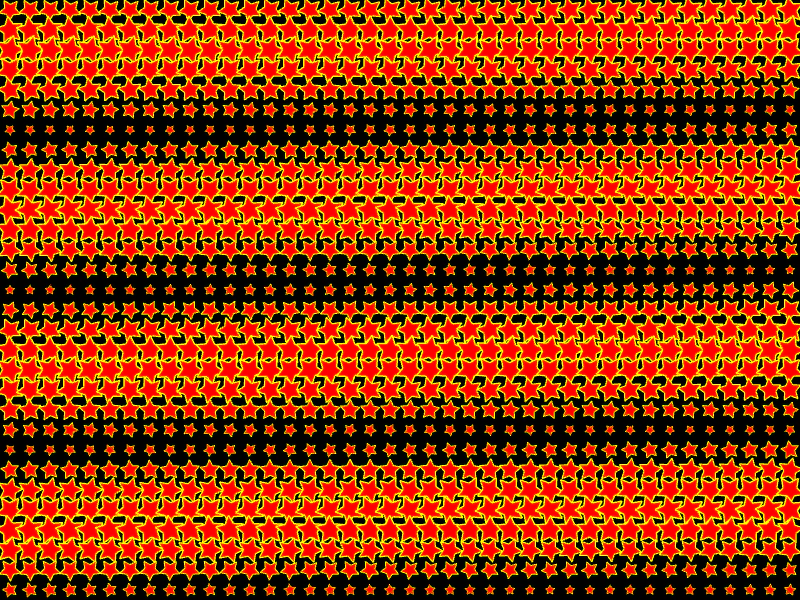 Many StarsDemonstrates rendering and animating a large number of individual Graphics objects, featuring procedurally drawn stars with updating rotation and scale.
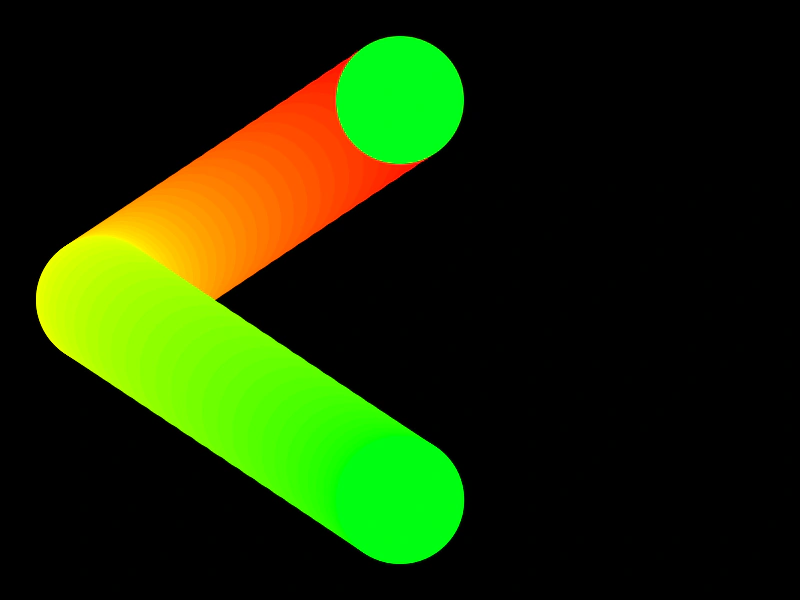 Motion Trail with GraphicsCreate a colorful motion trail effect by storing a history of coordinates and drawing them sequentially using a Graphics object and an HSV color wheel.
 Mouse Trail with GraphicsCreate a dynamic, multi-colored mouse trail using a Graphics object by drawing a continuous path through a history of pointer positions with varying line thickness and color.
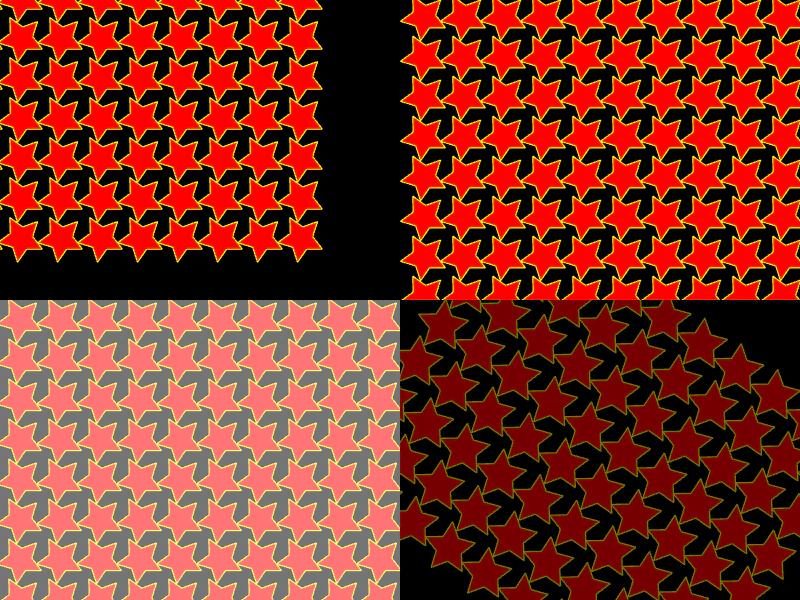 Multiple Cameras and EffectsCreate multiple camera viewports within a single Scene to display the same game objects with different simultaneous effects including shake, flash, fade, zoom, and rotation.