Stroke Path
Learn how to draw custom vector shapes by defining a path of points and applying a line style to outline it using a Graphics object.
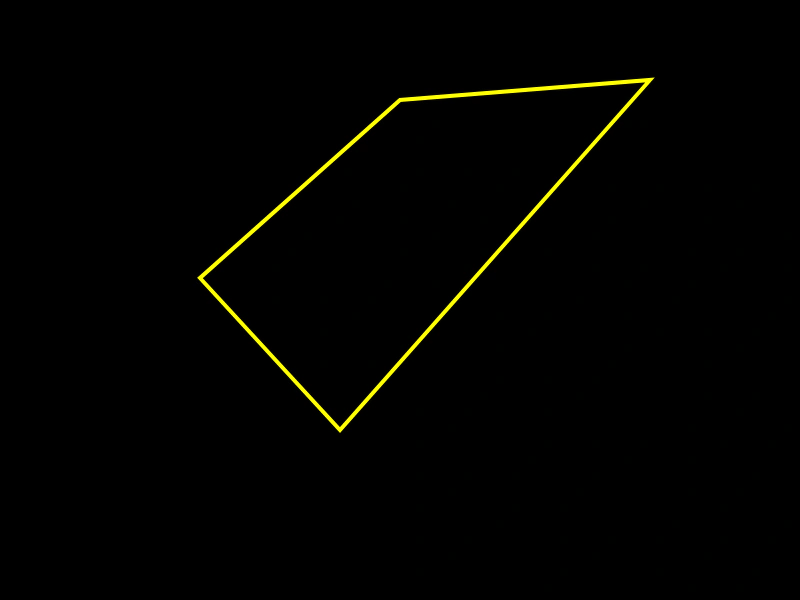
800 × 600
class Example extends Phaser.Scene
{
    graphics;

    create ()
    {
        this.graphics = this.add.graphics();

        const color = 0xffff00;
        const thickness = 4;
        const alpha = 1;

        this.graphics.lineStyle(thickness, color, alpha);

        this.graphics.beginPath();

        this.graphics.moveTo(400, 100);
        this.graphics.lineTo(200, 278);
        this.graphics.lineTo(340, 430);
        this.graphics.lineTo(650, 80);

        this.graphics.closePath();
        this.graphics.strokePath();
    }
}

const config = {
    scale: { mode: Phaser.Scale.FIT },
    width: 800,
    height: 600,
    type: Phaser.CANVAS,
    parent: 'game-container',
    scene: Example
};

const game = new Phaser.Game(config);
More in Graphics40 examples
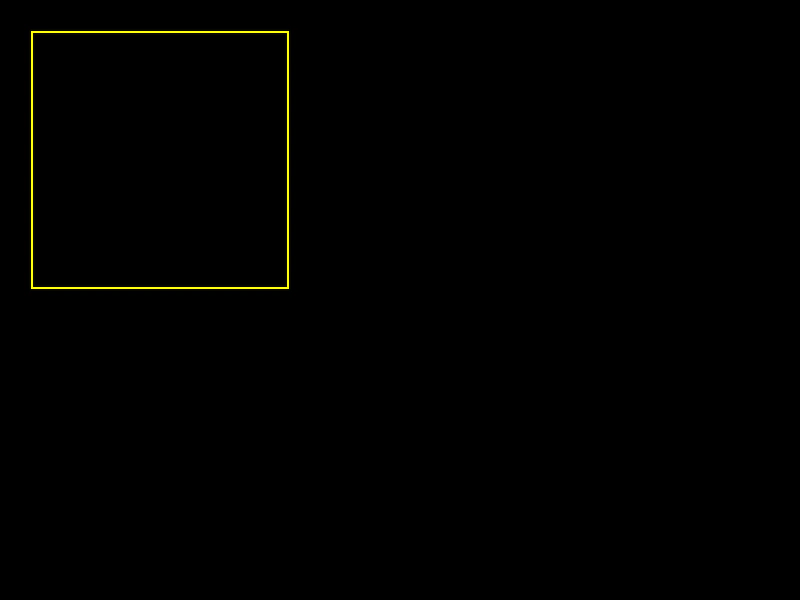 Stroke RectDemonstrates how to draw the outline of a rectangle using the Graphics object, including setting the line thickness, color, and alpha.
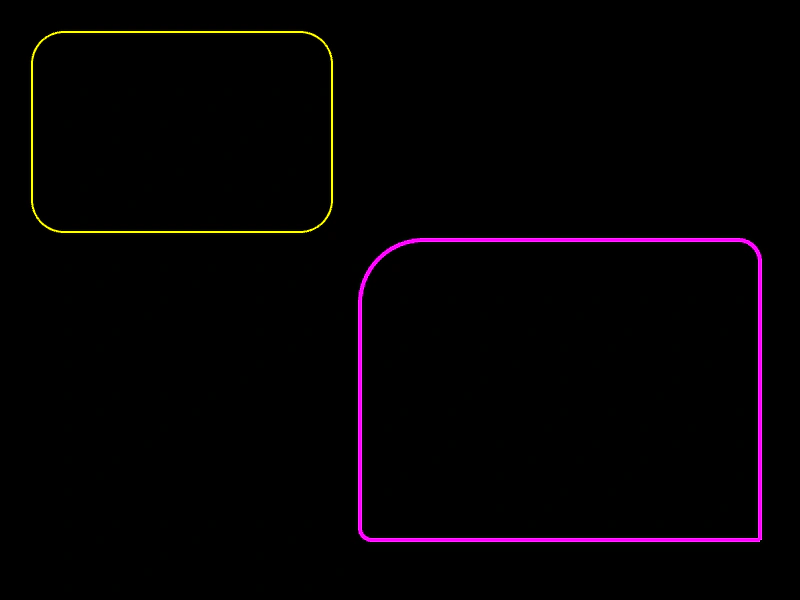 Stroke Rounded RectangleDemonstrates how to draw the outline of rounded rectangles with both uniform corner radii and individual radii for each corner using the Graphics object.
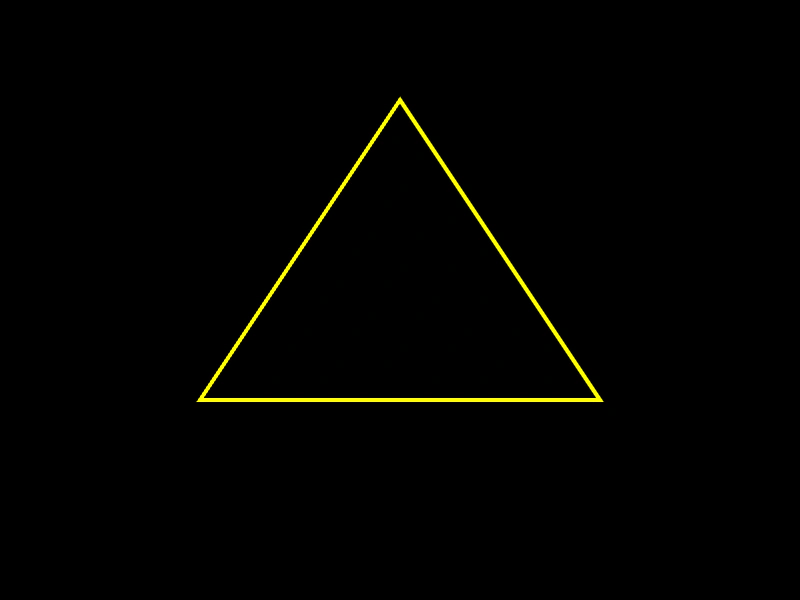 Stroke TriangleThis example shows how to use a Graphics object to draw the outline of a triangle by defining three coordinate points and a custom line style.
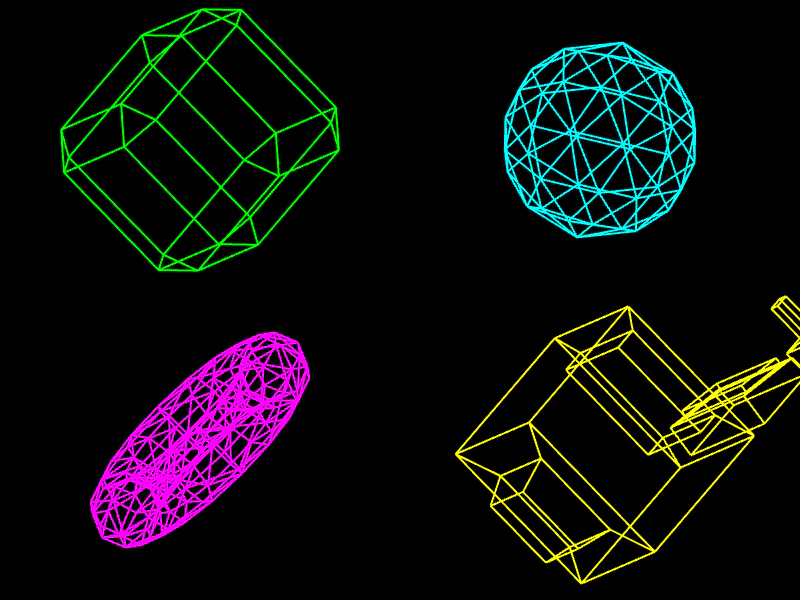 3D Wireframe OBJ ViewerDemonstrates how to parse 3D .obj files and render them as animated wireframe objects using Phaser Graphics and manual vertex rotation math.