Graphics in a Container
Demonstrates how to add a Graphics object to a Container and draw shapes using coordinates relative to the container's position.
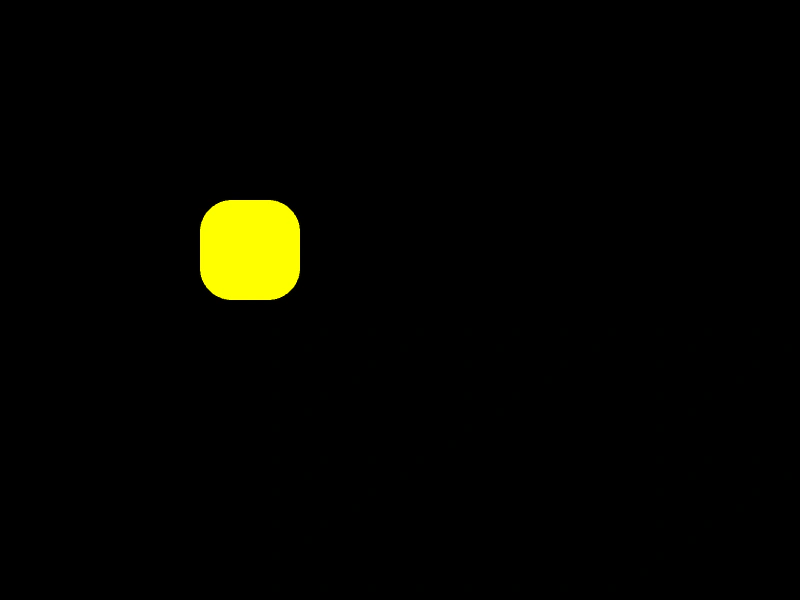
800 × 600
class Example extends Phaser.Scene
{
    create ()
    {
        const container = this.add.container(200, 200);

        const graphics = this.add.graphics();

        container.add(graphics);

        graphics.fillStyle(0xffff00, 1);

        //  Remember that the coordinates given here are now relative to those
        //  of the Container, not the screen
        graphics.fillRoundedRect(0, 0, 100, 100, 32);
    }
}

const config = {
    scale: { mode: Phaser.Scale.FIT },
    width: 800,
    height: 600,
    type: Phaser.AUTO,
    parent: 'game-container',
    scene: Example
};

const game = new Phaser.Game(config);
More in Graphics40 examples
 Graphics Line StylesLearn how to configure stroke properties including thickness, color, and alpha when drawing shapes using the Graphics object.
 Graphics Line TracingInteractively draw and commit persistent lines to the screen using pointer events, geometry shapes, and the Graphics object.
 Graphics Rendering and TransformationsDraw a complex star shape using Graphics path commands and apply real-time rotation and scaling transformations.
 Graphics Transformation LogoDemonstrates creating an animated, multi-layered vector logo using Graphics path drawing combined with canvas-style translation, rotation, and scaling.