Numpad Input
Listen for specific keydown events from the numeric keypad (numpad) to trigger actions in your game.
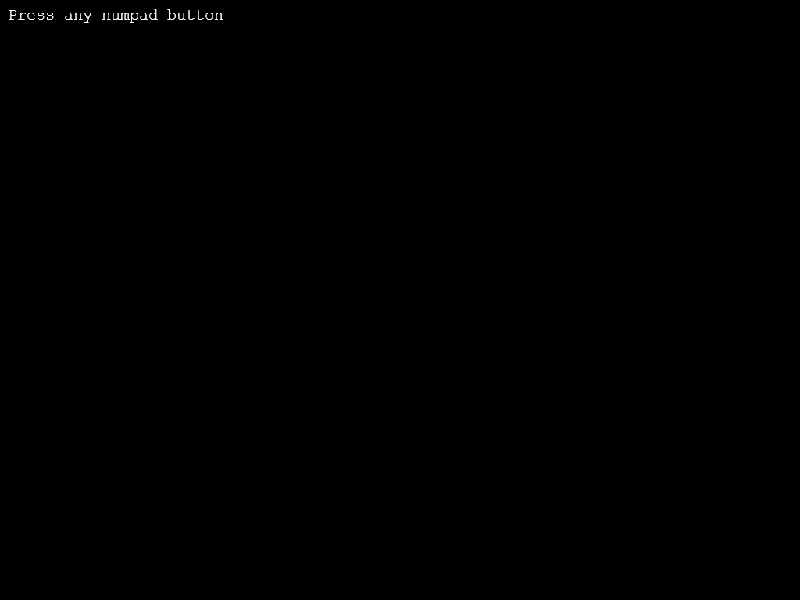
1024 × 768
class Example extends Phaser.Scene
{
    preload ()
    {
        this.load.setBaseURL('https://cdn.phaserfiles.com/v410');
        this.load.spritesheet('bobs', 'assets/sprites/bobs-by-cleathley.png', { frameWidth: 32, frameHeight: 32 });
    }

    create ()
    {
        this.input.keyboard.on('keydown-NUMPAD_ZERO', function ()
        {
            this.add.image(0, 0, 'bobs', 0).setRandomPosition();
        }, this);

        this.input.keyboard.on('keydown-NUMPAD_ONE', function ()
        {
            this.add.image(0, 0, 'bobs', 8).setRandomPosition();
        }, this);

        this.input.keyboard.on('keydown-NUMPAD_TWO', function ()
        {
            this.add.image(0, 0, 'bobs', 16).setRandomPosition();
        }, this);

        this.input.keyboard.on('keydown-NUMPAD_THREE', function ()
        {
            this.add.image(0, 0, 'bobs', 24).setRandomPosition();
        }, this);

        this.input.keyboard.on('keydown-NUMPAD_FOUR', function ()
        {
            this.add.image(0, 0, 'bobs', 32).setRandomPosition();
        }, this);

        this.input.keyboard.on('keydown-NUMPAD_FIVE', function ()
        {
            this.add.image(0, 0, 'bobs', 48).setRandomPosition();
        }, this);

        this.input.keyboard.on('keydown-NUMPAD_SIX', function ()
        {
            this.add.image(0, 0, 'bobs', 80).setRandomPosition();
        }, this);

        this.input.keyboard.on('keydown-NUMPAD_SEVEN', function ()
        {
            this.add.image(0, 0, 'bobs', 52).setRandomPosition();
        }, this);

        this.input.keyboard.on('keydown-NUMPAD_EIGHT', function ()
        {
            this.add.image(0, 0, 'bobs', 60).setRandomPosition();
        }, this);

        this.input.keyboard.on('keydown-NUMPAD_NINE', function ()
        {
            this.add.image(0, 0, 'bobs', 68).setRandomPosition();
        }, this);

        this.add.text(10, 10, 'Press any numpad button', {fontSize: '20px'});
    }
}

const config = {
    scale: { mode: Phaser.Scale.FIT },
    type: Phaser.AUTO,
    parent: 'game-container',
    pixelArt: true,
    scene: Example
};

const game = new Phaser.Game(config);
More in Keyboard22 examples
 Reset Key Combo On MatchDemonstrates how to use the resetOnMatch property to allow a keyboard combo to be triggered multiple times repeatedly.
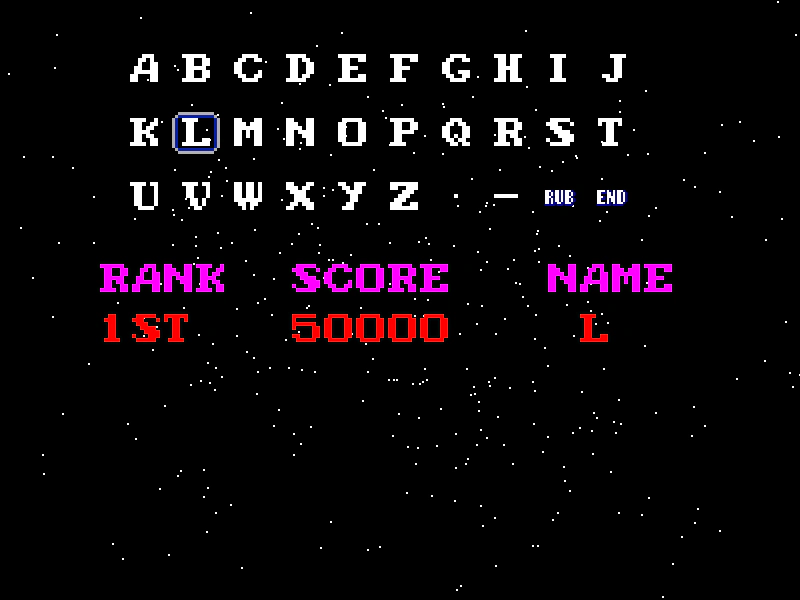 Retro Leaderboard Name EntryA classic arcade-style high score name entry system using grid-based character selection. Demonstrates keyboard arrow navigation, mouse interaction, direct key-to-character mapping, and event-based communication between Scenes.
 Single Keydown EventDemonstrates how to listen for specific keyboard press events using string-based event names like 'keydown-A' and 'keydown-SPACE', including how to capture keys to prevent default browser scrolling.
 Text EntryDemonstrates how to capture keyboard input to create a simple text entry system, including handling backspace and alphanumeric characters.