Single Keydown Event
Demonstrates how to listen for specific keyboard press events using string-based event names like 'keydown-A' and 'keydown-SPACE', including how to capture keys to prevent default browser scrolling.
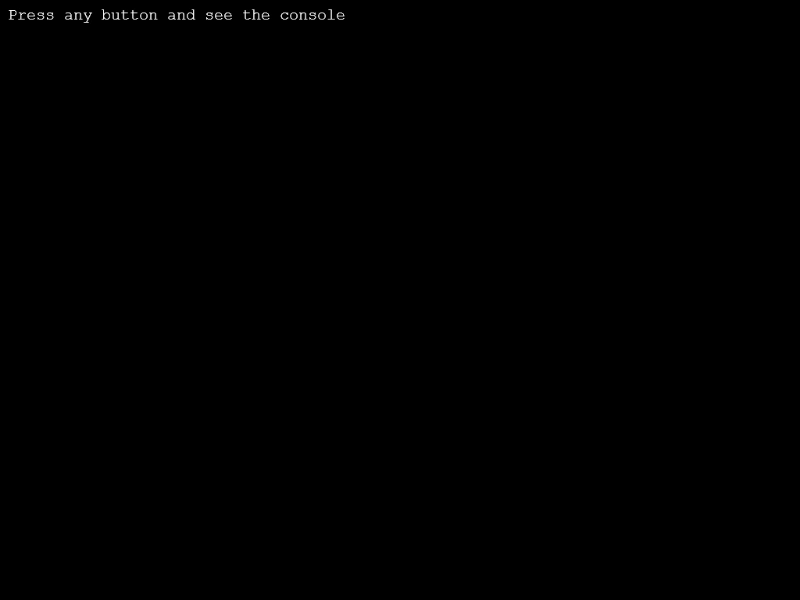
1024 × 768
class Example extends Phaser.Scene
{
    create ()
    {

        //  Listen for a specific key (in this case the A key.)
        //  This works without creating a new Key object, and is especially useful for 'once' calls.
        //  For game input (i.e. player controls) you should use Key objects instead.

        this.input.keyboard.on('keydown-A', event =>
        {
            console.log('Hello from the A Key!');
        });

        this.input.keyboard.on(Phaser.Events, event =>
        {
            console.log(event.key);
        });

        this.input.keyboard.on('keydown-SPACE', event =>
        {
            console.log('Hello from the Space Bar!');
        });

        this.input.keyboard.addCapture('SPACE');
        this.add.text(10, 10, 'Press any button and see the console', {fontSize: '20px'});
    }
}

const config = {
    scale: { mode: Phaser.Scale.FIT },
    type: Phaser.CANVAS,
    parent: 'game-container',
    scene: Example
};

const game = new Phaser.Game(config);
More in Keyboard22 examples
 Text EntryDemonstrates how to capture keyboard input to create a simple text entry system, including handling backspace and alphanumeric characters.
 Add KeyDemonstrates how to create specific Key objects using KeyCodes and poll their state within the update loop to detect if a key is currently pressed.
 Add Multiple Keys via StringDemonstrates how to register multiple keyboard keys simultaneously using a single comma-separated string and check their state in the update loop.
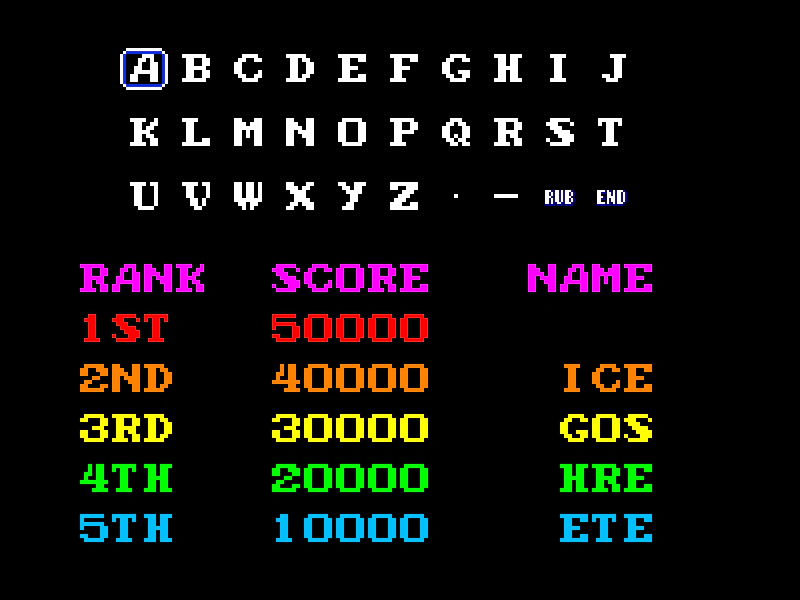 Arcade Name EntryCreate a classic high-score name entry screen that supports both keyboard navigation and pointer interaction using bitmap text and grid snapping.