Flip Image
Demonstrates how to flip a Game Object horizontally and vertically using the flipX and flipY properties.
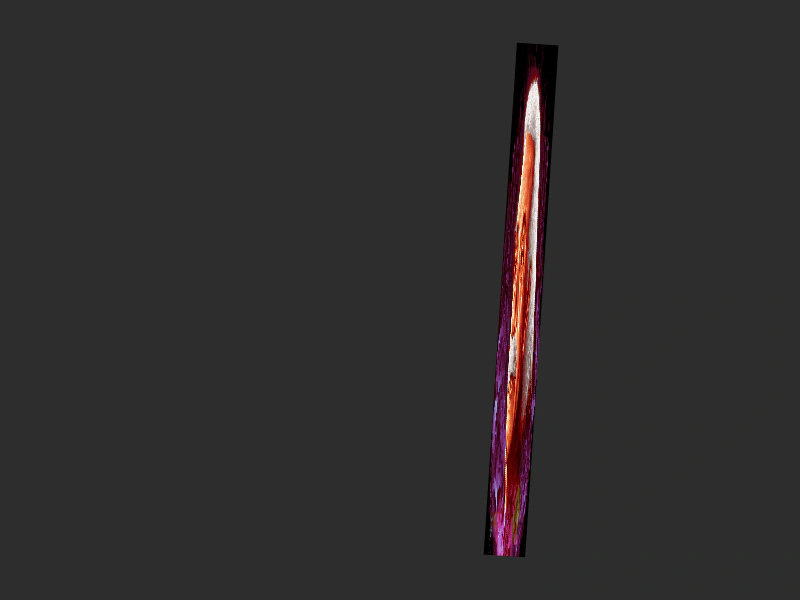
800 × 600
class Example extends Phaser.Scene
{
    iter = 0;
    image;

    preload ()
    {
        this.load.setBaseURL('https://cdn.phaserfiles.com/v410');
        this.load.image('einstein', 'assets/pics/ra-einstein.png');
    }

    create ()
    {
        this.image = this.add.image(400, 300, 'einstein');

        this.time.addEvent({
            delay: 1000,
            loop: true,
            callback: () => this.image.flipX = !this.image.flipX
        });

        this.time.addEvent({
            delay: 2000,
            loop: true,
            callback: () => this.image.flipY = !this.image.flipY
        });
    }

    update ()
    {
        this.image.scaleX = Math.sin(this.iter);
        this.image.scaleY = Math.cos(this.iter);
        this.image.rotation = this.iter;
        this.image.x = 400 + Math.sin(this.iter * 10) * 200;
        this.iter += 0.001;
    }
}

const config = {
    scale: { mode: Phaser.Scale.FIT },
    type: Phaser.CANVAS,
    width: 800,
    height: 600,
    backgroundColor: '#2d2d2d',
    parent: 'game-container',
    scene: Example
};

const game = new Phaser.Game(config);
More in Images16 examples
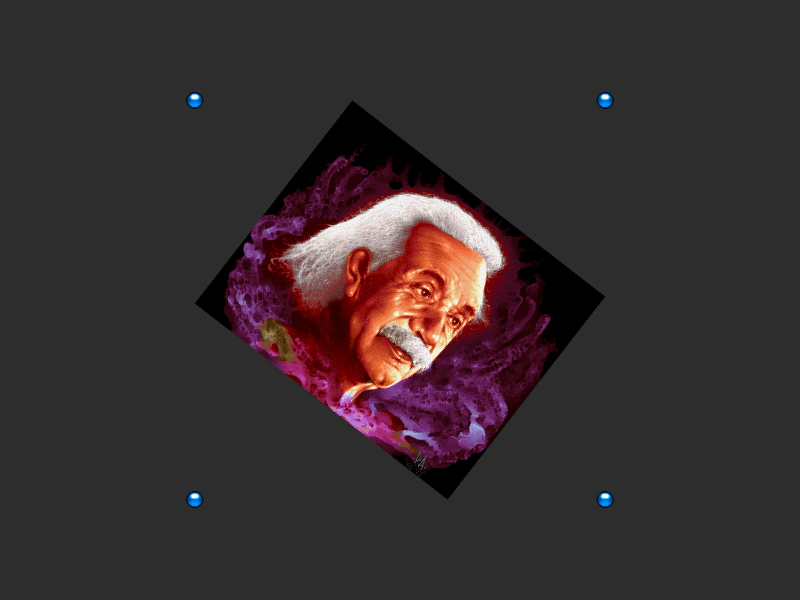 Get Image BoundsDemonstrates using the getBounds method to retrieve the axis-aligned bounding box of a Game Object as it scales and rotates.
 Image AlphaDemonstrates how to change the transparency of an image by setting its alpha property.
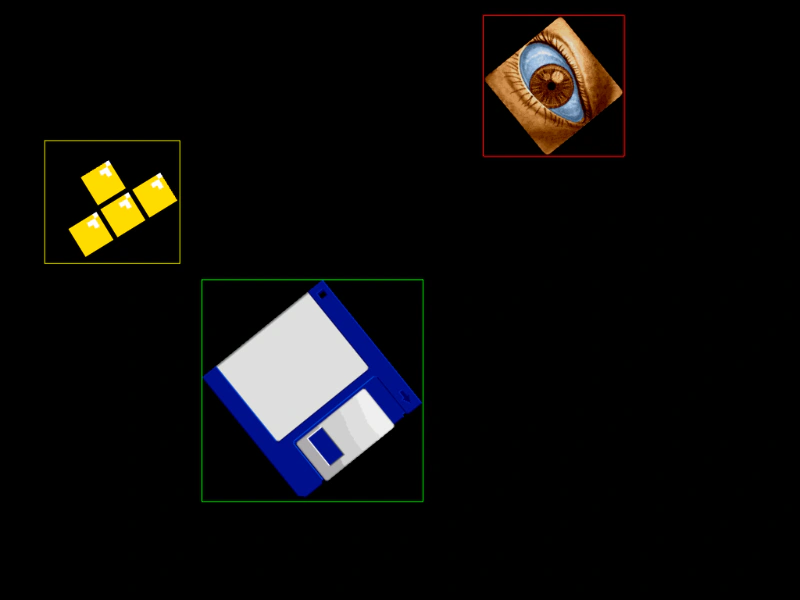 Image BoundsDemonstrates how to retrieve and visualize the axis-aligned bounding box (AABB) of rotating and scaling images using the getBounds method.
 Image Edge PointsDemonstrates how to retrieve the world coordinates of an Image's corners and center edges using methods like getTopLeft and getBottomRight, even as the object rotates and scales.