Launch Parallel Scenes
Demonstrates how to use the scene launch method to start multiple scenes simultaneously without stopping the current scene, allowing them to run in parallel.
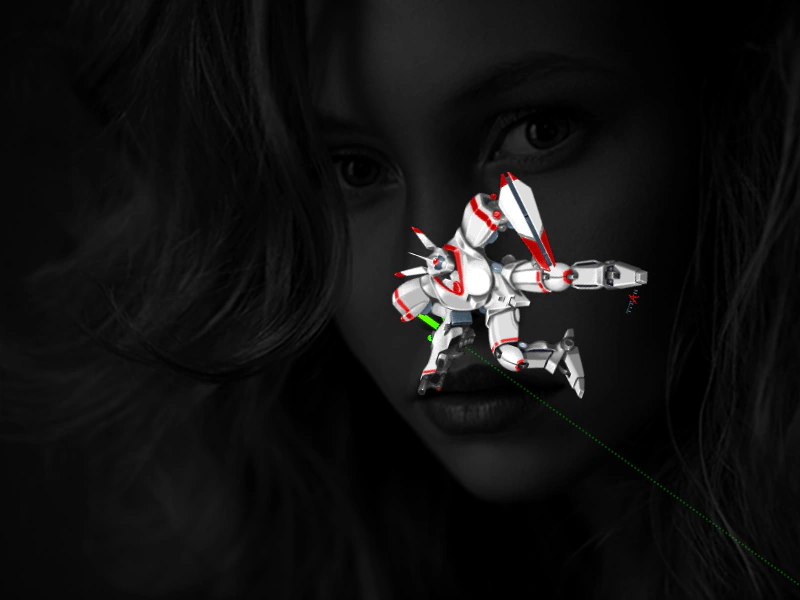
800 × 600
class SceneA extends Phaser.Scene
{
    constructor ()
    {
        super({ key: 'sceneA' });
    }

    preload ()
    {
        this.load.setBaseURL('https://cdn.phaserfiles.com/v410');
        this.load.image('face', 'assets/pics/bw-face.png');
    }

    create ()
    {
        this.add.image(400, 300, 'face').setAlpha(0.2);

        const _this = this;

        this.input.once('pointerdown', function ()
        {

            this.scene.launch('sceneB');
            this.scene.launch('sceneC');

        }, this);
    }
}

class SceneB extends Phaser.Scene
{
    constructor ()
    {
        super({ key: 'sceneB' });

        this.pic;
    }

    preload ()
    {
        this.load.setBaseURL('https://cdn.phaserfiles.com/v410');
        this.load.image('arrow', 'assets/sprites/longarrow.png');
    }

    create ()
    {
        this.pic = this.add.image(400, 300, 'arrow').setOrigin(0, 0.5);
    }

    update (time, delta)
    {
        this.pic.rotation += 0.01;
    }
}

class SceneC extends Phaser.Scene
{
    constructor ()
    {
        super({ key: 'sceneC' });

        this.pic;
    }

    preload ()
    {
        this.load.setBaseURL('https://cdn.phaserfiles.com/v410');
        this.load.image('mech', 'assets/pics/titan-mech.png');
    }

    create ()
    {
        this.pic = this.add.image(Phaser.Math.Between(300, 600), 300, 'mech');
    }

    update (time, delta)
    {
        this.pic.rotation -= 0.02;
    }
}

const config = {
    scale: { mode: Phaser.Scale.FIT },
    type: Phaser.AUTO,
    width: 800,
    height: 600,
    backgroundColor: '#000000',
    parent: 'game-container',
    scene: [ SceneA, SceneB, SceneC ]
};

const game = new Phaser.Game(config);
More in Scenes52 examples
 Loading External ScenesDemonstrates how to load an external JavaScript file containing a Scene class and dynamically add multiple instances of that scene to the game manager at runtime.
 Move Scene DownDemonstrates how to reorder scenes within the Scene Manager by moving a specific scene one position down in the list, changing its rendering order.
 Move Scene UpDemonstrates how to move a Scene up in the Scene List, effectively changing its display order so it renders on top of the next scene in the stack.
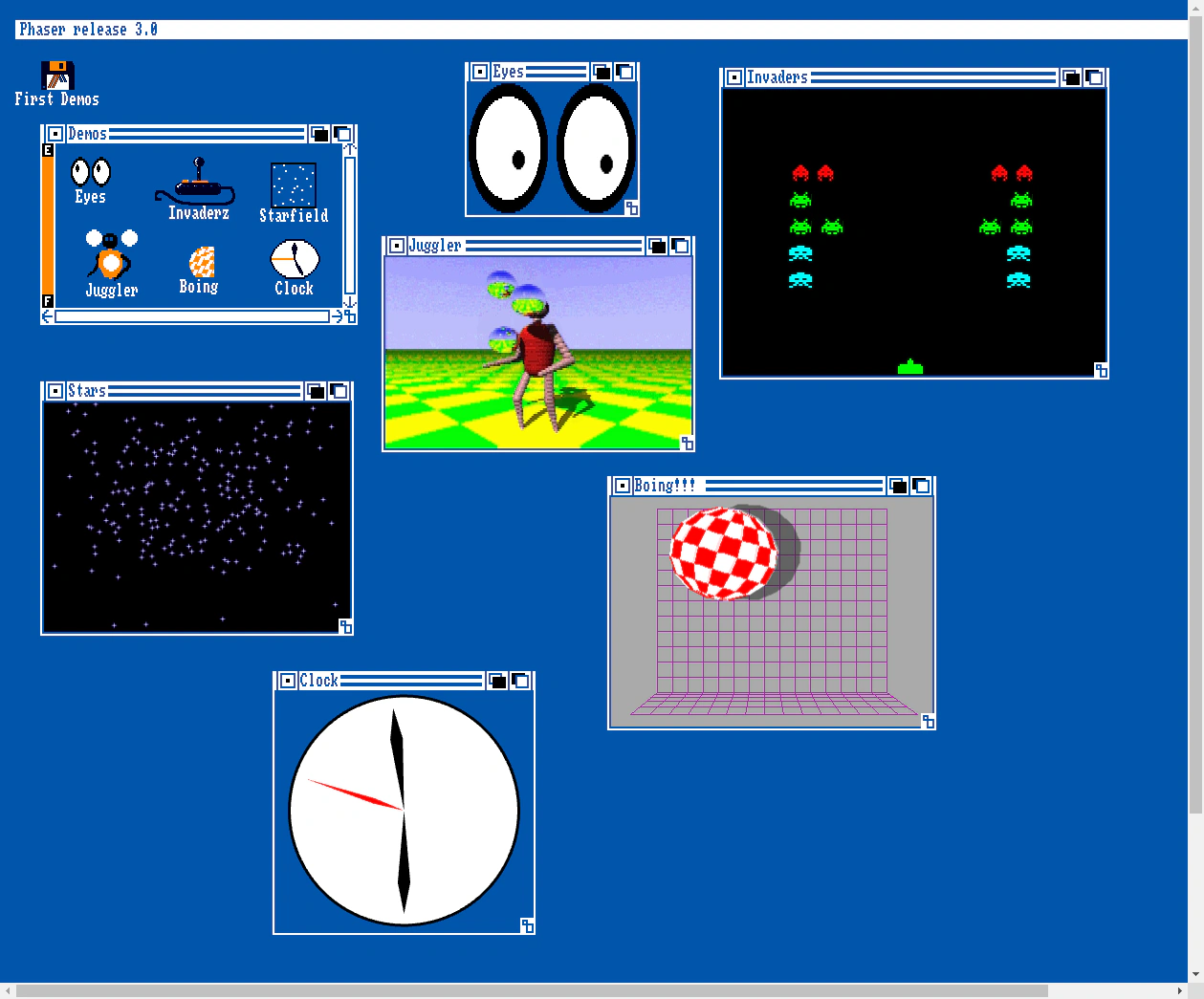 Multi-Scene Desktop EnvironmentDemonstrates a window-based desktop environment using multiple simultaneous Scenes. Each 'window' is a separate Scene instance mapped to a draggable Zone using camera viewports.