Switching to a Sub-Game Scene
Demonstrates transitioning between a main world and a sub-game scene using Scene Switch and the Data Registry to pass information between them.
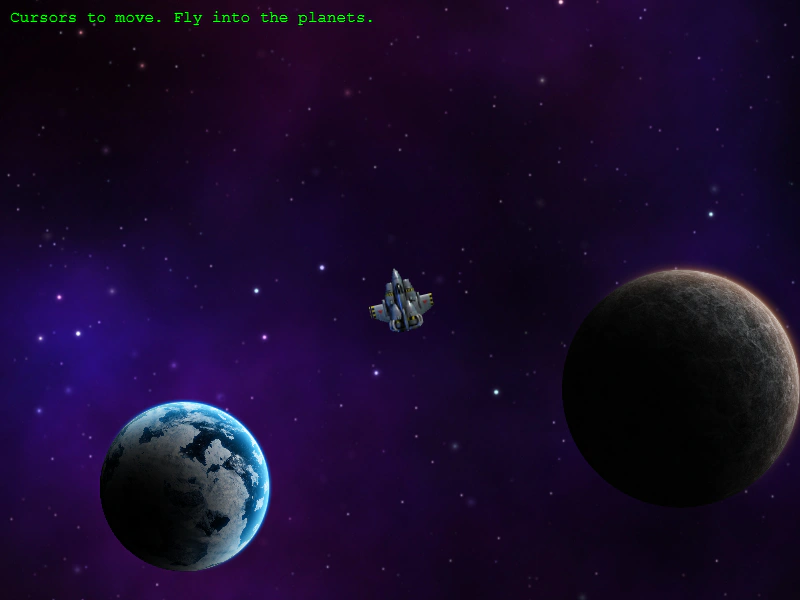
1024 × 768
const config = {
    scale: { mode: Phaser.Scale.FIT },
    type: Phaser.AUTO,
    width: 800,
    height: 600,
    parent: 'game-container',
    physics: {
        default: "arcade",
        arcade: {
            debug: false,
            gravity: { y: 0 }
        }
    },
    scene: [ Preloader, WorldMap, SubGame ]
};

const game = new Phaser.Game(config);
More in Scenes52 examples
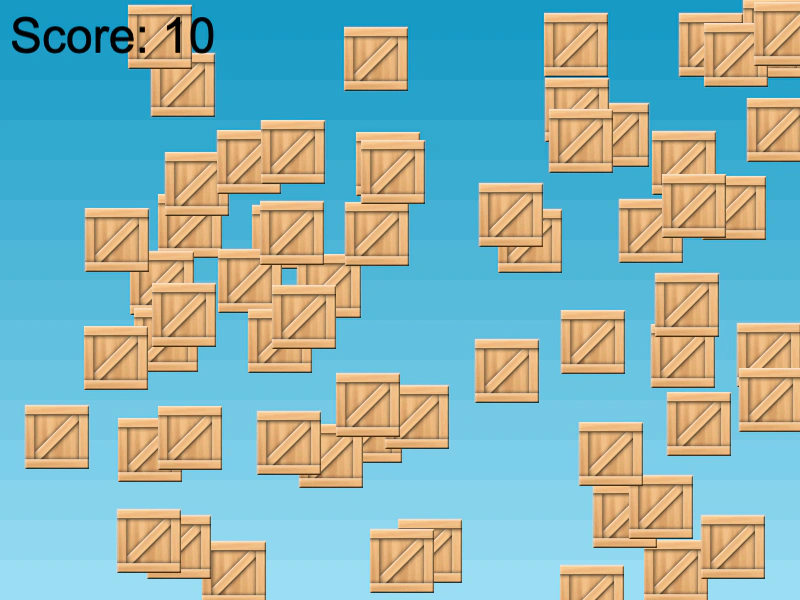 UI Scene CommunicationDemonstrates how to run a UI Scene concurrently with a Game Scene and communicate between them using scene-level events to update scores.
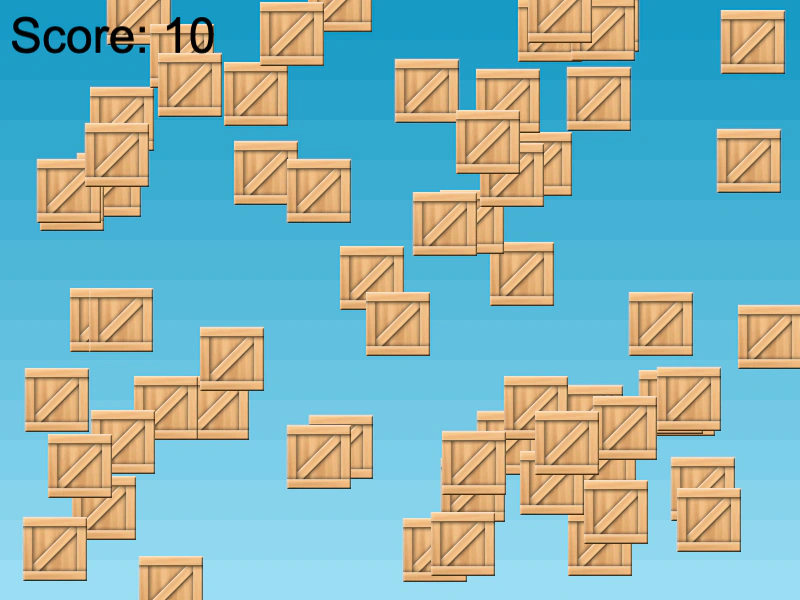 UI Scene OverlayDemonstrates how to run a dedicated UI Scene simultaneously with a Game Scene, using the Scene Event Emitter to communicate and update a score display between them.
 Add Scene After Game InstanceDemonstrates how to dynamically add and start a Scene to a Phaser Game instance after it has been initialized, including passing data to the Scene's create method.
 Add Scene From Another SceneDemonstrates how to dynamically add a new Scene to the Scene Manager and start it immediately while passing custom data to its create method.