Sleep and Wake Scenes
Demonstrates how to switch between scenes using scene.switch(), which puts a scene to sleep and wakes another, preserving its state and using the WAKE event to re-enable input.
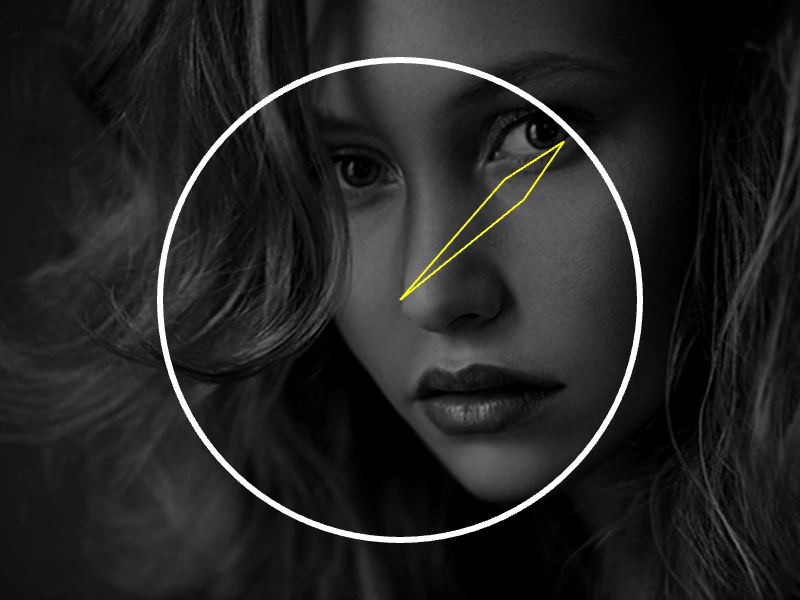
800 × 600
class SceneA extends Phaser.Scene
{
    constructor ()
    {
        super('sceneA');

        this.pic;
    }

    preload ()
    {
        this.load.setBaseURL('https://cdn.phaserfiles.com/v410');
        this.load.image('arrow', 'assets/sprites/longarrow.png');
    }

    create ()
    {
        this.pic = this.add.image(400, 300, 'arrow').setOrigin(0, 0.5);

        this.input.once(Phaser.Input.Events.POINTER_DOWN, function ()
        {

            this.scene.switch('sceneB');

        }, this);

        this.events.on(Phaser.Scenes.Events.WAKE, function ()
        {
            this.wake(this.input, this.scene);
        }, this);
    }

    wake (input, scene)
    {
        input.once(Phaser.Input.Events.POINTER_DOWN, () =>
        {
            scene.switch('sceneB');

        }, this);
    }

    update (time, delta)
    {
        this.pic.rotation += 0.01;
    }
}

class SceneB extends Phaser.Scene
{
    constructor ()
    {
        super('sceneB');

        this.graphics;
        this.timerEvent;
        this.clockSize = 240;
    }

    preload ()
    {
        this.load.setBaseURL('https://cdn.phaserfiles.com/v410');
        this.load.image('face', 'assets/pics/bw-face.png');
    }

    create ()
    {

        this.add.image(400, 300, 'face').setAlpha(0.5);

        this.timerEvent = this.time.addEvent({ delay: 8000, loop: true });

        this.graphics = this.add.graphics({ x: 0, y: 0 });

        this.input.once(Phaser.Input.Events.POINTER_DOWN, function (event)
        {
            this.scene.switch('sceneA');
        }, this);

        this.events.on(Phaser.Scenes.Events.WAKE, function ()
        {
            this.wake(this.input, this.scene);
        }, this);
    }

    wake (input, scene)
    {
        input.once(Phaser.Input.Events.POINTER_DOWN, event =>
        {
            scene.switch('sceneA');
        }, this);
    }

    update ()
    {
        this.graphics.clear();

        this.drawClock(400, 300, this.timerEvent);
    }

    drawClock (x, y, timer)
    {
        //  Progress is between 0 and 1, where 0 = the hand pointing up and then rotating clockwise a full 360

        const graphics = this.graphics;
        const clockSize = this.clockSize;

        //  The frame
        graphics.lineStyle(6, 0xffffff, 1);
        graphics.strokeCircle(x, y, clockSize);

        let angle;
        let dest;
        let p1;
        let p2;
        let size;

        //  The overall progress hand (only if repeat > 0)
        if (timer.repeat > 0)
        {
            size = clockSize * 0.9;

            angle = (360 * timer.getOverallProgress()) - 90;
            dest = Phaser.Math.RotateAroundDistance({ x: x, y: y }, x, y, Phaser.Math.DegToRad(angle), size);

            graphics.lineStyle(2, 0xff0000, 1);

            graphics.beginPath();

            graphics.moveTo(x, y);

            p1 = Phaser.Math.RotateAroundDistance({ x: x, y: y }, x, y, Phaser.Math.DegToRad(angle - 5), size * 0.7);

            graphics.lineTo(p1.x, p1.y);
            graphics.lineTo(dest.x, dest.y);

            graphics.moveTo(x, y);

            p2 = Phaser.Math.RotateAroundDistance({ x: x, y: y }, x, y, Phaser.Math.DegToRad(angle + 5), size * 0.7);

            graphics.lineTo(p2.x, p2.y);
            graphics.lineTo(dest.x, dest.y);

            graphics.strokePath();
            graphics.closePath();
        }

        //  The current iteration hand
        size = clockSize * 0.95;

        angle = (360 * timer.getProgress()) - 90;
        dest = Phaser.Math.RotateAroundDistance({ x: x, y: y }, x, y, Phaser.Math.DegToRad(angle), size);

        graphics.lineStyle(2, 0xffff00, 1);

        graphics.beginPath();

        graphics.moveTo(x, y);

        p1 = Phaser.Math.RotateAroundDistance({ x: x, y: y }, x, y, Phaser.Math.DegToRad(angle - 5), size * 0.7);

        graphics.lineTo(p1.x, p1.y);
        graphics.lineTo(dest.x, dest.y);

        graphics.moveTo(x, y);

        p2 = Phaser.Math.RotateAroundDistance({ x: x, y: y }, x, y, Phaser.Math.DegToRad(angle + 5), size * 0.7);

        graphics.lineTo(p2.x, p2.y);
        graphics.lineTo(dest.x, dest.y);

        graphics.strokePath();
        graphics.closePath();
    }
}

const config = {
    scale: { mode: Phaser.Scale.FIT },
    type: Phaser.AUTO,
    width: 800,
    height: 600,
    backgroundColor: '#000000',
    parent: 'game-container',
    scene: [ SceneA, SceneB ]
};

const game = new Phaser.Game(config);
More in Scenes52 examples
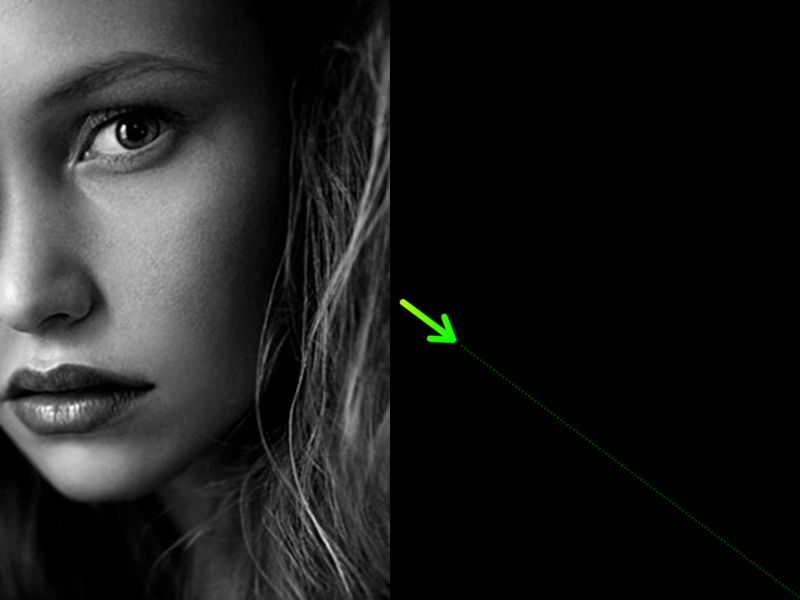 Swap Scene Render OrderDemonstrates how to use the scene.swapPosition method to change the display depth of two active scenes, effectively moving one in front of the other.
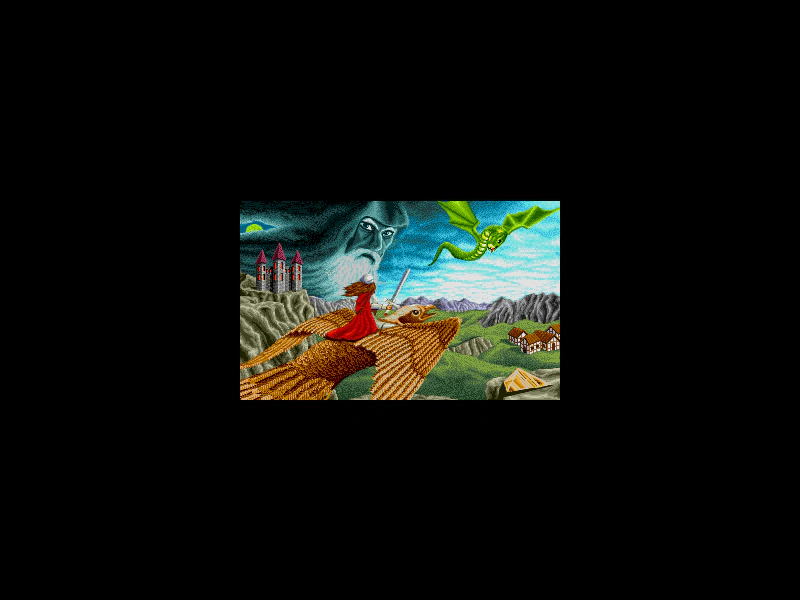 Swapping ScenesDemonstrates how to switch between two different scenes using the scene.switch method, which puts the current scene to sleep and starts or wakes the target scene on user interaction.
 Switching Scenes with ES6 ClassesDemonstrates how to transition between multiple game scenes using ES6 classes and the Scene Manager's start method.
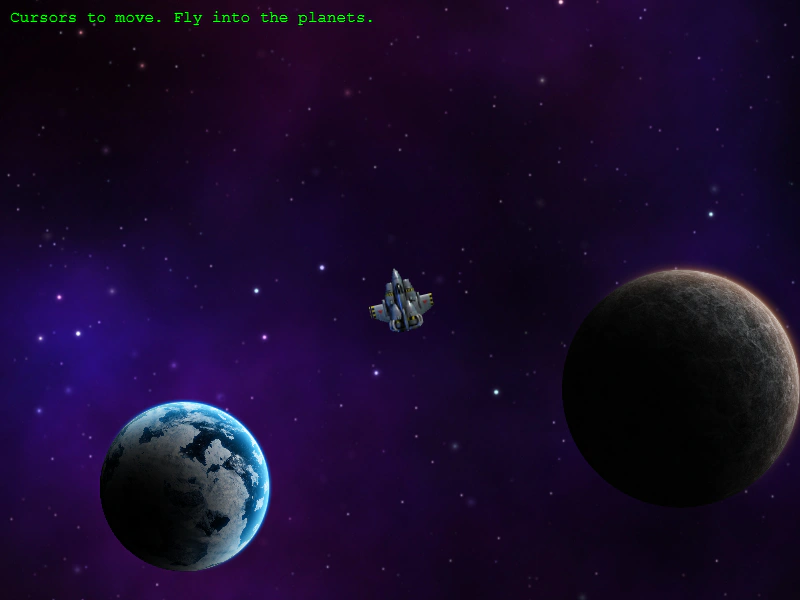 Switching to a Sub-Game SceneDemonstrates transitioning between a main world and a sub-game scene using Scene Switch and the Data Registry to pass information between them.