Path Gradient Fill
Demonstrates how to apply a four-color gradient to a custom path using fillGradientStyle in the Graphics object.
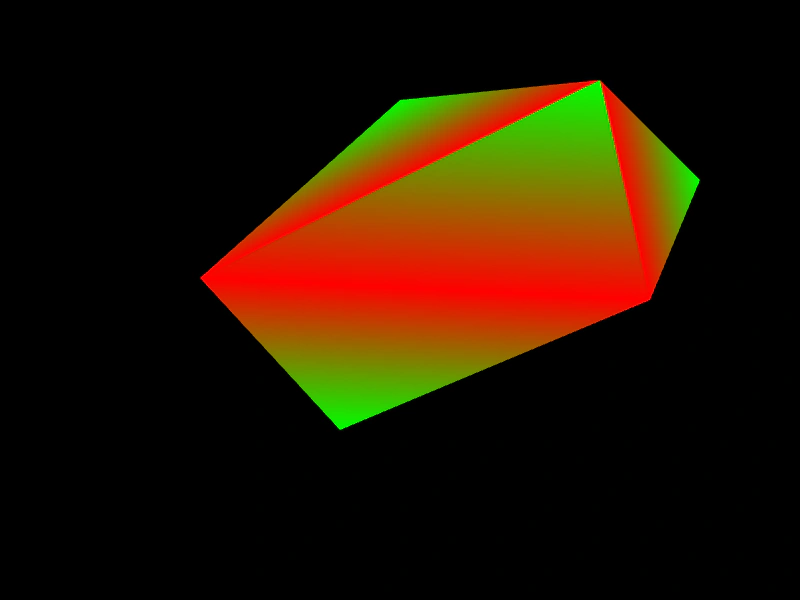
800 × 600
class Example extends Phaser.Scene
{
    create ()
    {
        const graphics = this.add.graphics();

        graphics.fillGradientStyle(0xff0000, 0x00ff00, 0xff0000, 0xffff00, 1);

        graphics.beginPath();

        graphics.moveTo(400, 100);
        graphics.lineTo(200, 278);
        graphics.lineTo(340, 430);
        graphics.lineTo(650, 300);
        graphics.lineTo(700, 180);
        graphics.lineTo(600, 80);

        graphics.closePath();
        graphics.fillPath();
    }
}

const config = {
    scale: { mode: Phaser.Scale.FIT },
    width: 800,
    height: 600,
    type: Phaser.WEBGL,
    parent: 'game-container',
    scene: Example
};

const game = new Phaser.Game(config);
More in Primitives17 examples
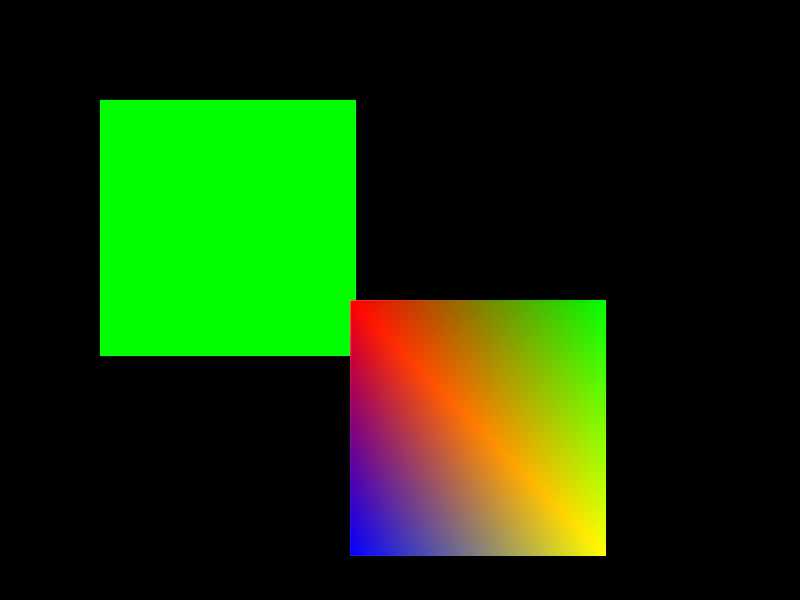 Rectangle Fill and GradientDemonstrates how to draw filled rectangles using solid colors and multi-color gradients with the Graphics object.
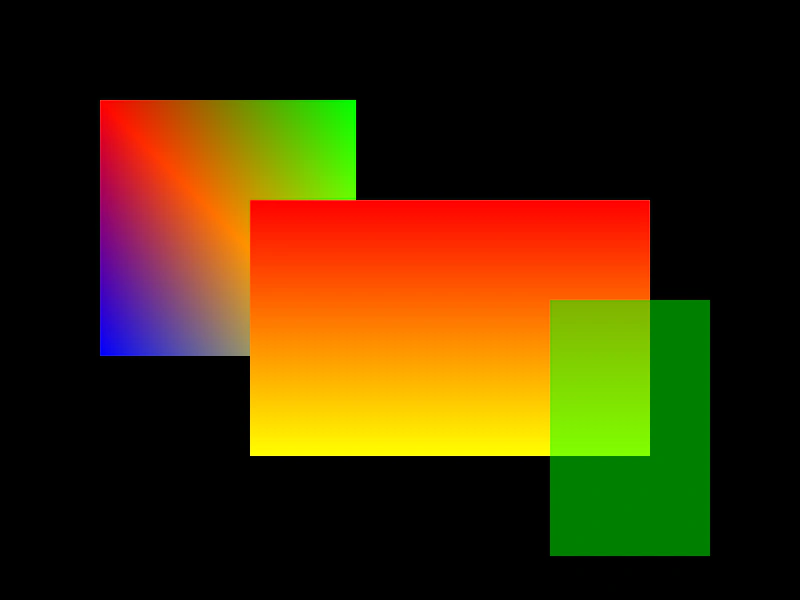 Rectangle Gradient FillDemonstrates how to apply multi-color gradients to Graphics rectangles using fillGradientStyle to define corner colors.
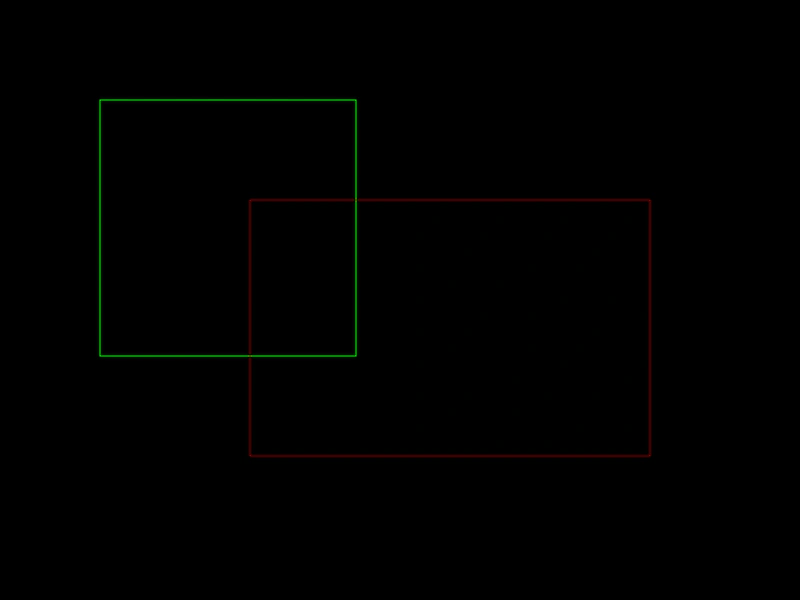 Rectangle StrokedDemonstrates how to draw outlined rectangles using the Graphics object and custom line styles.
 Split Path FilledDemonstrates how to draw and fill multiple separate shapes within a single Graphics path by using moveTo to start new sub-paths.