Draw a Stroked Path
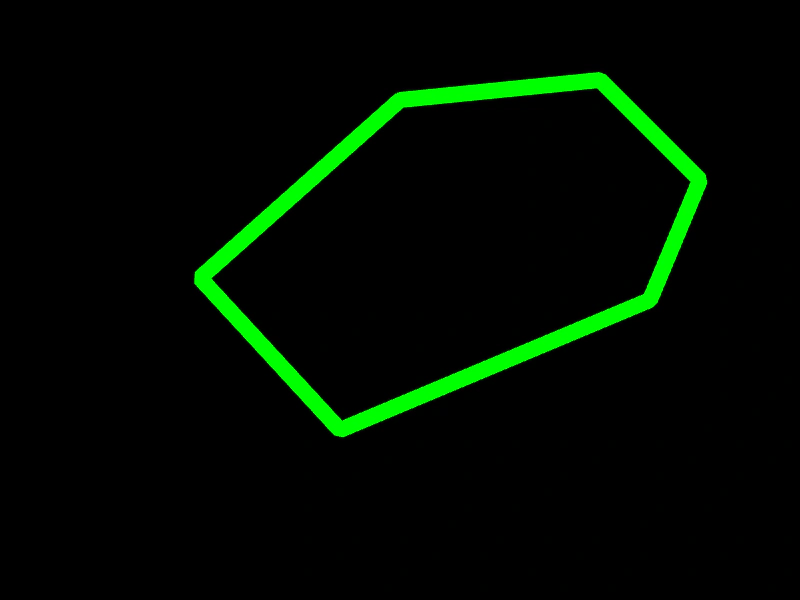
Create a custom shape using the Graphics object by defining a path with line commands and rendering its outline with a specific stroke style.
800 × 600
class Example extends Phaser.Scene
{
    preload ()
    {
        this.load.setBaseURL('https://cdn.phaserfiles.com/v410');
        this.load.image('metal', 'assets/textures/alien-metal.jpg');
    }

    create ()
    {
        const graphics = this.add.graphics();

        graphics.lineStyle(16, 0x00ff00, 1);

        graphics.beginPath();

        graphics.moveTo(400, 100);
        graphics.lineTo(200, 278);
        graphics.lineTo(340, 430);
        graphics.lineTo(650, 300);
        graphics.lineTo(700, 180);
        graphics.lineTo(600, 80);

        graphics.closePath();

        graphics.strokePath();
    }
}

const config = {
    scale: { mode: Phaser.Scale.FIT },
    width: 800,
    height: 600,
    type: Phaser.WEBGL,
    parent: 'game-container',
    scene: Example
};

const game = new Phaser.Game(config);
More in Primitives17 examples
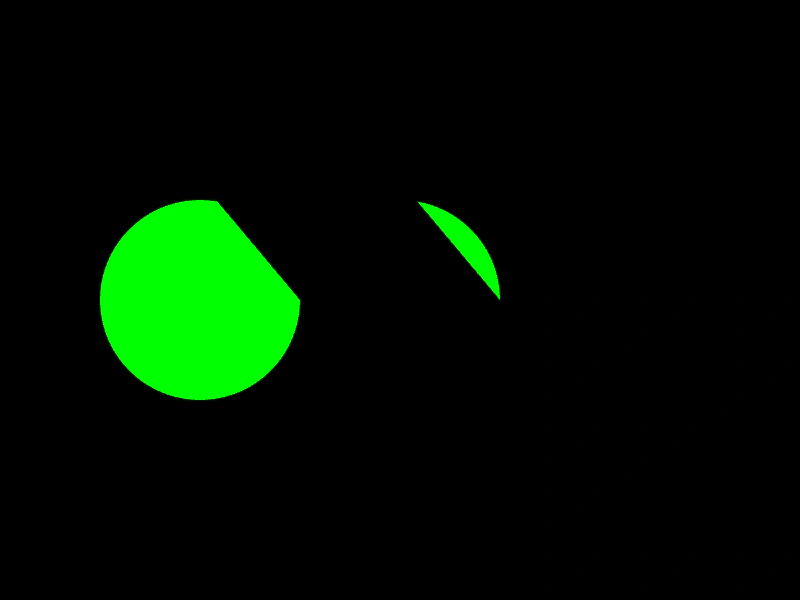 Filled ArcsDemonstrates how to draw and fill arc shapes using Graphics primitives, including both clockwise and counter-clockwise directions.
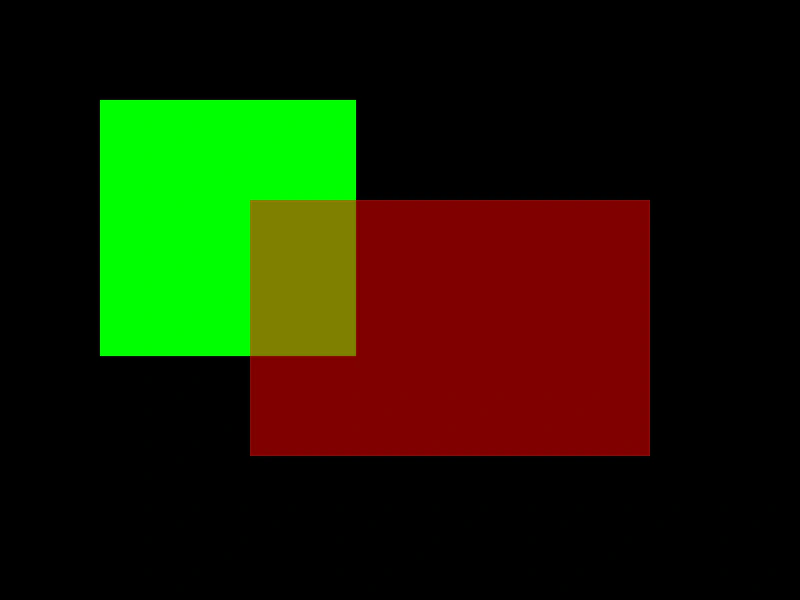 Filled RectanglesDemonstrates how to draw filled rectangles using the Graphics object, including setting fill colors and alpha transparency.
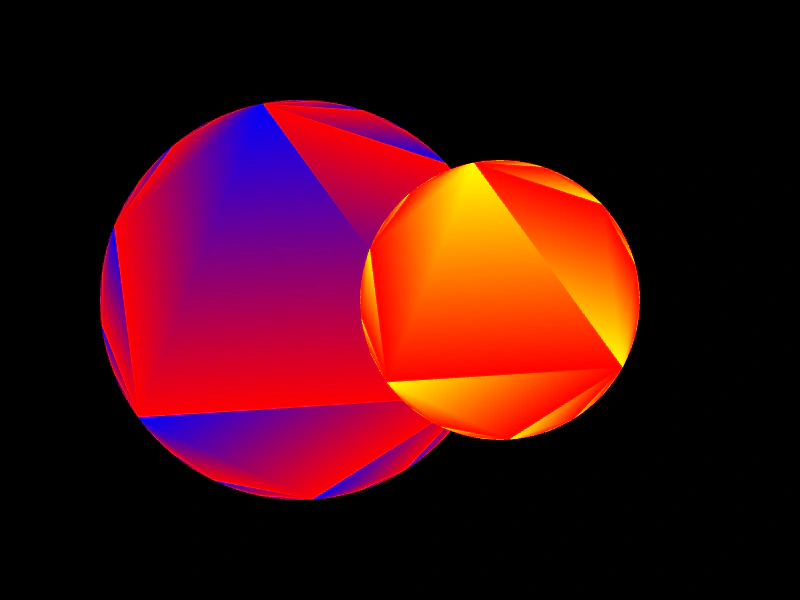 Graphics Gradient FillApply color gradients to primitive shapes, such as circles, using the fillGradientStyle method within a Graphics object.
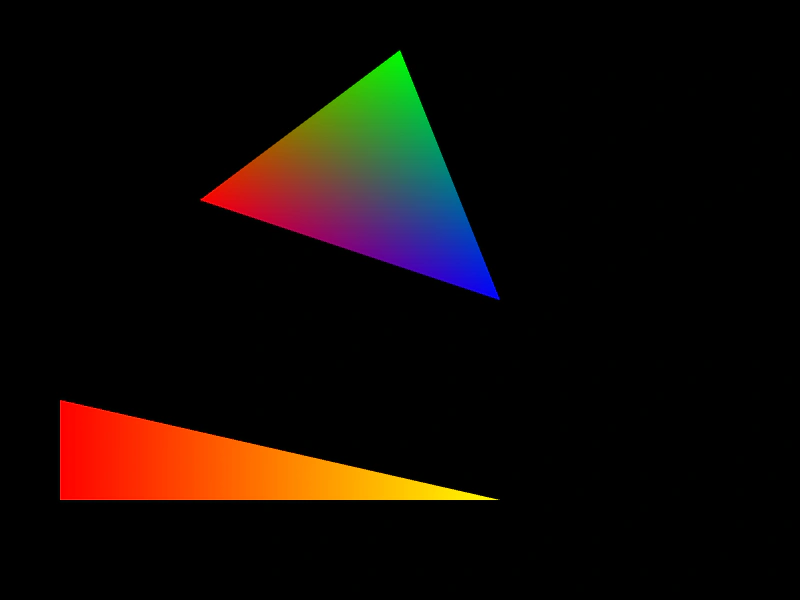 Graphics Triangle with Gradient FillDemonstrates how to apply multi-color gradients to triangle primitives using the fillGradientStyle method on a Graphics object.