Camera World View Properties
Demonstrates how the camera's worldView rectangle tracks the visible area of the game world as you scroll and zoom using keyboard controls.
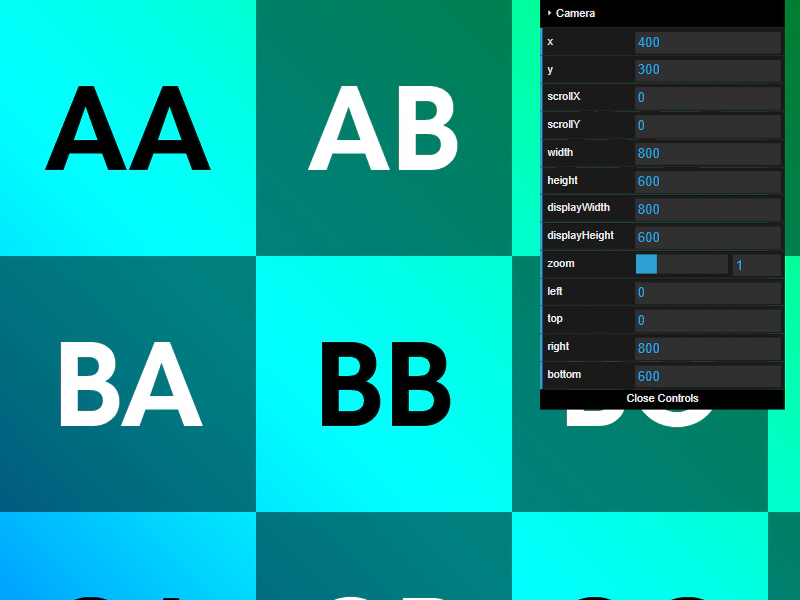
800 × 600
class Example extends Phaser.Scene
{
    constructor ()
    {
        super();
    }

    preload ()
    {
        this.load.setBaseURL('https://cdn.phaserfiles.com/v410');
        this.load.image('grid', 'assets/pics/uv-grid-4096-ian-maclachlan.png');
    }

    create ()
    {
        this.add.image(0, 0, 'grid')
            .setOrigin(0);

        const cursors = this.input.keyboard.createCursorKeys();

        const controlConfig = {
            camera: this.cameras.main,
            left: cursors.left,
            right: cursors.right,
            up: cursors.up,
            down: cursors.down,
            acceleration: 0.02,
            drag: 0.0005,
            maxSpeed: 1.0
        };

        this.controls = new Phaser.Cameras.Controls.SmoothedKeyControl(controlConfig);
        const cam = this.cameras.main;

        cam.setBounds(0, 0, 4096, 4096).setZoom(1);

        const gui = new dat.GUI();
        gui.addFolder('Camera');
        gui.add(cam.midPoint, 'x').listen();
        gui.add(cam.midPoint, 'y').listen();
        gui.add(cam, 'scrollX').listen();
        gui.add(cam, 'scrollY').listen();
        gui.add(cam, 'width').listen();
        gui.add(cam, 'height').listen();
        gui.add(cam, 'displayWidth').listen();
        gui.add(cam, 'displayHeight').listen();
        gui.add(cam, 'zoom', 0.1, 4).step(0.1);
        gui.add(cam.worldView, 'left').listen();
        gui.add(cam.worldView, 'top').listen();
        gui.add(cam.worldView, 'right').listen();
        gui.add(cam.worldView, 'bottom').listen();
    }

    update (time, delta)
    {
        this.controls.update(delta);
    }
}

const config = {
    scale: { mode: Phaser.Scale.FIT },
    type: Phaser.AUTO,
    parent: 'game-container',
    width: 800,
    height: 600,
    scene: Example
};

const game = new Phaser.Game(config);
More in Camera68 examples
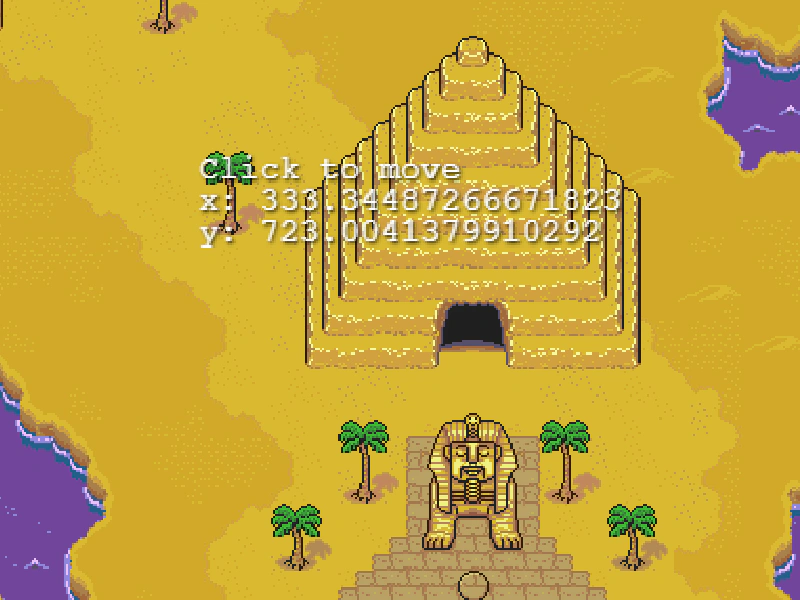 Camera Zoom To and PanDemonstrates how to smoothly transition the camera zoom level and position simultaneously over a set duration.
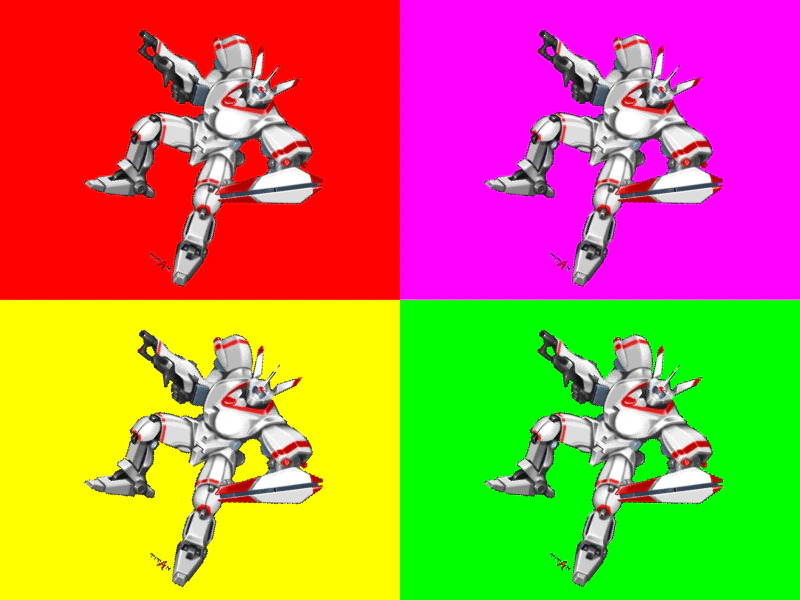 Cameras from Scene ConfigurationThis example demonstrates how to define multiple cameras directly within a Scene configuration object, including their dimensions, screen positions, and background colors.
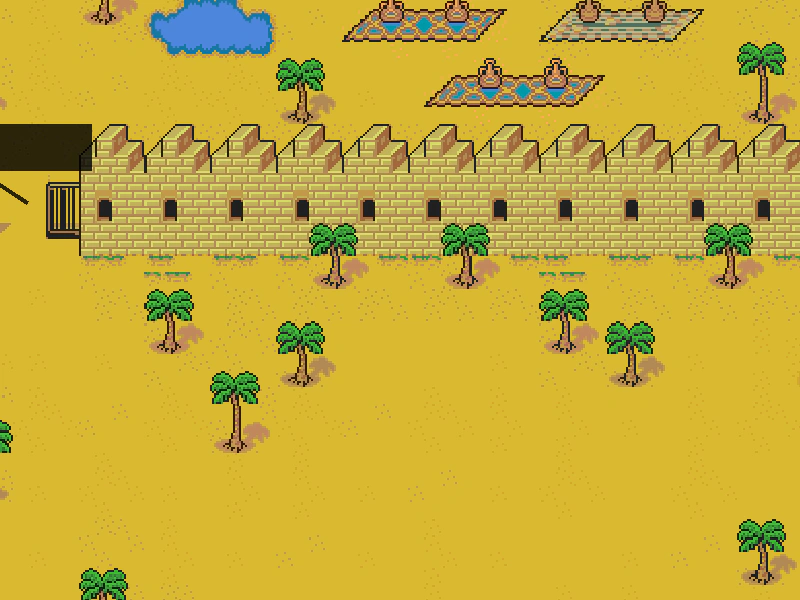 Cross Scene Object PlacementCalculate screen-space positions for UI elements in an overlay scene based on world-space coordinates in a background scene, factoring in camera panning and zoom levels.
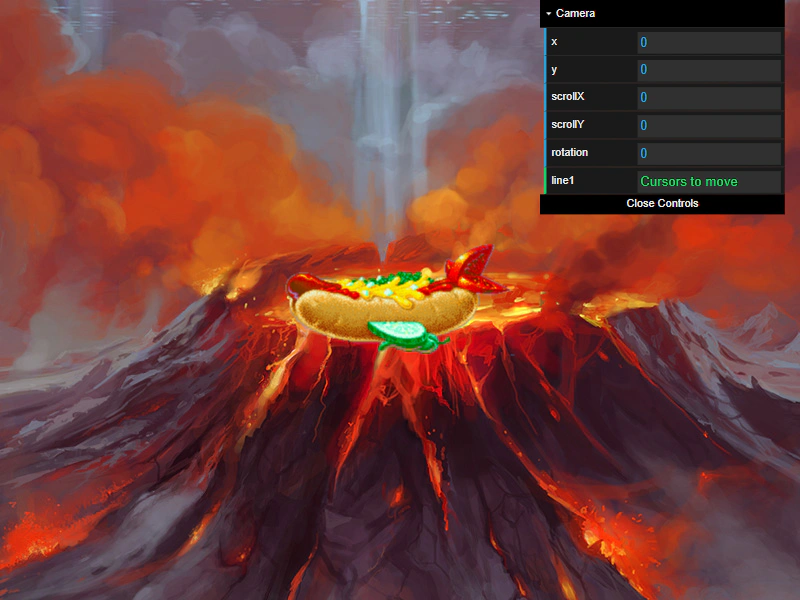 Fixed to Camera via Scroll FactorDemonstrates how to keep a sprite stationary on the screen while the camera moves by using the setScrollFactor method.