Camera Alpha
This example demonstrates how to adjust the transparency of a camera using its alpha property, affecting the visibility of all game objects rendered by that camera.
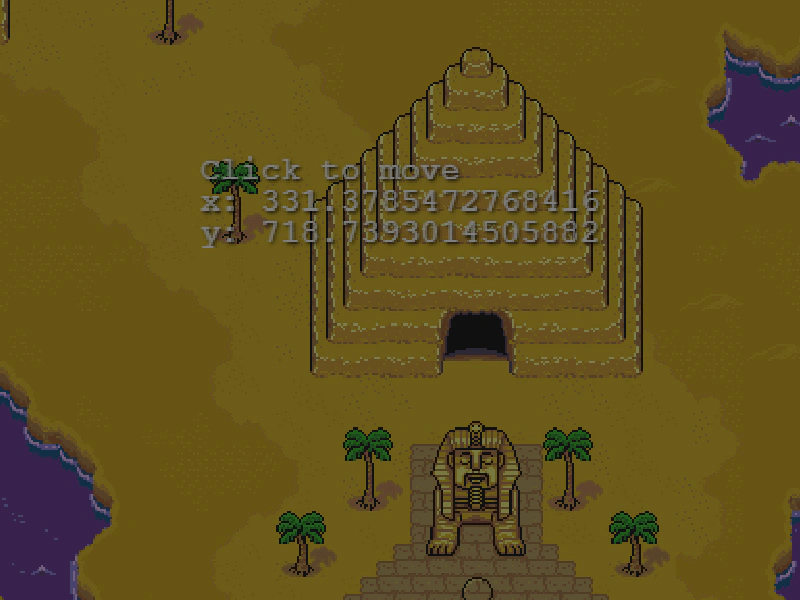
800 × 600
class Example extends Phaser.Scene
{
    constructor ()
    {
        super();
    }

    preload ()
    {
        this.load.setBaseURL('https://cdn.phaserfiles.com/v410');
        this.load.image('map', 'assets/tests/camera/earthbound-scarab.png');
    }

    create ()
    {
        this.cameras.main.setBounds(0, 0, 1024, 2048);

        this.add.image(0, 0, 'map').setOrigin(0);

        this.cameras.main.setZoom(1);
        this.cameras.main.centerOn(0, 0);

        this.text = this.add.text(304, 230)
            .setText('Click to move')
            .setScrollFactor(0);
            this.text.setShadow(1, 1, '#000000', 2);

        let pos = 0;
        this.input.on('pointerdown', function () {

            const cam = this.cameras.main;

            if (pos === 0)
            {
                cam.alpha = 0.5;
                cam.pan(767, 1096, 2000, 'Power2');
                cam.zoomTo(4, 3000);
                pos++;
            }
            else if (pos === 1)
            {
                cam.alpha = 1;
                cam.pan(703, 1621, 2000, 'Elastic');
                cam.zoomTo(2, 3000);
                pos++;
            }
            else if (pos === 2)
            {
                cam.alpha = 0.2;
                cam.pan(256, 623, 2000, 'Sine.easeInOut');
                cam.zoomTo(1, 3000);
                pos++;
            }
            else if (pos === 3)
            {
                cam.alpha = 0.9;
                cam.pan(166, 304, 2000);
                cam.zoomTo(4, 1500);
                pos++;
            }
            else if (pos === 4)
            {
                cam.alpha = 0.1;
                cam.pan(624, 158, 2000);
                cam.zoomTo(0.5, 3000);
                pos++;
            }
            else if (pos === 5)
            {
                cam.alpha = 0.6;
                cam.pan(680, 330, 2000);
                pos++;
            }
            else if (pos === 6)
            {
                cam.alpha = 1;
                cam.pan(748, 488, 2000);
                pos++;
            }
            else if (pos === 7)
            {
                cam.pan(1003, 1719, 2000);
                pos = 0;
            }

        }, this);
    }

    update ()
    {
        const cam = this.cameras.main;
        this.text.setText(['Click to move', 'x: ' + cam.scrollX, 'y: ' + cam.scrollY ]);
    }
}

const config = {
    scale: { mode: Phaser.Scale.FIT },
    type: Phaser.AUTO,
    parent: 'game-container',
    width: 800,
    height: 600,
    pixelArt: true,
    physics: {
        default: 'arcade',
    },
    scene: Example
};

const game = new Phaser.Game(config);
More in Camera68 examples
 Camera Background ColorLearn how to set a specific background color and alpha for an individual camera using RGBA values.
 Camera Background Color InterpolationLearn how to smoothly transition the camera's background color between two values based on a sprite's vertical position using color interpolation.
 Camera Blur ShaderDemonstrates how to apply a built-in blur filter to a specific camera and use camera ignore lists to keep certain game objects sharp.
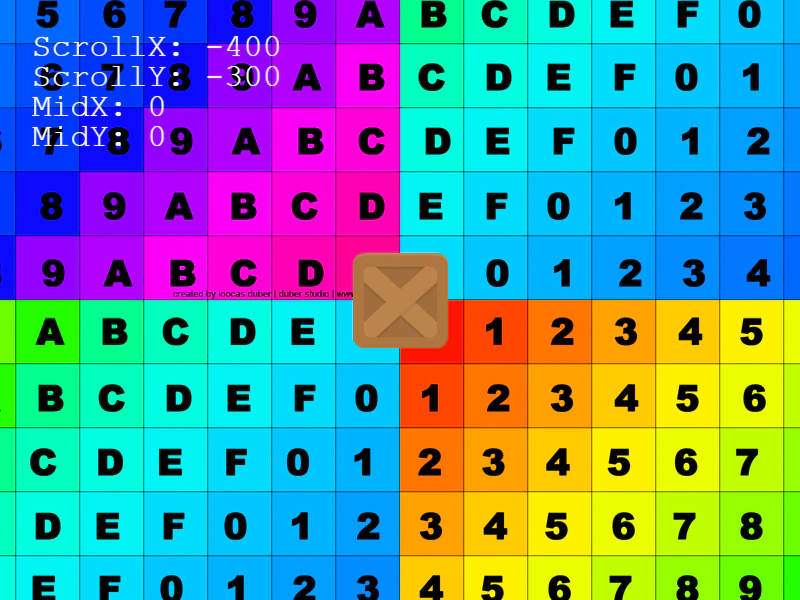 Camera Bounds with Negative CoordinatesThis example demonstrates how to set camera and physics world bounds using negative coordinates, allowing the camera to scroll into areas behind the (0,0) origin while following a player.