Set Scroll Factor
Demonstrates how to use setScrollFactor to control the movement speed of Game Objects relative to camera scrolling, ideal for creating parallax effects or fixed UI elements.
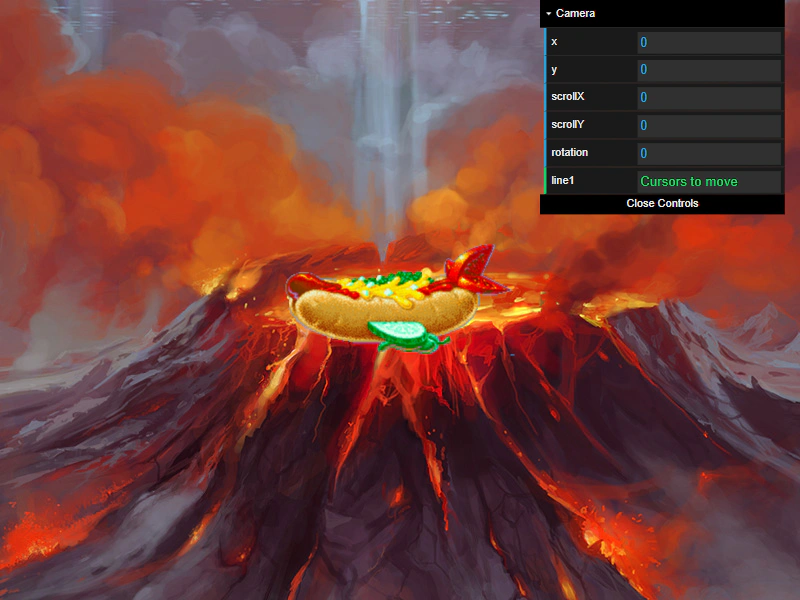
800 × 600
class Example extends Phaser.Scene
{
    constructor ()
    {
        super();
    }

    preload ()
    {
        this.load.setBaseURL('https://cdn.phaserfiles.com/v410');
        this.load.image('volcano', 'assets/pics/the-end-by-iloe-and-made.jpg');
        this.load.image('hotdog', 'assets/sprites/hotdog.png');
    }

    create ()
    {
        //  A background image - scrolls with the camera at a 1:1 ratio
        this.add.image(400, 300, 'volcano');

        //  A sprite, scrolls at half the speed of the camera
        this.add.image(400, 300, 'hotdog').setScrollFactor(0.50);

        //  A sprite, scrolls at quarter the speed of the camera
        this.add.image(400, 300, 'hotdog').setScrollFactor(0.25);

        //  A sprite, doesn't scroll with the camera (is fixed to camera)
        this.add.image(400, 300, 'hotdog').setScrollFactor(0);

        //  From here down is just camera controls and feedback

        const cursors = this.input.keyboard.createCursorKeys();

        const controlConfig = {
            camera: this.cameras.main,
            left: cursors.left,
            right: cursors.right,
            up: cursors.up,
            down: cursors.down,
            acceleration: 0.06,
            drag: 0.0005,
            maxSpeed: 1.0
        };

        this.controls = new Phaser.Cameras.Controls.SmoothedKeyControl(controlConfig);

        var cam = this.cameras.main;

        const gui = new dat.GUI();

        var help = {
            line1: 'Cursors to move'
        }

        var f1 = gui.addFolder('Camera');
        f1.add(cam, 'x').listen();
        f1.add(cam, 'y').listen();
        f1.add(cam, 'scrollX').listen();
        f1.add(cam, 'scrollY').listen();
        f1.add(cam, 'rotation').min(0).step(0.01).listen();
        f1.add(help, 'line1');
        f1.open();
    }

    update (time, delta)
    {
        this.controls.update(delta);
    }
}

const config = {
    scale: { mode: Phaser.Scale.FIT },
    type: Phaser.AUTO,
    parent: 'game-container',
    width: 800,
    height: 600,
    backgroundColor: '#000000',
    scene: Example
};

const game = new Phaser.Game(config);
More in Camera68 examples
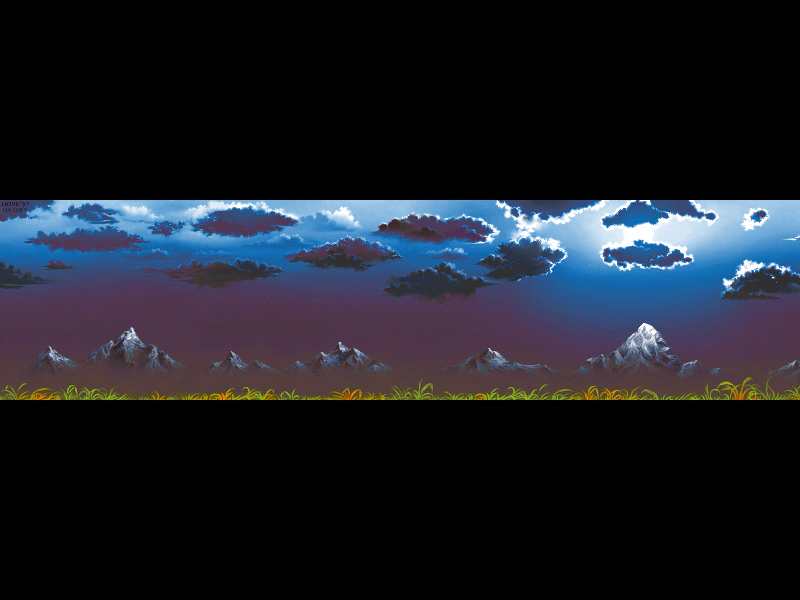 Set Small Camera BoundsRestricts camera movement to a defined area using setBounds, allowing for horizontal scrolling while limiting vertical movement.
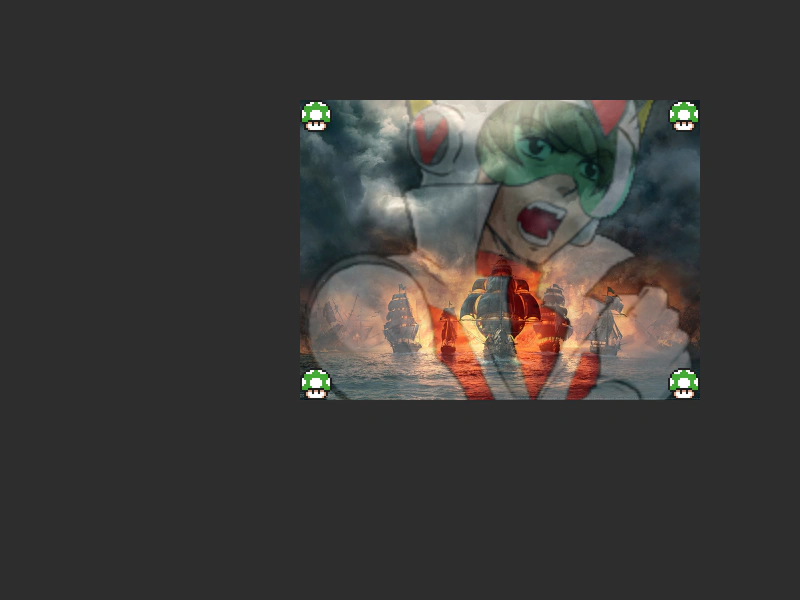 Single Small CameraDemonstrates how to adjust the camera viewport, zoom, and scroll position to render a scene within a smaller, specific portion of the game canvas.
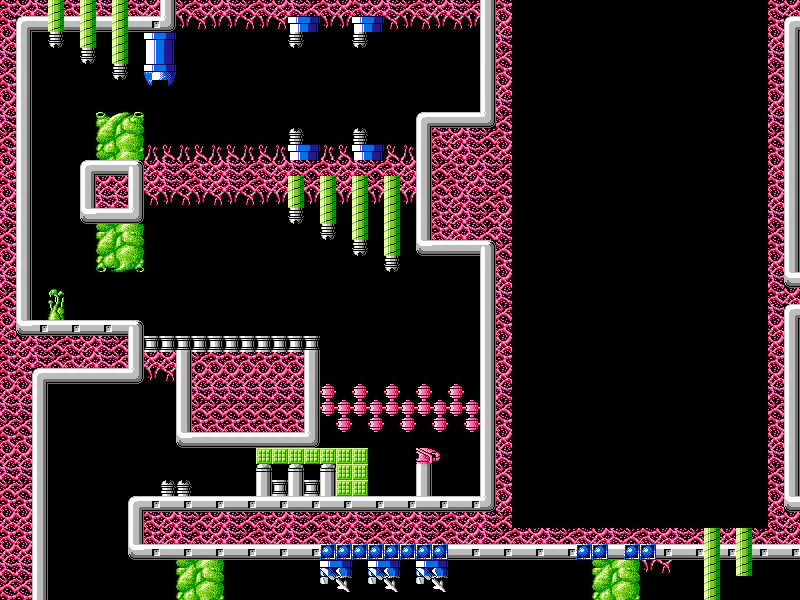 Tile Map Camera ShakeDemonstrates how to apply a screen shake effect to the camera while navigating a large tilemap using fixed keyboard controls.
 World Coordinates from Another SceneConvert screen pointer coordinates into world coordinates using a camera reference from a different scene, accounting for that camera's specific zoom and scroll values.