Camera Bounds with Negative Coordinates
This example demonstrates how to set camera and physics world bounds using negative coordinates, allowing the camera to scroll into areas behind the (0,0) origin while following a player.
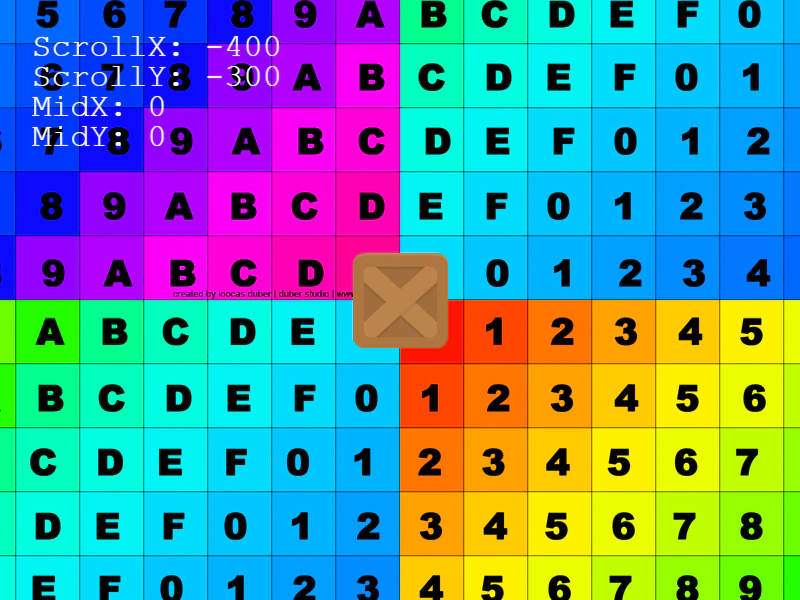
800 × 600
class Example extends Phaser.Scene
{
    constructor ()
    {
        super();
        this.moveCam = false;
    }

    preload ()
    {
        this.load.setBaseURL('https://cdn.phaserfiles.com/v410');
        this.load.image('bg', 'assets/pics/uv-grid-diag.png');
        this.load.image('block', 'assets/sprites/block.png');
    }

    create ()
    {
        //  Set the camera and physics bounds to be the size of 4x4 bg images
        this.cameras.main.setBounds(-1024, -1024, 1024 * 2, 1024 * 2);
        this.physics.world.setBounds(-1024, -1024, 1024 * 2, 1024 * 2);

        this.add.image(-1024, -1024, 'bg').setOrigin(0);
        this.add.image(0, -1024, 'bg').setOrigin(0);
        this.add.image(-1024, 0, 'bg').setOrigin(0);
        this.add.image(0, 0, 'bg').setOrigin(0);

        this.cursors = this.input.keyboard.createCursorKeys();

        this.player = this.physics.add.image(0, 0, 'block');

        this.player.setCollideWorldBounds(true);

        this.cameras.main.startFollow(this.player, true);

        // this.cameras.main.setDeadzone(400, 200);
        // this.cameras.main.setZoom(0.5);

        if (this.cameras.main.deadzone)
        {
           const graphics = this.add.graphics().setScrollFactor(0);
            graphics.lineStyle(2, 0x00ff00, 1);
            graphics.strokeRect(200, 200, this.cameras.main.deadzone.width, this.cameras.main.deadzone.height);
        }

        this.text = this.add.text(32, 32).setScrollFactor(0).setFontSize(32).setColor('#ffffff');
    }

    update ()
    {
        var cam = this.cameras.main;

        if (cam.deadzone)
        {
            this.text.setText([
                'ScrollX: ' + cam.scrollX,
                'ScrollY: ' + cam.scrollY,
                'MidX: ' + cam.midPoint.x,
                'MidY: ' + cam.midPoint.y,
                'deadzone left: ' + cam.deadzone.left,
                'deadzone right: ' + cam.deadzone.right,
                'deadzone top: ' + cam.deadzone.top,
                'deadzone bottom: ' + cam.deadzone.bottom
            ]);
        }
        else
        {
            this.text.setText([
                'ScrollX: ' + cam.scrollX,
                'ScrollY: ' + cam.scrollY,
                'MidX: ' + cam.midPoint.x,
                'MidY: ' + cam.midPoint.y
            ]);
        }
        this.player.setVelocity(0);

        if (this.cursors.left.isDown)
        {
            this.player.setVelocityX(-300);
        }
        else if (this.cursors.right.isDown)
        {
            this.player.setVelocityX(300);
        }

        if (this.cursors.up.isDown)
        {
            this.player.setVelocityY(-300);
        }
        else if (this.cursors.down.isDown)
        {
            this.player.setVelocityY(300);
        }
    }
}

const config = {
    scale: { mode: Phaser.Scale.FIT },
    type: Phaser.AUTO,
    parent: 'game-container',
    width: 800,
    height: 600,
    physics: {
        default: 'arcade',
    },
    scene: Example
};
const game = new Phaser.Game(config);
More in Camera68 examples
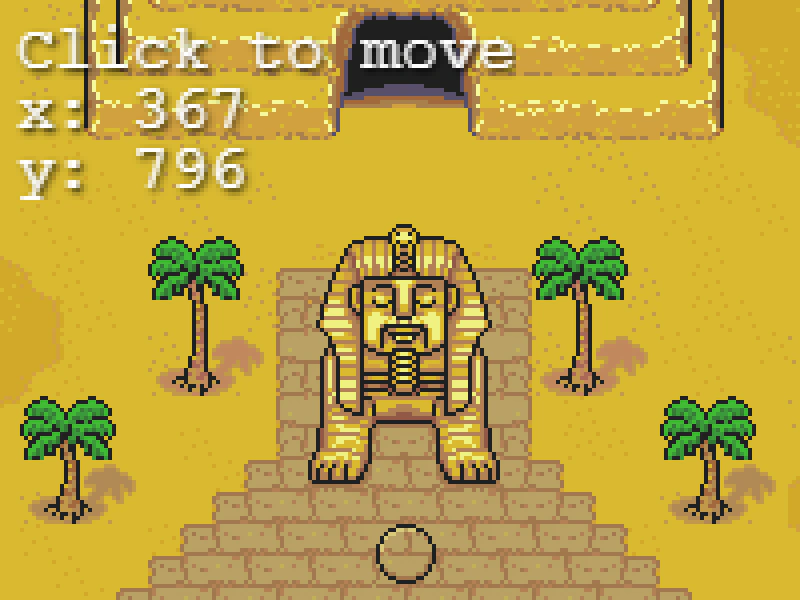 Camera Center OnUse the centerOn method to snap the camera focus to specific world coordinates, demonstrated with a zoomed-in view of a large map.
 Camera Effect CallbacksDemonstrates how to sequence multiple camera effects like flash, shake, and fade by using completion callbacks to trigger the next effect in a chain.
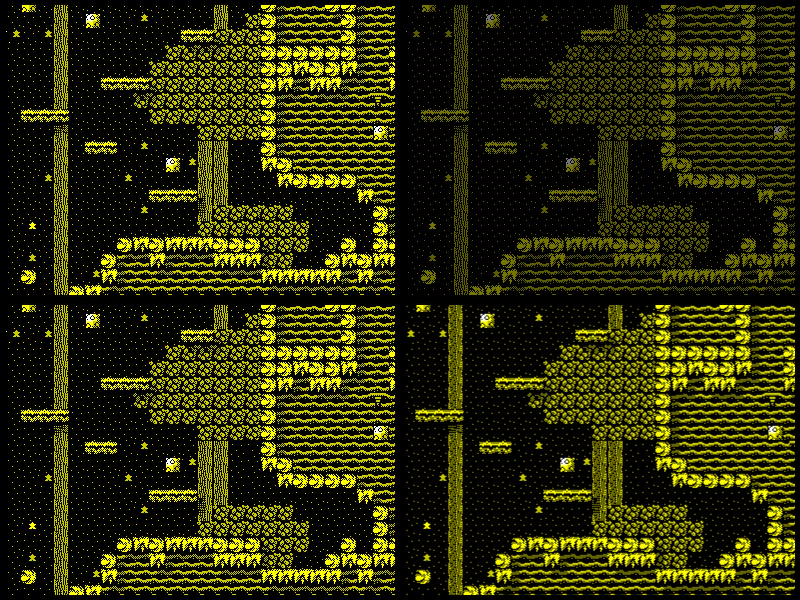 Camera EffectsDemonstrates the built-in camera special effects including fading, flashing, and shaking using multiple cameras and viewports.
 Camera External Filter ScanlineDemonstrates applying an external shader filter to a camera and updating the shader's uniform values based on mouse input.