Remove Camera On Click
Demonstrates how to dynamically remove cameras from the Camera Manager using pointer input and add new cameras to specific screen coordinates.
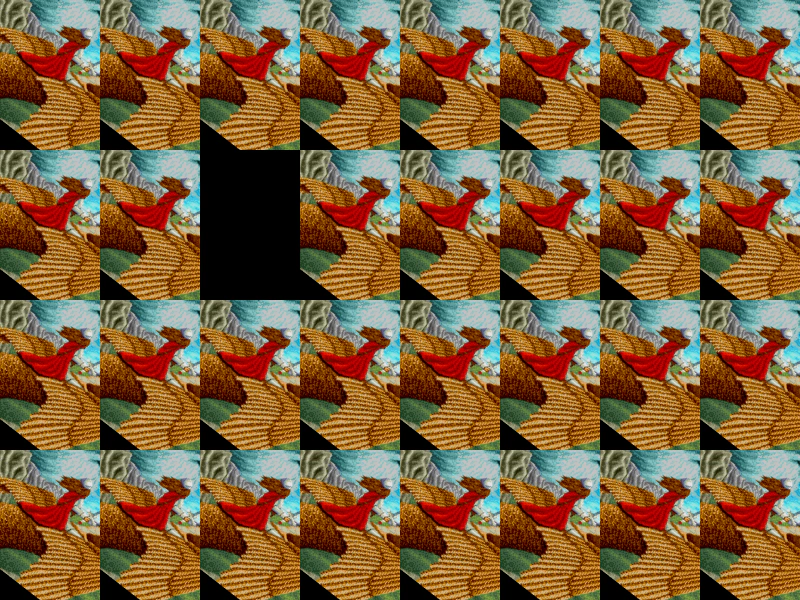
800 × 600
class Example extends Phaser.Scene
{
    constructor ()
    {
        super();
    }

    preload ()
    {
        this.load.setBaseURL('https://cdn.phaserfiles.com/v410');
        this.load.image('einstein', 'assets/pics/monika-krawinkel-amberstar-title.png');
    }

    create ()
    {
        this.image = this.add.image(100, 70, 'einstein');

        //  We're going to create 32 cameras in a 8x4 grid, making each 100x150 in size
        this.cameras.main.setSize(100, 150);
        this.cameras.main.name = 'Cam0';

        let i = 1;

        for (let y = 0; y < 4; y++)
        {
            for (let x = 0; x < 8; x++)
            {
                if (x === 0 && y === 0)
                {
                    continue;
                }

                const tx = x * 100;
                const ty = y * 150;

                this.cameras.add(tx, ty, 100, 150, false, 'Cam' + i);

                i++;

            }
        }

        this.input.on(Phaser.Input.Events.POINTER_UP, function (pointer) {

            const x = Phaser.Math.Snap.Floor(pointer.x, 100);
            const y = Phaser.Math.Snap.Floor(pointer.y, 150);

            const total = this.cameras.remove(pointer.camera);

            if (total === 0)
            {
                const newCam = this.cameras.add(x, y, 100, 150);
                console.log('Added Camera ID', newCam.id);
            }
            else
            {
                console.log('Removed Camera ID', pointer.camera.id);
            }

        }, this);
    }

    update ()
    {
        this.image.rotation += 0.01;
    }
}

const config = {
    scale: { mode: Phaser.Scale.FIT },
    type: Phaser.AUTO,
    parent: 'game-container',
    width: 800,
    height: 600,
    scene: Example
};

const game = new Phaser.Game(config);
More in Camera68 examples
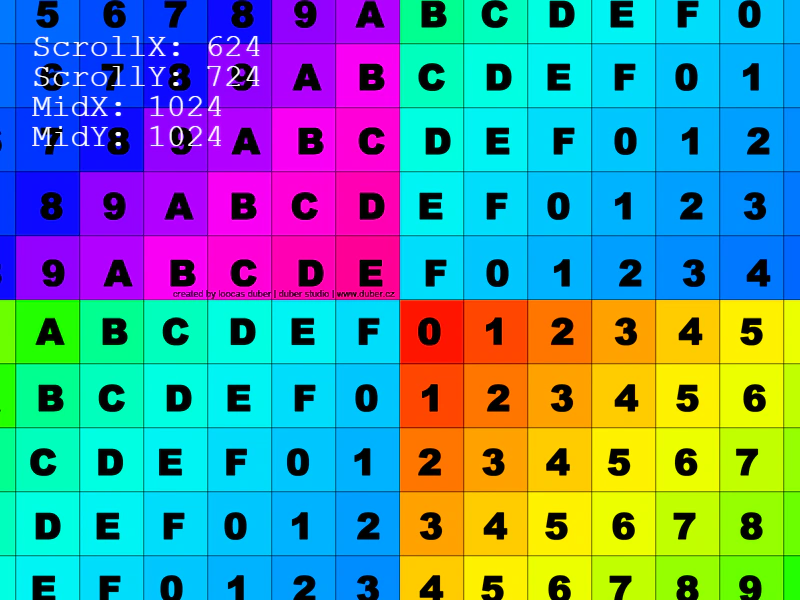 Rotate CameraRotate and pan the camera view using keyboard input while observing scroll coordinates and camera midpoint values.
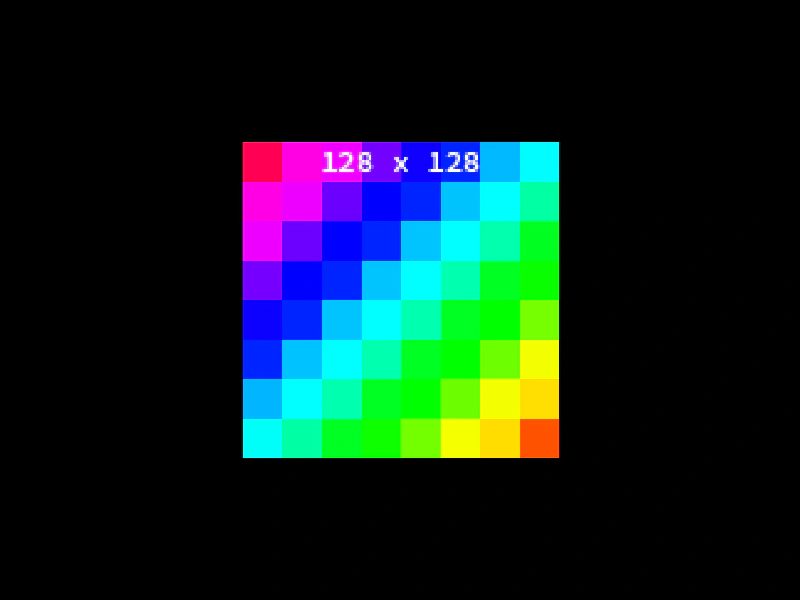 Round PixelsLearn how to use the Camera roundPixels setting to ensure sprites are rendered on integer coordinates, preventing sub-pixel blurring even when using non-integer positions or zoom levels.
 Set Camera BoundsThis example demonstrates how to restrict a camera's movement to a specific rectangular area using the setBounds method, preventing it from panning outside the defined limits of the game world.
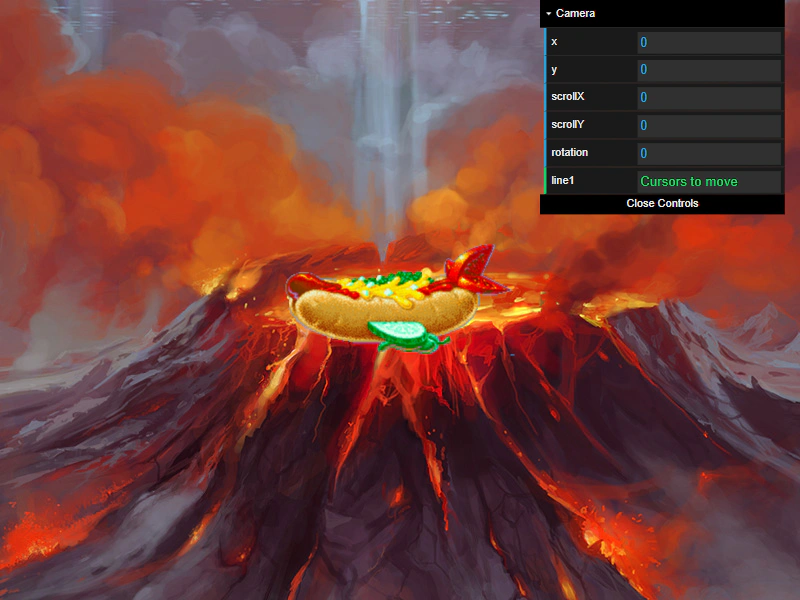 Set Scroll FactorDemonstrates how to use setScrollFactor to control the movement speed of Game Objects relative to camera scrolling, ideal for creating parallax effects or fixed UI elements.