Camera Fade Effect
Demonstrates how to trigger a camera fade-out effect with custom colors and durations, while using event listeners to detect when the fade starts and completes.

800 × 600
class Example extends Phaser.Scene
{
    constructor ()
    {
        super();
    }

    preload ()
    {
        this.load.setBaseURL('https://cdn.phaserfiles.com/v410');
        this.load.image('pic', 'assets/pics/a-new-link-to-the-past-by-ptimm.jpg');
        this.load.image('logo', 'assets/sprites/phaser3-logo.png');
    }

    create ()
    {
        this.add.image(400, 300, 'pic');

        this.logo = this.add.image(400, 200, 'logo')
            .setVisible(false);

        //  Let's show the logo when the camera shakes, and hide it when it completes
        this.cameras.main.on('camerafadeoutstart', function () {

            this.logo.setVisible(true);

        }, this);

        this.cameras.main.on('camerafadeoutcomplete', function () {

            this.logo.setVisible(false);

        }, this);

        //  Every time you click, fade the camera
        this.input.on('pointerdown', function () {

            //  Get a random color
            var red = Phaser.Math.Between(50, 255);
            var green = Phaser.Math.Between(50, 255);
            var blue = Phaser.Math.Between(50, 255);

            this.cameras.main.fade(2000, red, green, blue);

        }, this);
    }
}

const config = {
    scale: { mode: Phaser.Scale.FIT },
    type: Phaser.AUTO,
    parent: 'game-container',
    width: 800,
    height: 600,
    scene: Example
};

const game = new Phaser.Game(config);
More in Camera68 examples
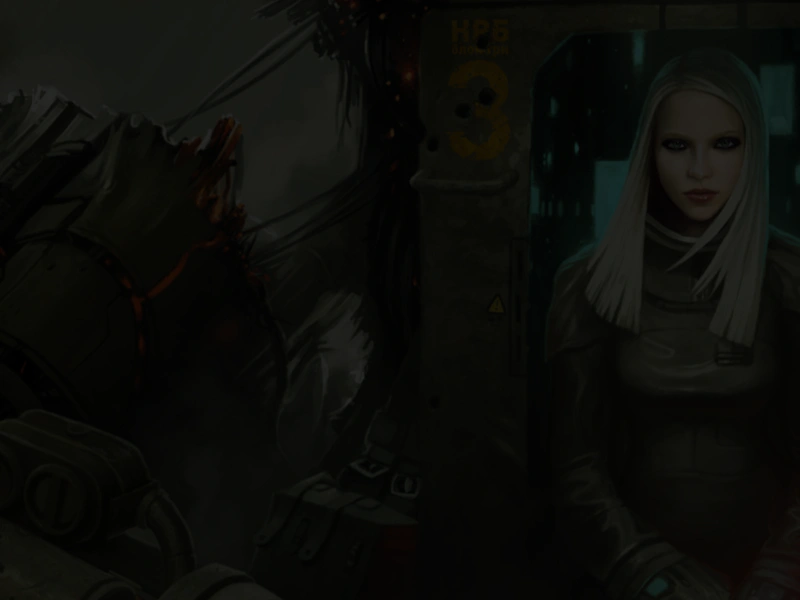 Camera Fade In and OutDemonstrates how to use camera fade effects to transition a scene in and out, using the fade completion event to chain effects.
 Camera Fade Out and InDemonstrates how to chain camera fade effects using the camera fade completion event to transition between different scenes or images.
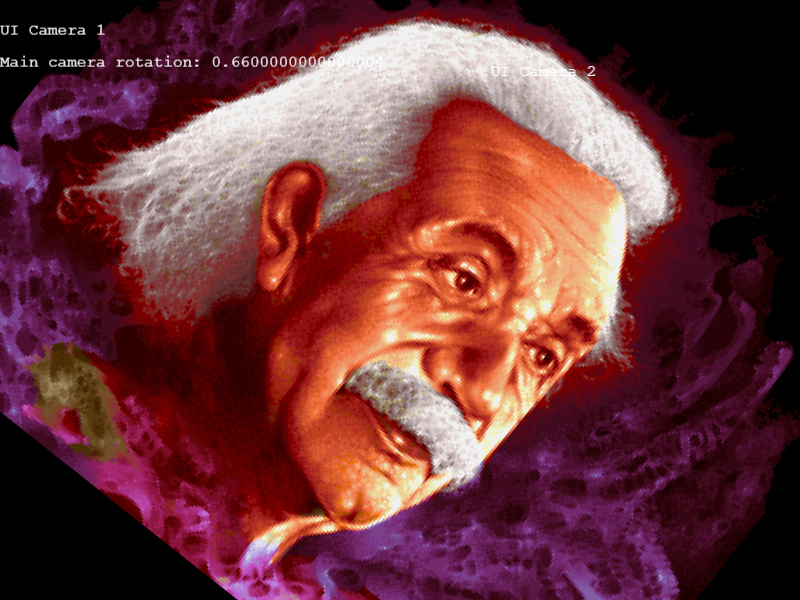 Camera FilterDemonstrates how to use the cameraFilter property to control which Game Objects are rendered by specific cameras, allowing for independent UI layers and isolated camera effects.
 Camera Filter ShaderDemonstrates applying a custom post-processing shader filter to a camera view, affecting all rendered content including background images and fixed UI elements.