Camera Follow Offset
Demonstrates how to use followOffset to adjust the camera position relative to its target, shifting the view as the player moves left or right.
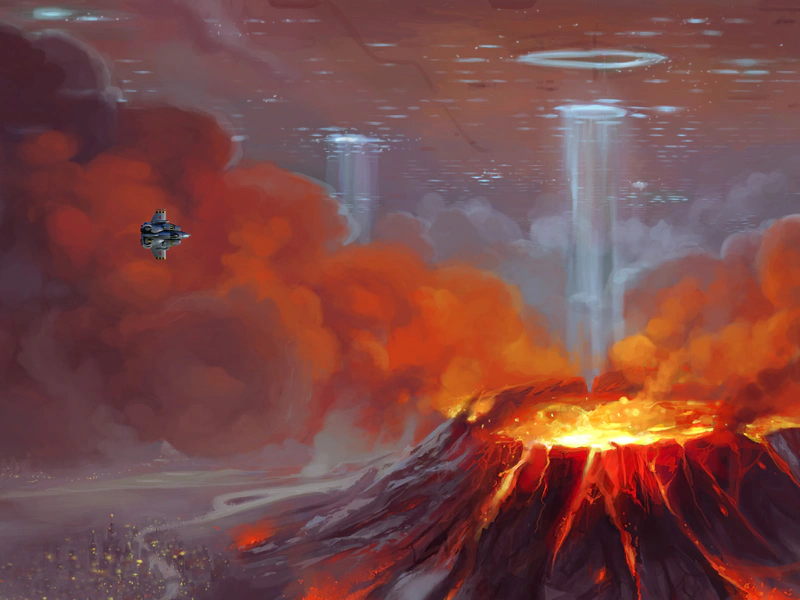
1024 × 768
class Example extends Phaser.Scene
{
    constructor ()
    {
        super();
    }

    preload ()
    {
        this.load.setBaseURL('https://cdn.phaserfiles.com/v410');
        this.load.image('bg', 'assets/pics/the-end-by-iloe-and-made.jpg');
        this.load.image('ship', 'assets/sprites/x2kship.png');
    }

    create ()
    {
        //  Set the camera and physics bounds to be the size of 4x4 bg images
        this.cameras.main.setBounds(0, 0, 1920 * 2, 1080 * 2);
        this.physics.world.setBounds(0, 0, 1920 * 2, 1080 * 2);

        //  Mash 4 images together to create our background
        this.add.image(0, 0, 'bg').setOrigin(0);
        this.add.image(1920, 0, 'bg').setOrigin(0).setFlipX(true);
        this.add.image(0, 1080, 'bg').setOrigin(0).setFlipY(true);
        this.add.image(1920, 1080, 'bg').setOrigin(0).setFlipX(true).setFlipY(true);

        this.cursors = this.input.keyboard.createCursorKeys();

        this.player = this.physics.add.image(400, 300, 'ship');

        this.player.setCollideWorldBounds(true);

        this.cameras.main.startFollow(this.player);

        this.cameras.main.followOffset.set(-300, 0);
    }

    update ()
    {
        this.player.setVelocity(0);

        if (this.cursors.left.isDown)
        {
            this.player.setVelocityX(-500);
            this.player.setFlipX(true);
            this.cameras.main.followOffset.x = 300;
        }
        else if (this.cursors.right.isDown)
        {
            this.player.setVelocityX(500);
            this.player.setFlipX(false);
            this.cameras.main.followOffset.x = -300;
        }

        if (this.cursors.up.isDown)
        {
            this.player.setVelocityY(-500);
        }
        else if (this.cursors.down.isDown)
        {
            this.player.setVelocityY(500);
        }
    }
}

const config = {
    scale: { mode: Phaser.Scale.FIT },
    type: Phaser.AUTO,
    parent: 'game-container',
    physics: {
        default: 'arcade',
    },
    scene: Example
};

const game = new Phaser.Game(config);
More in Camera68 examples
 Camera Follow SpriteDemonstrates how to have the main camera follow a user-controlled physics sprite while constrained within specific world bounds.
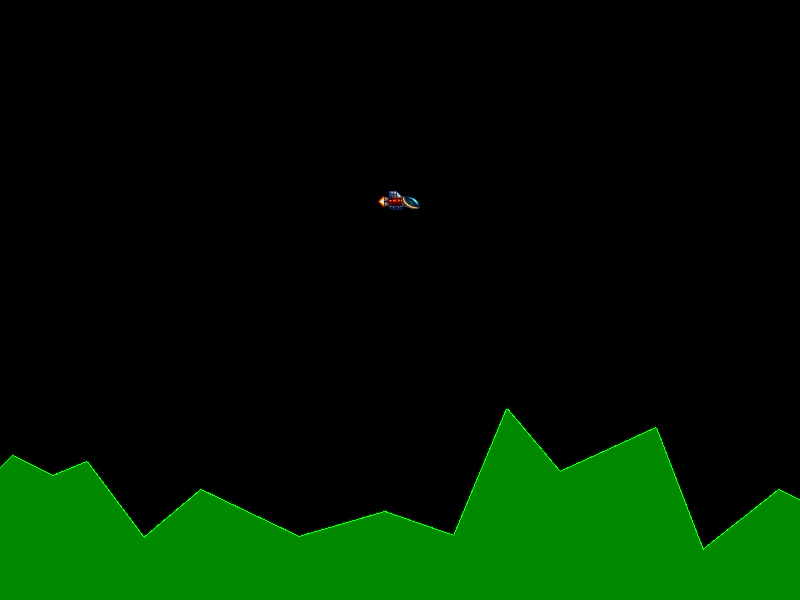 Camera Follow with Graphics LandscapeCreate a procedurally generated landscape using the Graphics API and configure the camera to follow a Matter physics-enabled sprite across a wide world.
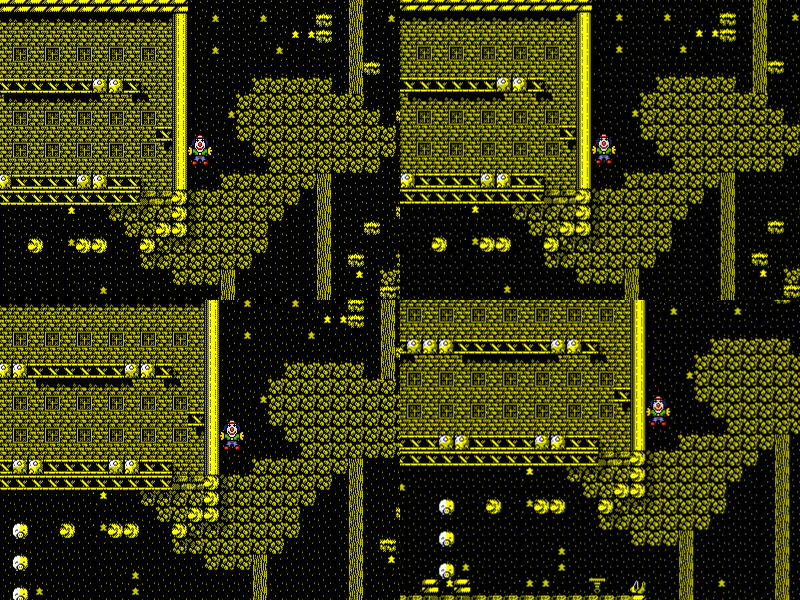 Camera Follow with LerpThis example demonstrates how to have multiple cameras follow a single sprite simultaneously, using different lerp (interpolation) values to achieve varying levels of smooth movement and tracking delays.
 Camera Follow with ZoomDemonstrates the camera following a moving sprite with a high zoom level applied, constrained within specified world bounds.