Camera Plasma Shader Filter
Apply a dynamic plasma shader effect to the main camera view while using smoothed keyboard controls to navigate.

1024 × 768
// #module
import Plasma from './assets/rendernodes/FilterPlasma.js';

export default class Example extends Phaser.Scene
{
    preload ()
    {
        this.load.setBaseURL('https://cdn.phaserfiles.com/v410');
        this.load.image('volcano', 'assets/pics/remember-me.jpg');
        this.load.image('hotdog', 'assets/sprites/hotdog.png');
    }
    create ()
    {
        this.add.image(400, 300, 'volcano').setAlpha(0.2);
        this.add.image(400, 300, 'hotdog').setScrollFactor(0);

        this.cameras.main.filters.external.add(new Plasma.Controller(this.cameras.main));

        const cursors = this.input.keyboard.createCursorKeys();

        const controlConfig = {
            camera: this.cameras.main,
            left: cursors.left,
            right: cursors.right,
            up: cursors.up,
            down: cursors.down,
            acceleration: 0.06,
            drag: 0.0005,
            maxSpeed: 1.0
        };

        this.controls = new Phaser.Cameras.Controls.SmoothedKeyControl(controlConfig);
    }
    update (time, delta)
    {
        this.controls.update(delta);
        time += 0.005;
    }
}

const config = {
    scale: { mode: Phaser.Scale.FIT },
    type: Phaser.AUTO,
    parent: 'game-container',
    width: 800,
    height: 600,
    backgroundColor: '#000000',
    scene: Example,
    renderNodes: {
        FilterPlasma: Plasma.Filter
    },
}

const game = new Phaser.Game(config);
More in Camera68 examples
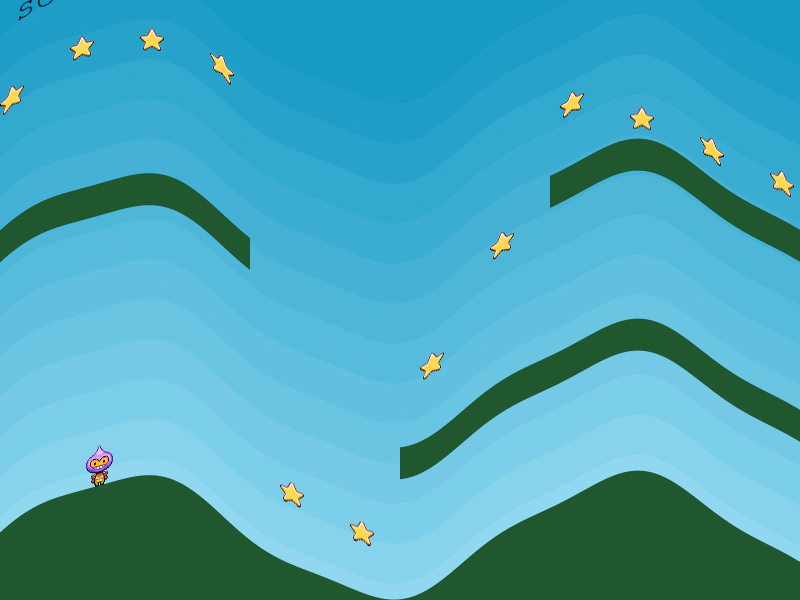 Camera Post-Processing Shader EffectDemonstrates applying a full-screen post-processing shader filter to a camera, creating a visual wave distortion effect over the entire game scene.
 Camera Post-Processing Shader FilterDemonstrates applying a custom shader filter to the entire camera view. The post-processing effect is applied to all rendered objects, including background elements and sprites with fixed scroll factors.
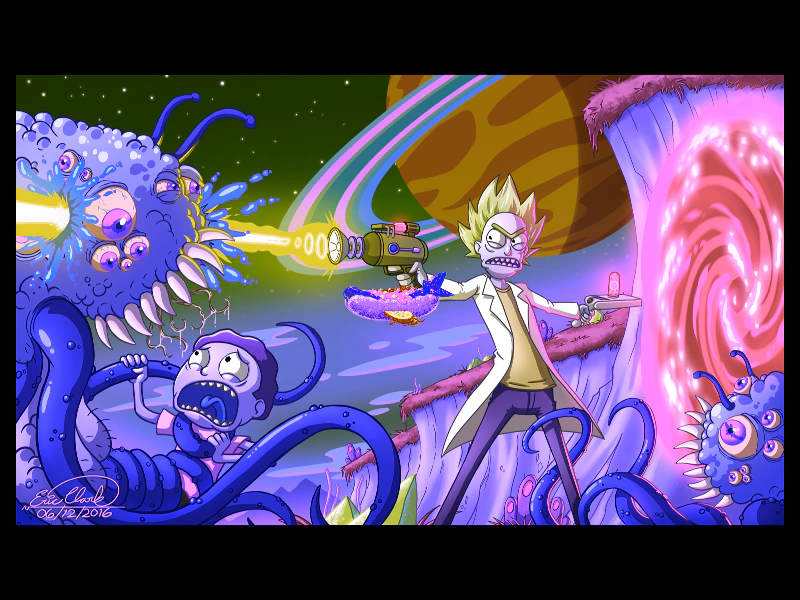 Camera Shader FilterApply an external shader filter to a camera to process its entire rendered output, featuring a hue rotation effect and smooth camera controls.
 Camera Shake EffectLearn how to apply a screen shake effect to the main camera and use the camera shake start and complete events to trigger logic.