Multiple Cameras
Learn how to divide the game canvas into multiple viewports by adding and positioning several cameras within a single scene.
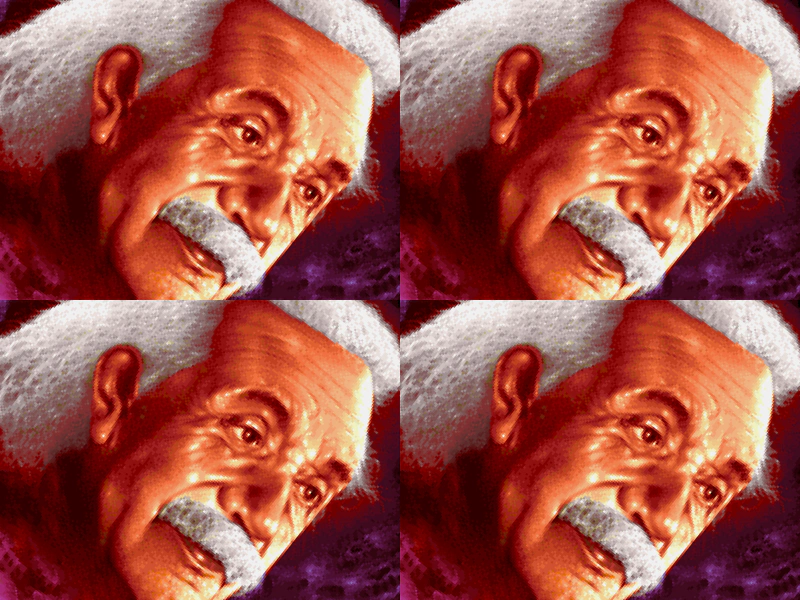
800 × 600
class Example extends Phaser.Scene
{
    preload ()
    {
        this.load.setBaseURL('https://cdn.phaserfiles.com/v410');
        this.load.image('einstein', 'assets/pics/ra-einstein.png');
    }

    create ()
    {
        this.image = this.add.image(200, 150, 'einstein');

        this.cameras.main.setSize(400, 300);

        this.cameras.add(400, 0, 400, 300);
        this.cameras.add(0, 300, 400, 300);
        this.cameras.add(400, 300, 400, 300);
    }

    update ()
    {
        this.image.rotation += 0.01;
    }
}

const config = {
    scale: { mode: Phaser.Scale.FIT },
    type: Phaser.WEBGL,
    parent: 'game-container',
    width: 800,
    height: 600,
    scene: Example
};

const game = new Phaser.Game(config);
More in Camera68 examples
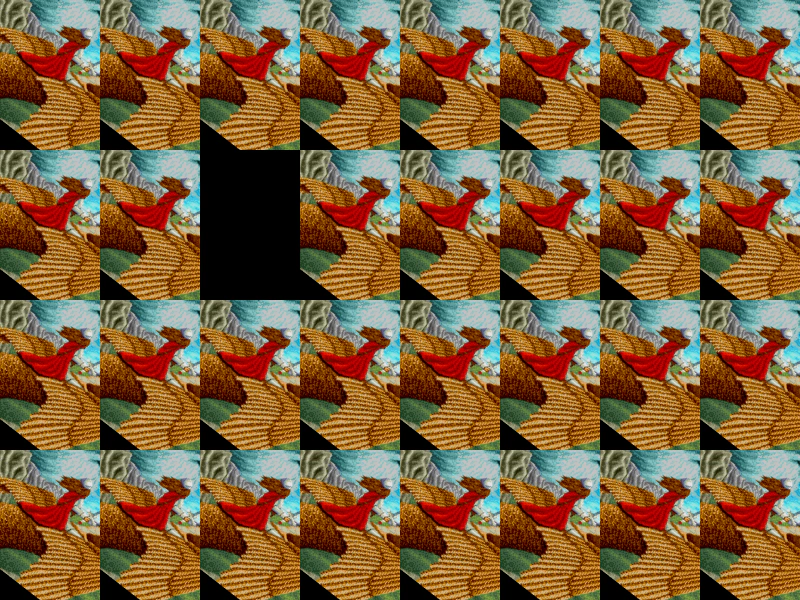
 Multiple Cameras GridDemonstrates how to create and arrange 32 separate cameras in a grid layout to view the same scene content.
 Remove Camera On ClickDemonstrates how to dynamically remove cameras from the Camera Manager using pointer input and add new cameras to specific screen coordinates.
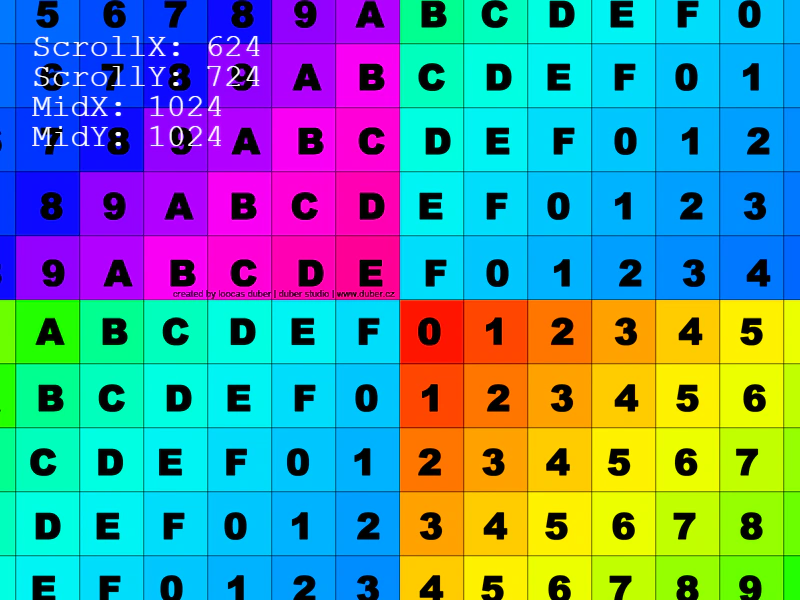 Rotate CameraRotate and pan the camera view using keyboard input while observing scroll coordinates and camera midpoint values.
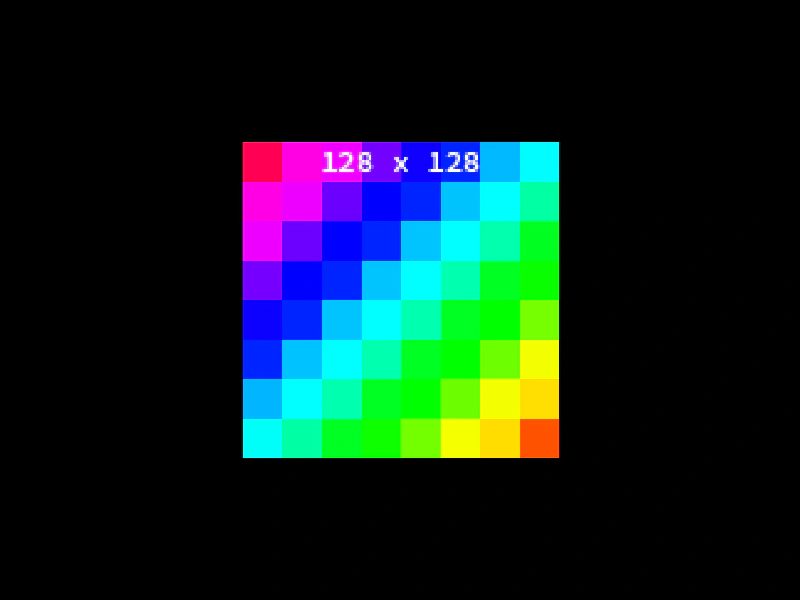 Round PixelsLearn how to use the Camera roundPixels setting to ensure sprites are rendered on integer coordinates, preventing sub-pixel blurring even when using non-integer positions or zoom levels.