Cameras from Scene Configuration
This example demonstrates how to define multiple cameras directly within a Scene configuration object, including their dimensions, screen positions, and background colors.
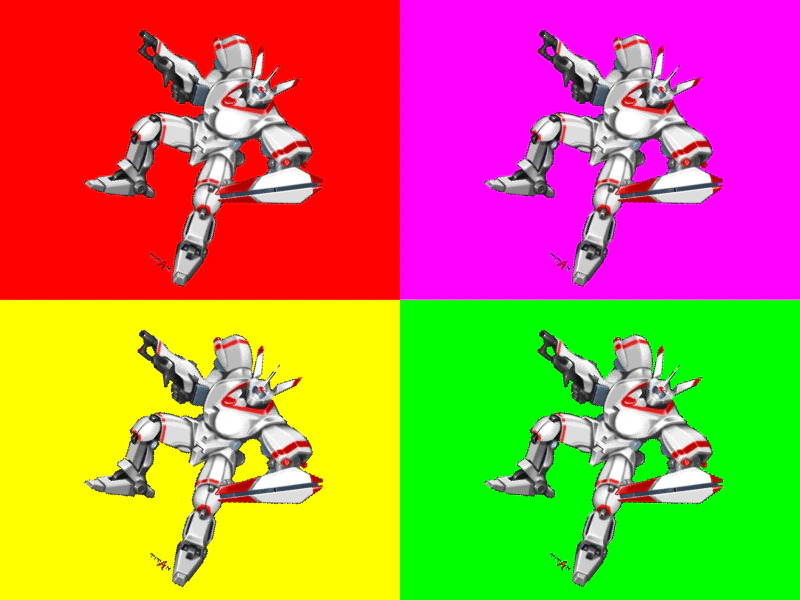
800 × 600
// Scene configuration
const sceneConfig = {
    key: 'Example',
    cameras: [
        {
            width: 400,
            height: 300,
            backgroundColor: '#ff0000'
        },
        {
            x: 400,
            y: 0,
            width: 400,
            height: 300,
            backgroundColor: '#ff00ff'
        },
        {
            x: 0,
            y: 300,
            width: 400,
            height: 300,
            backgroundColor: '#ffff00'
        },
        {
            x: 400,
            y: 300,
            width: 400,
            height: 300,
            backgroundColor: '#00ff00'
        }
    ]
};

// Scene
class Example extends Phaser.Scene
{
    constructor ()
    {
        super(sceneConfig);
    }

    preload ()
    {
        this.load.setBaseURL('https://cdn.phaserfiles.com/v410');
        this.load.image('mech', 'assets/pics/titan-mech.png');
    }

    create ()
    {
        this.image = this.add.image(200, 150, 'mech');
    }

    update ()
    {
        this.image.rotation += 0.01;
    }
}

const config = {
    scale: { mode: Phaser.Scale.FIT },
    type: Phaser.WEBGL,
    parent: 'game-container',
    width: 800,
    height: 600,
    scene: Example
};

const game = new Phaser.Game(config);
More in Camera68 examples
 Cross Scene Object PlacementCalculate screen-space positions for UI elements in an overlay scene based on world-space coordinates in a background scene, factoring in camera panning and zoom levels.
 Fixed to Camera via Scroll FactorDemonstrates how to keep a sprite stationary on the screen while the camera moves by using the setScrollFactor method.
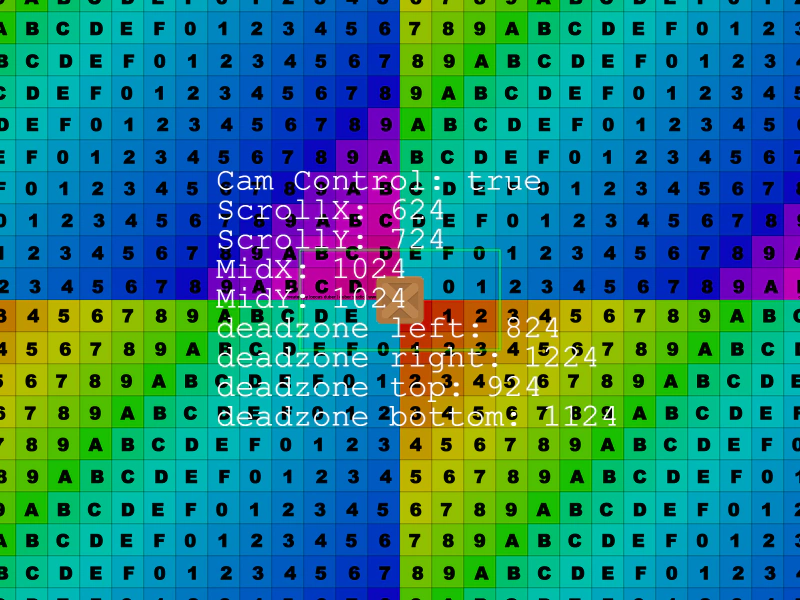 Follow Sprite with DeadzoneDemonstrates how to use a camera deadzone so that the camera only begins scrolling once the followed sprite moves outside of a defined central area.
 Game Camera Shader FilterThis example demonstrates how to apply a custom post-processing shader effect to the main camera view within a physics-based platformer scene.