Camera Filter
Demonstrates how to use the cameraFilter property to control which Game Objects are rendered by specific cameras, allowing for independent UI layers and isolated camera effects.
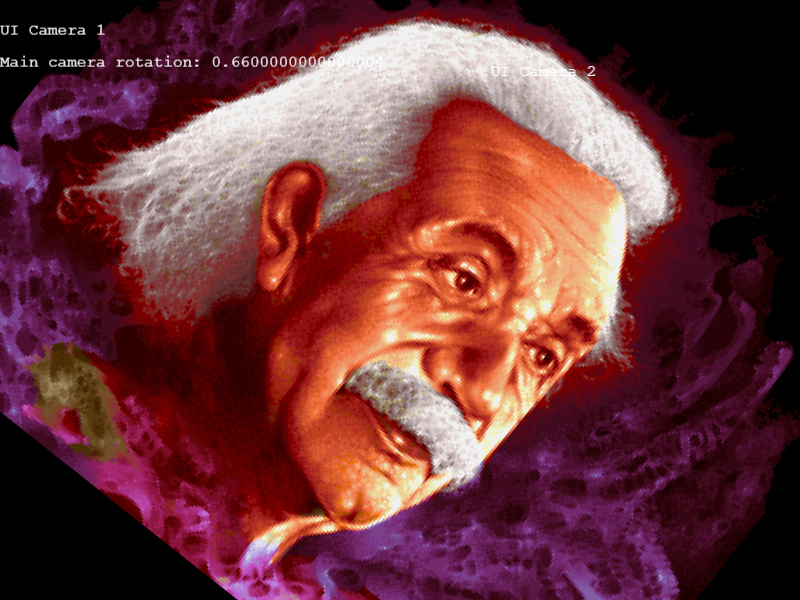
800 × 600
var UI_CAM_1;
var UI_CAM_2;

var UIText1;
var UIText2;
var UIText3;

class Example extends Phaser.Scene
{
    constructor ()
    {
        super();
    }

    preload ()
    {
        this.load.setBaseURL('https://cdn.phaserfiles.com/v410');
        this.load.image('einstein', 'assets/pics/ra-einstein.png');
    }

    create ()
    {
        const image = this.add.image(400, 300, 'einstein');

        UIText1 = this.add.text(0, 32, '0');
        UIText2 = this.add.text(0, 64, '0');
        UIText3 = this.add.text(500, 64, '0');

        UI_CAM_1 = this.cameras.add();
        UI_CAM_2 = this.cameras.add();

        //list of all cameras
        this.camlist = this.cameras.cameras;

        //exclude gameobject to some camera
        UIText1.cameraFilter = this.setCamera(UI_CAM_1);
        UIText2.cameraFilter = this.setCamera(UI_CAM_1);
        UIText3.cameraFilter = this.setCamera(UI_CAM_2);

        image.cameraFilter = this.setCamera(this.cameras.main);
    }

    update ()
    {
        UIText1.setText("UI Camera 1");
        UIText2.setText("Main camera rotation: " + this.cameras.main.rotation);
        UIText3.setText("UI Camera 2");

        UI_CAM_1.scrollY = Math.sin(this.time.now / 100) * 10;
        UI_CAM_2.scrollX = Math.sin(this.time.now / 100) * 10;

        this.cameras.main.setZoom(Math.abs(Math.sin(this.cameras.main.rotation)) * 0.5 + 1);
        this.cameras.main.rotation += 0.01;
    }

    setCamera(cam)
    {
        let l = (1 << this.camlist.length) - 1;
        return l & ~cam.id;
    }
}

const config = {
    scale: { mode: Phaser.Scale.FIT },
    type: Phaser.AUTO,
    parent: 'game-container',
    width: 800,
    height: 600,
    scene: Example
};

const game = new Phaser.Game(config);
More in Camera68 examples
 Camera Filter ShaderDemonstrates applying a custom post-processing shader filter to a camera view, affecting all rendered content including background images and fixed UI elements.
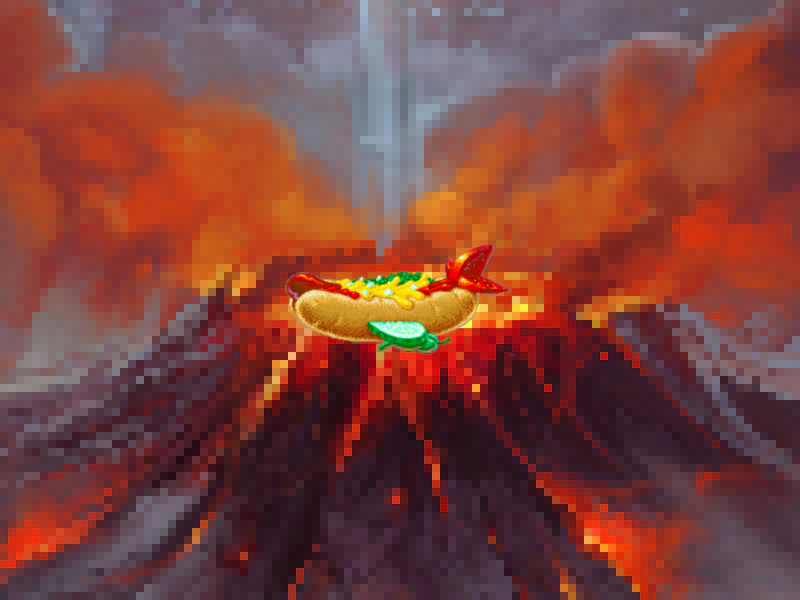 Camera Filters and Layer IsolationDemonstrates how to apply external post-processing filters to specific cameras and use the ignore method to isolate which game objects are rendered by each camera.
 Camera Flash EffectTrigger a camera flash effect on user input and use event listeners to respond when the flash effect begins and finishes.
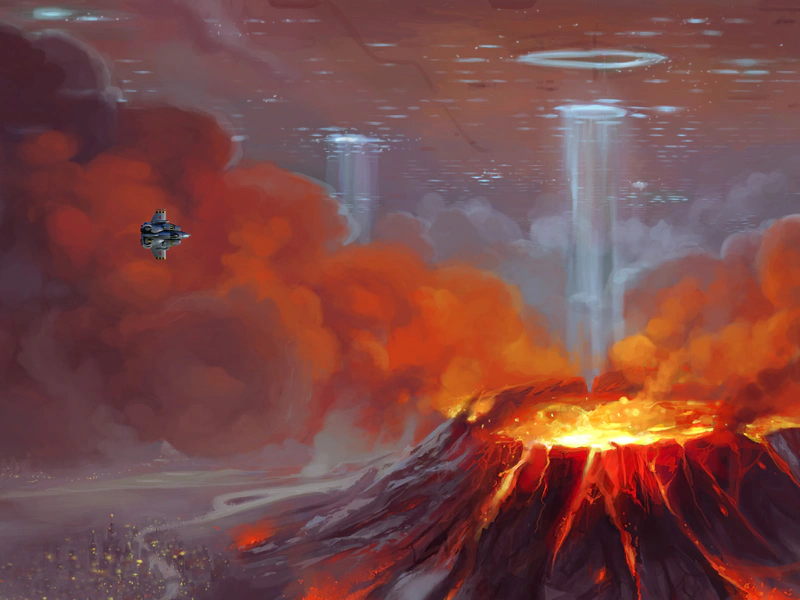 Camera Follow OffsetDemonstrates how to use followOffset to adjust the camera position relative to its target, shifting the view as the player moves left or right.