Camera Smoothed Key Control
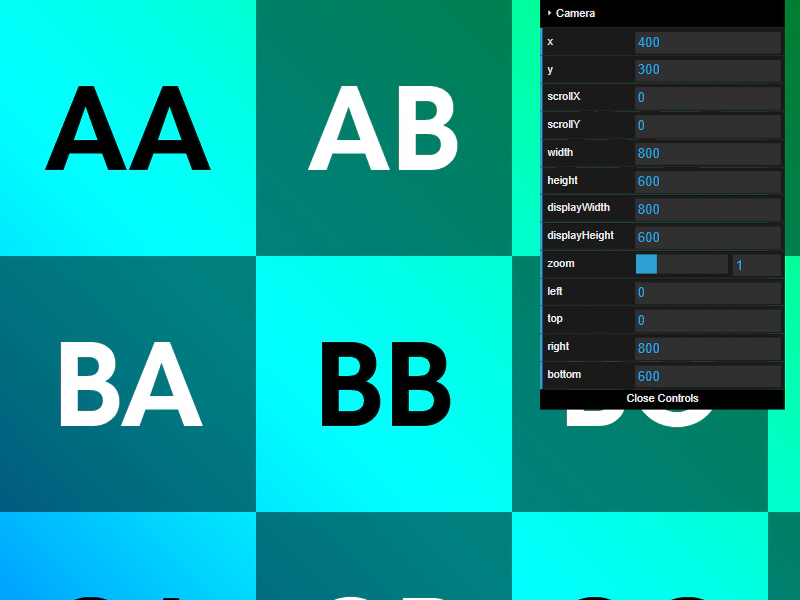
Use the SmoothedKeyControl class to pan and zoom the camera using keyboard inputs, featuring smooth acceleration and deceleration.
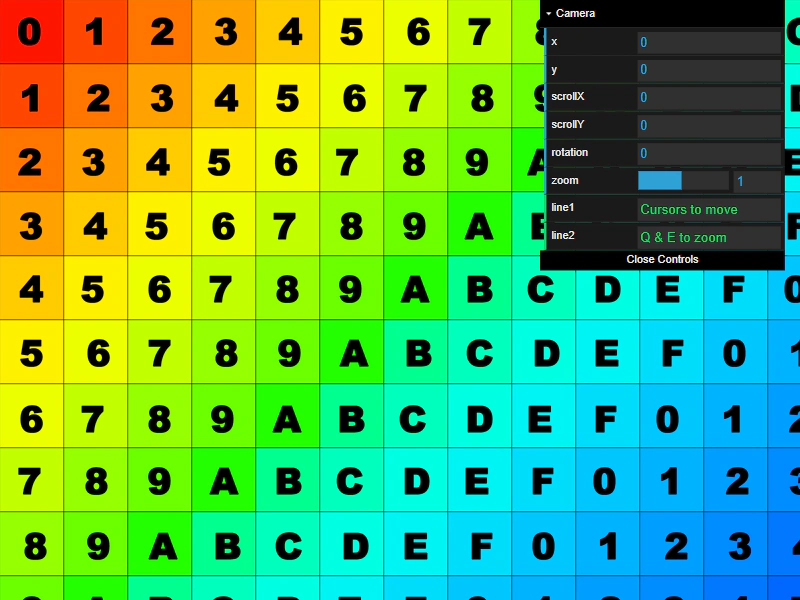
800 × 600
class Example extends Phaser.Scene
{
    constructor ()
    {
        super();
    }

    preload ()
    {
        this.load.setBaseURL('https://cdn.phaserfiles.com/v410');
        this.load.image('grid', 'assets/pics/uv-grid-diag.png');
    }

    create ()
    {
        //  The grid image is 1024 x 1024, let's draw 4 of them (2 by 2)
        this.add.image(0, 0, 'grid').setOrigin(0);
        this.add.image(1024, 0, 'grid').setOrigin(0);
        this.add.image(0, 1024, 'grid').setOrigin(0);
        this.add.image(1024, 1024, 'grid').setOrigin(0);

        const cursors = this.input.keyboard.createCursorKeys();

        const controlConfig = {
            camera: this.cameras.main,
            left: cursors.left,
            right: cursors.right,
            up: cursors.up,
            down: cursors.down,
            zoomIn: this.input.keyboard.addKey(Phaser.Input.Keyboard.KeyCodes.Q),
            zoomOut: this.input.keyboard.addKey(Phaser.Input.Keyboard.KeyCodes.E),
            acceleration: 0.06,
            drag: 0.0005,
            maxSpeed: 1.0
        };

        this.controls = new Phaser.Cameras.Controls.SmoothedKeyControl(controlConfig);

        const cam = this.cameras.main;

        const gui = new dat.GUI();

        const help = {
            line1: 'Cursors to move',
            line2: 'Q & E to zoom'
        }

        const f1 = gui.addFolder('Camera');
        f1.add(cam, 'x').listen();
        f1.add(cam, 'y').listen();
        f1.add(cam, 'scrollX').listen();
        f1.add(cam, 'scrollY').listen();
        f1.add(cam, 'rotation').min(0).step(0.01).listen();
        f1.add(cam, 'zoom', 0.1, 2).step(0.1).listen();
        f1.add(help, 'line1');
        f1.add(help, 'line2');
        f1.open();
    }

    update (time, delta)
    {
        this.controls.update(delta);
    }
}

const config = {
    scale: { mode: Phaser.Scale.FIT },
    type: Phaser.AUTO,
    parent: 'game-container',
    width: 800,
    height: 600,
    backgroundColor: '#000000',
    scene: Example
};

const game = new Phaser.Game(config);
More in Camera68 examples
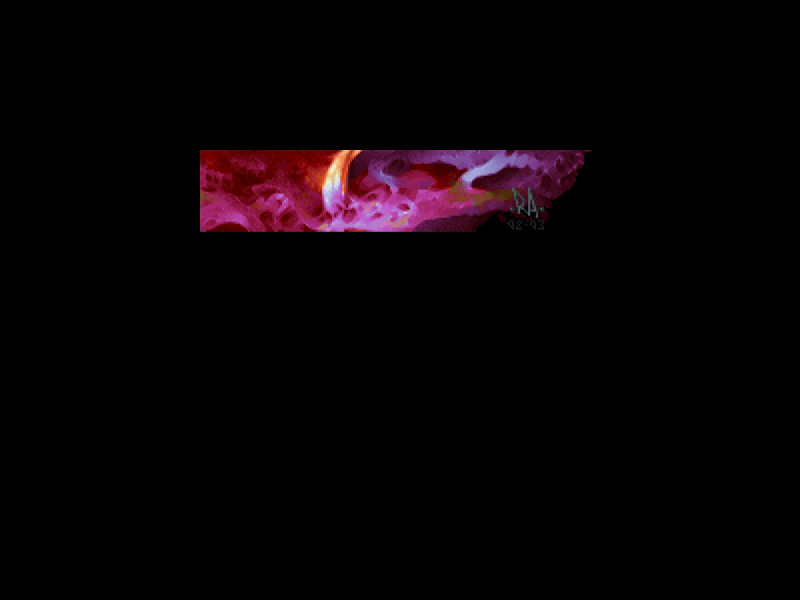 Camera ViewportDemonstrates how to define the position and size of the camera's rendering area within the game canvas using the setViewport method.
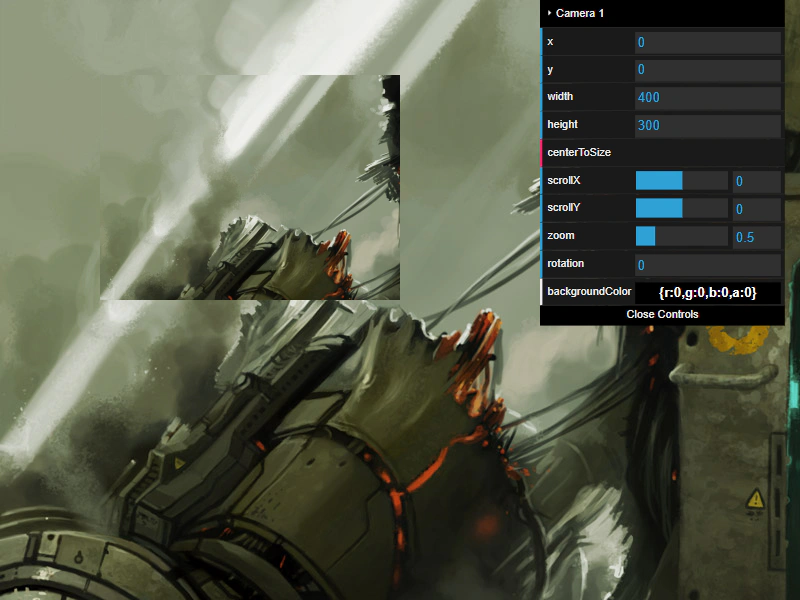 Camera Viewport BasicsLearn how to add a secondary camera and manipulate its basic properties including viewport size, scroll position, zoom, rotation, and background color.
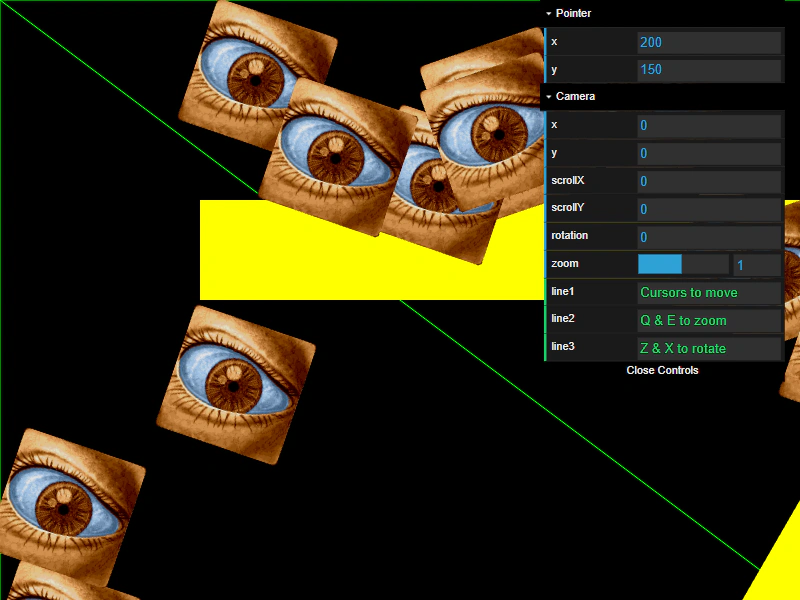 Camera World Points and Hit TestingDemonstrates using getWorldPoint to convert screen coordinates into world coordinates for accurate hit detection on geometry and interactive sprites, even when the camera is zoomed, rotated, or panned.
 Camera World View PropertiesDemonstrates how the camera's worldView rectangle tracks the visible area of the game world as you scroll and zoom using keyboard controls.