Camera Follow with Lerp
This example demonstrates how to have multiple cameras follow a single sprite simultaneously, using different lerp (interpolation) values to achieve varying levels of smooth movement and tracking delays.
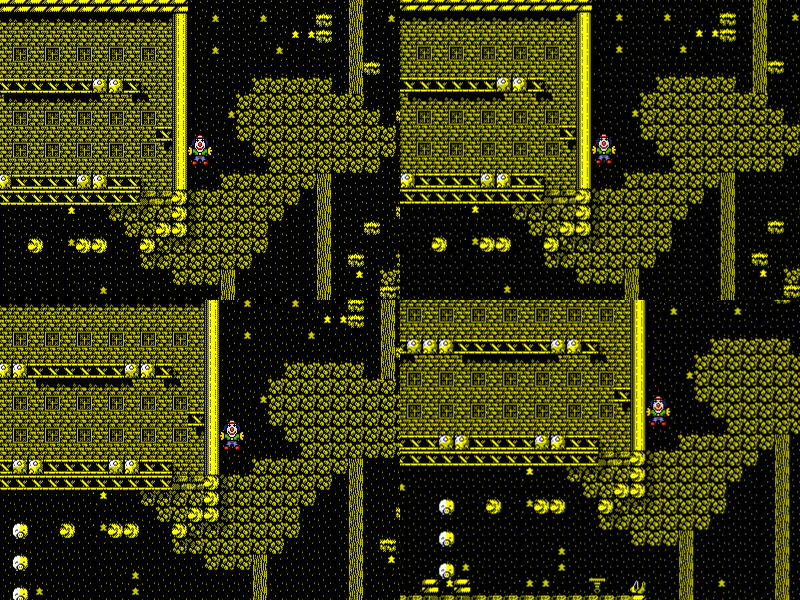
800 × 600
class Example extends Phaser.Scene
{
    constructor ()
    {
        super();
    }

    preload ()
    {
        this.load.setBaseURL('https://cdn.phaserfiles.com/v410');
        this.load.image('CherilPerils', 'assets/tests/camera/CherilPerils.png');
        this.load.image('clown', 'assets/sprites/clown.png');
        this.iter = 3.14;
    }

    create ()
    {
        this.add.image(0, 0, 'CherilPerils').setOrigin(0);

        this.cameras.main.setSize(400, 300);

        const cam2 = this.cameras.add(400, 0, 400, 300);
        const cam3 = this.cameras.add(0, 300, 400, 300);
        const cam4 = this.cameras.add(400, 300, 400, 300);

        this.clown = this.add.image(450 + Math.cos(this.iter) * 200, 510 + Math.sin(this.iter) * 200, 'clown');

        this.cameras.main.startFollow(this.clown);

        cam2.startFollow(this.clown, false, 0.5, 0.5);
        cam3.startFollow(this.clown, false, 0.1, 0.1);
        cam4.startFollow(this.clown, false, 0.05, 0.05);
    }

    update ()
    {
        this.clown.x = 450 + Math.cos(this.iter) * 200;
        this.clown.y = 510 + Math.sin(this.iter) * 200;

        this.iter += 0.02;
    }
}

const config = {
    scale: { mode: Phaser.Scale.FIT },
    type: Phaser.AUTO,
    parent: 'game-container',
    width: 800,
    height: 600,
    scene: Example
};

const game = new Phaser.Game(config);
More in Camera68 examples
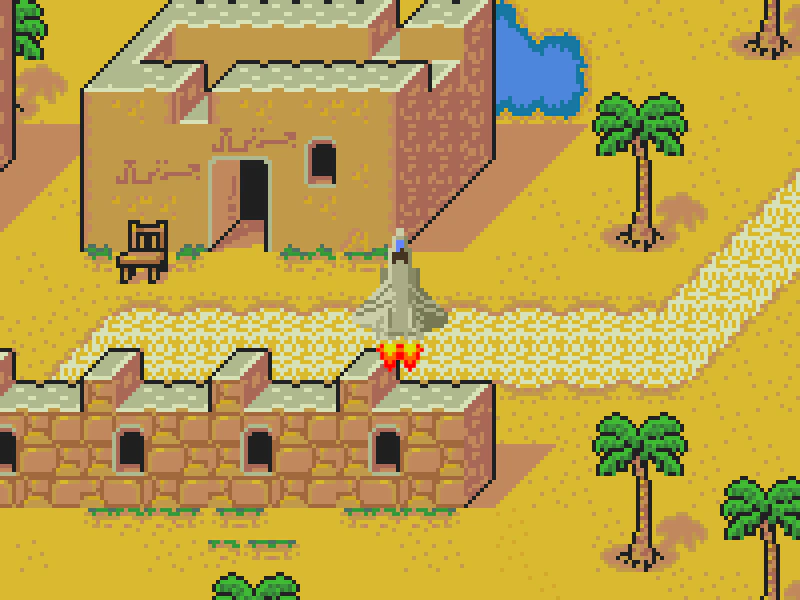 Camera Follow with ZoomDemonstrates the camera following a moving sprite with a high zoom level applied, constrained within specified world bounds.
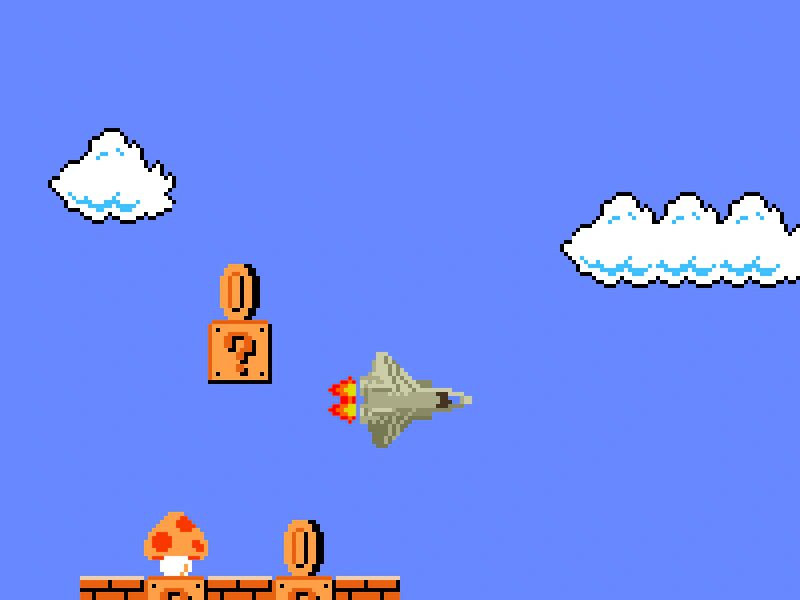 Camera Follow with Zoom and TilemapDemonstrates a camera following a moving sprite across a tilemap while maintaining a zoom level and staying within defined map boundaries.
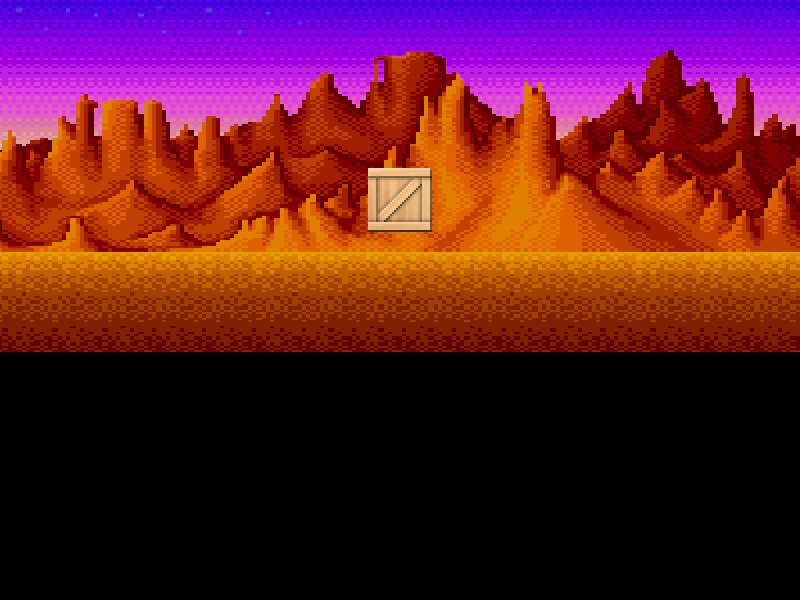 Camera Following with Small BoundsDemonstrates a camera following a sprite within defined world bounds that are smaller than the game viewport in one dimension, combined with a 2x zoom level.
 Camera Hue Rotate ShaderThis example demonstrates how to apply a post-processing hue rotation shader to the main camera, which affects the visual appearance of the entire game scene.