Rectangle Set Empty
Learn how to reset a Rectangle geometry object to zero position and dimensions using the setEmpty method.
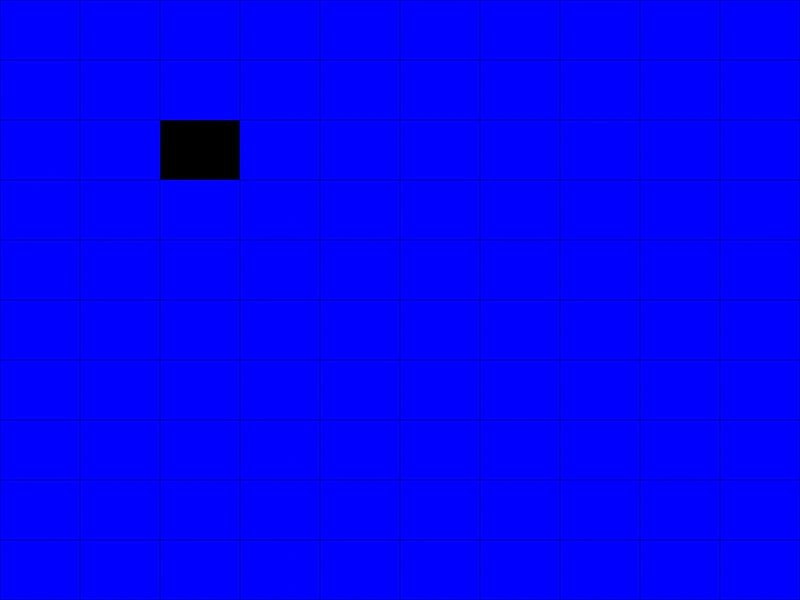
800 × 600
class Example extends Phaser.Scene
{
    create ()
    {
        const graphics = this.add.graphics({ fillStyle: { color: 0x0000ff }, lineStyle: { color: 0x0000aa } });

        const rectangles = [];

        for (let x = 0; x < 10; x++)
        {
            rectangles[x] = [];
            for (let y = 0; y < 10; y++)
            {
                rectangles[x][y] = new Phaser.Geom.Rectangle(x * 80, y * 60, 80, 60);
            }
        }

        this.input.on('pointerdown', pointer =>
        {
            const x = Math.floor(pointer.x / 80);
            const y = Math.floor(pointer.y / 60);

            rectangles[x][y].setEmpty();

            redraw();
        });

        redraw();

        function redraw ()
        {
            graphics.clear();

            for (let x = 0; x < 10; x++)
            {
                for (let y = 0; y < 10; y++)
                {
                    graphics.fillRectShape(rectangles[x][y]);
                    graphics.strokeRectShape(rectangles[x][y]);
                }
            }
        }
    }
}

const config = {
    scale: { mode: Phaser.Scale.FIT },
    width: 800,
    height: 600,
    type: Phaser.AUTO,
    parent: 'game-container',
    scene: Example
};

const game = new Phaser.Game(config);
More in Rectangle46 examples
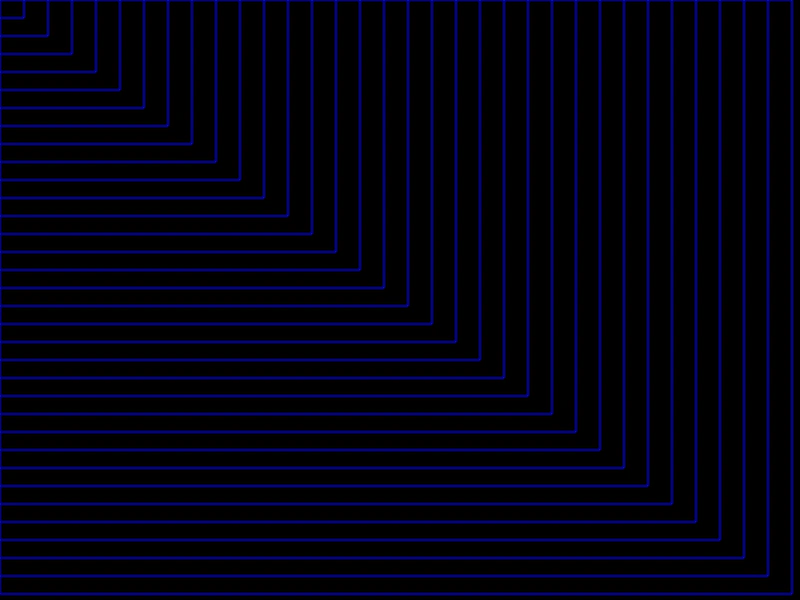 Rectangle Set SizeDemonstrates how to modify the width and height of a Rectangle geometry object using the setSize method.
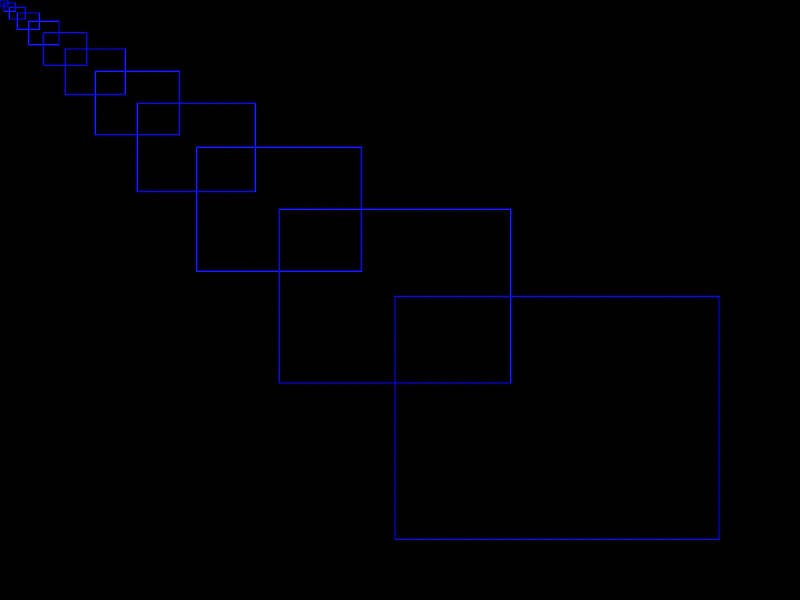 Rectangle Set ToDemonstrates how to update a rectangle's position and dimensions in a single call using the setTo method.
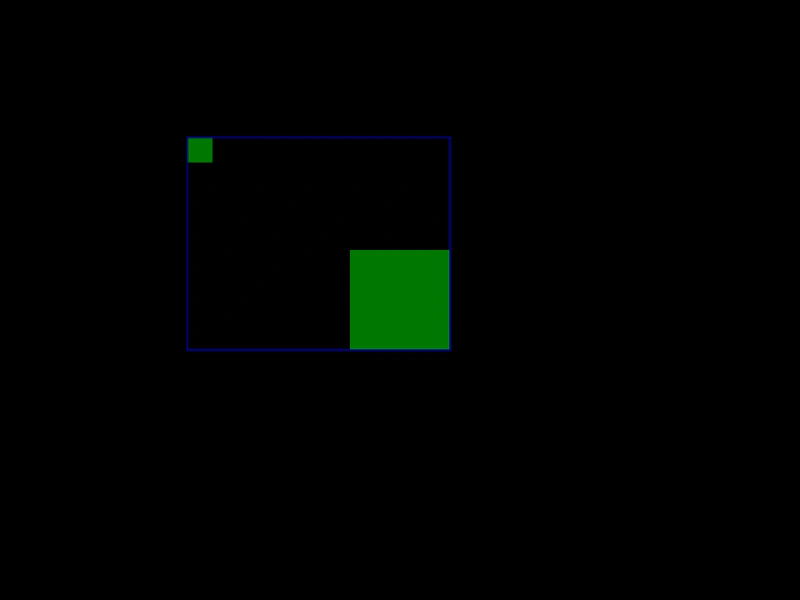 Rectangle UnionDemonstrates how to use the Rectangle Union function to calculate the smallest rectangle that encompasses two other rectangles.
 Scale a RectangleDemonstrates how to use the Scale function to iteratively increase the dimensions of a geometry Rectangle object based on pointer input.