Rectangle Get Point
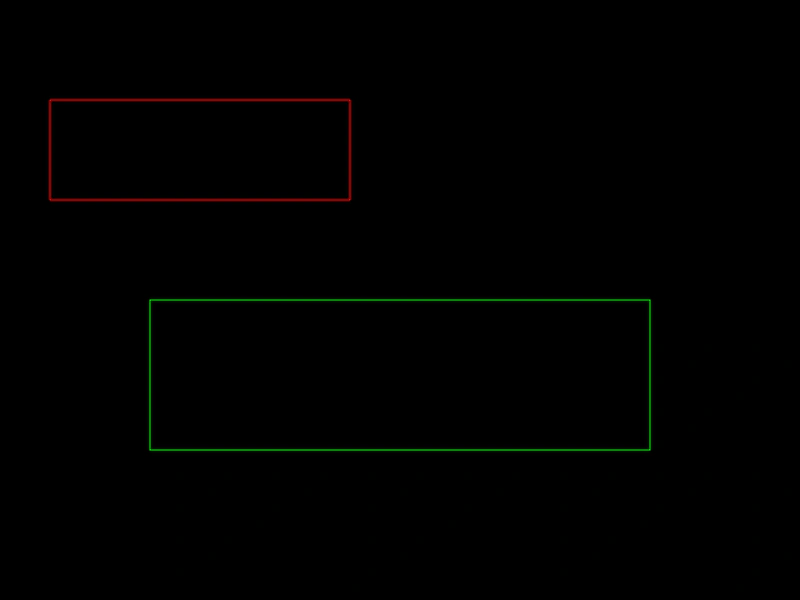
Demonstrates how to calculate coordinates along the perimeter of a rectangle using a normalized value between 0 and 1.
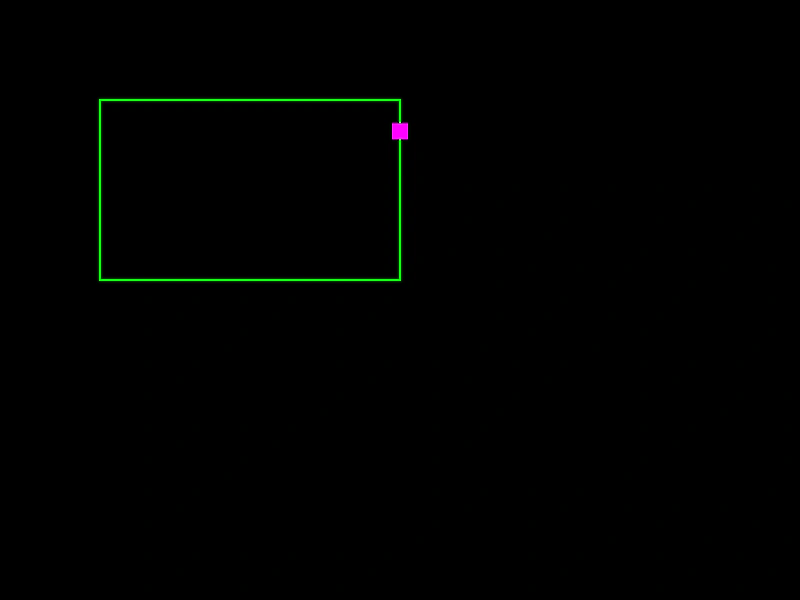
800 × 600
class Example extends Phaser.Scene
{
    a = 0;
    point;
    rect;
    graphics;

    create ()
    {
        this.graphics = this.add.graphics({ lineStyle: { width: 2, color: 0x00ff00 }, fillStyle: { color: 0xff0000 }});

        this.rect = new Phaser.Geom.Rectangle(100, 100, 300, 180);
        this.point = new Phaser.Geom.Rectangle(0, 0, 16, 16);
    }

    update ()
    {
        this.a += 0.005;

        if (this.a > 1)
        {
            this.a = 0;
        }

        this.rect.getPoint(this.a, this.point);

        this.graphics.clear();
        this.graphics.lineStyle(2, 0x00ff00);
        this.graphics.strokeRectShape(this.rect);

        this.graphics.fillStyle(0xff00ff);
        this.graphics.fillRect(this.point.x - 8, this.point.y - 8, this.point.width, this.point.height);
    }
}

const config = {
    scale: { mode: Phaser.Scale.FIT },
    width: 800,
    height: 600,
    type: Phaser.AUTO,
    parent: 'game-container',
    scene: Example
};

const game = new Phaser.Game(config);
More in Rectangle46 examples
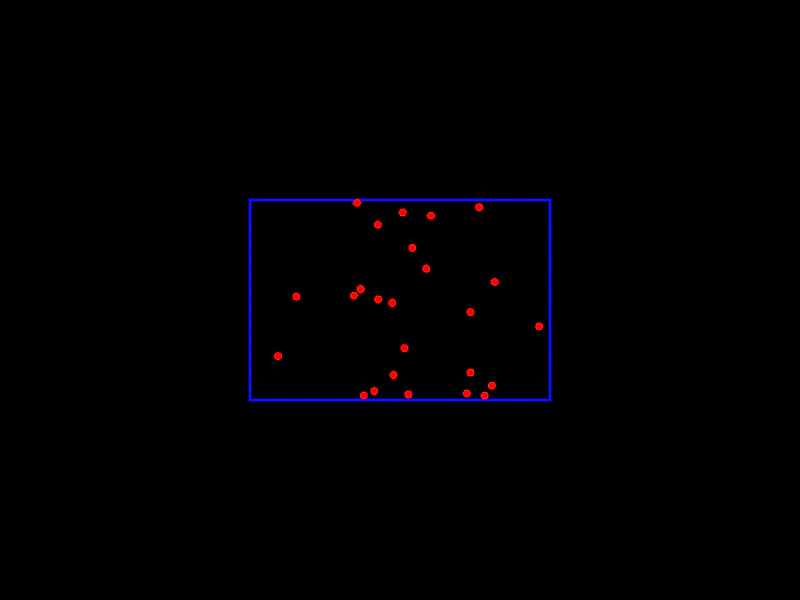 Rectangle Get Random PointDemonstrates how to generate random coordinates within a Rectangle geometry object, either by creating new Point instances or updating existing ones.
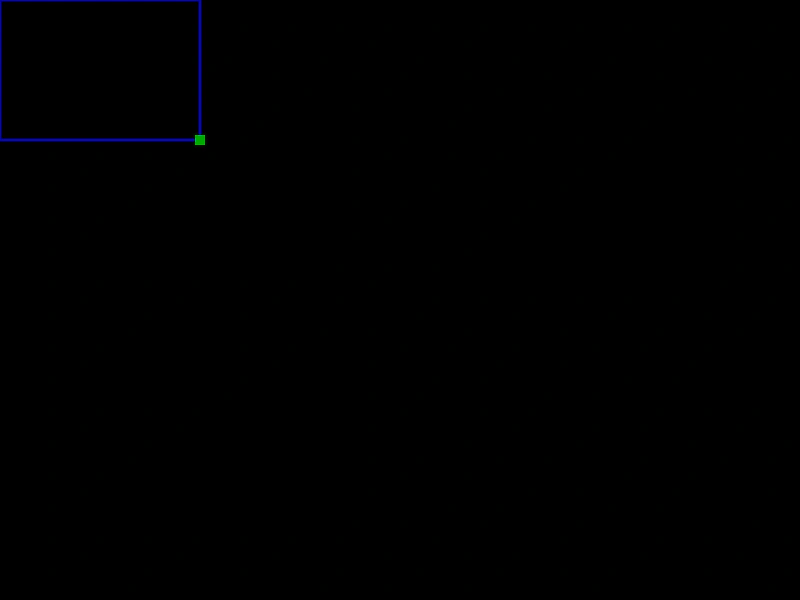 Rectangle Get SizeDemonstrates how to use Phaser.Geom.Rectangle.GetSize to retrieve the width and height of a rectangle as a Point object.
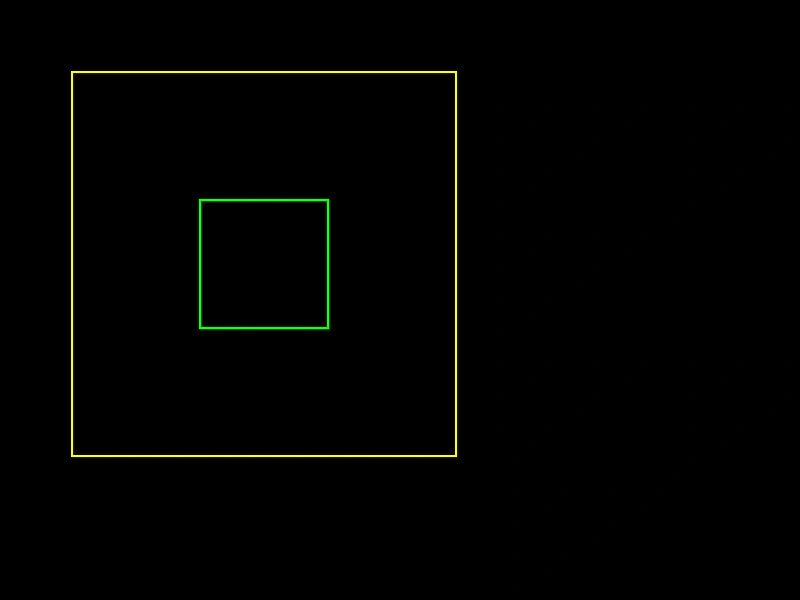 Rectangle InflateDemonstrates how to expand the size of a Rectangle while maintaining its center position using the Inflate method.
 Rectangle IntersectionCalculate the area of overlap between two rectangles and render the resulting intersection rectangle.