Rectangle Inflate
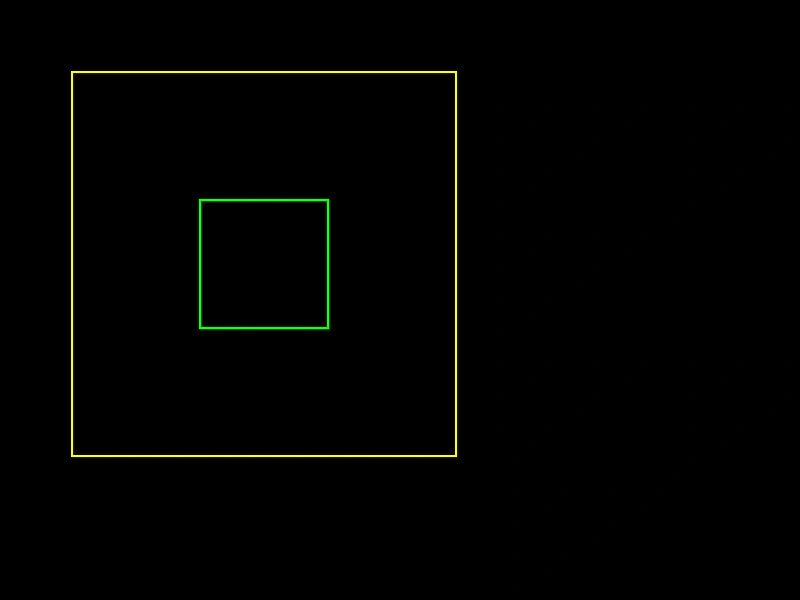
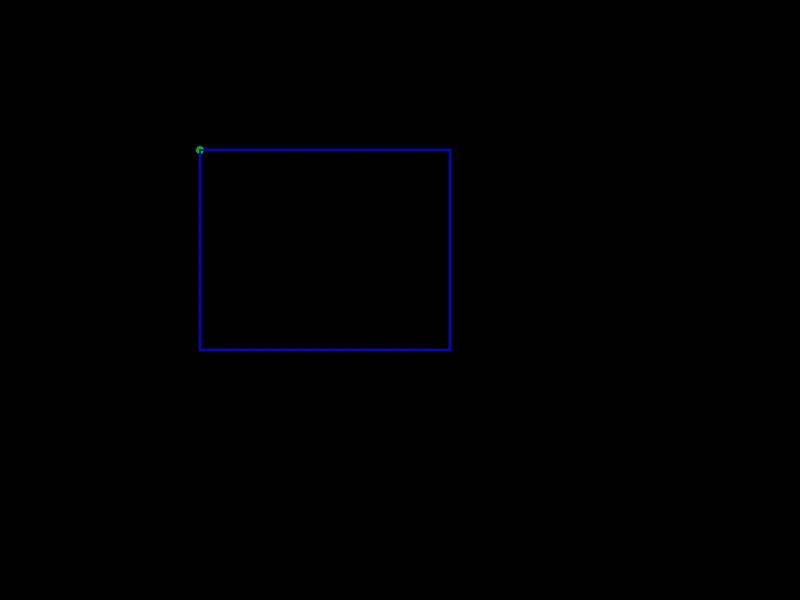
Demonstrates how to expand the size of a Rectangle while maintaining its center position using the Inflate method.
800 × 600
class Example extends Phaser.Scene
{
    create ()
    {
        const graphics = this.add.graphics({ lineStyle: { width: 2, color: 0x00ff00 }, fillStyle: { color: 0xff0000 }});

        const rect = new Phaser.Geom.Rectangle(200, 200, 128, 128);

        //  The green rectangle is the original one
        graphics.strokeRectShape(rect);

        Phaser.Geom.Rectangle.Inflate(rect, 128, 128);

        //  Draw the now inflated rectangle in yellow
        graphics.lineStyle(2, 0xffff00);

        graphics.strokeRectShape(rect);
    }
}

const config = {
    scale: { mode: Phaser.Scale.FIT },
    width: 800,
    height: 600,
    type: Phaser.AUTO,
    parent: 'game-container',
    scene: Example
};

const game = new Phaser.Game(config);
More in Rectangle46 examples
 Rectangle IntersectionCalculate the area of overlap between two rectangles and render the resulting intersection rectangle.
 Rectangle Is EmptyThis example shows how to use the isEmpty method to check if a Rectangle geometry object has a width or height of zero.
 Rectangle MergeLearn how to expand a base rectangle to encompass the area of another rectangle using the MergeRect geometry function.
 Rectangle Merge PointsDemonstrates how to use Phaser.Geom.Rectangle.MergePoints to expand a rectangle's dimensions and position to encompass an array of point coordinates.