Rectangle Properties
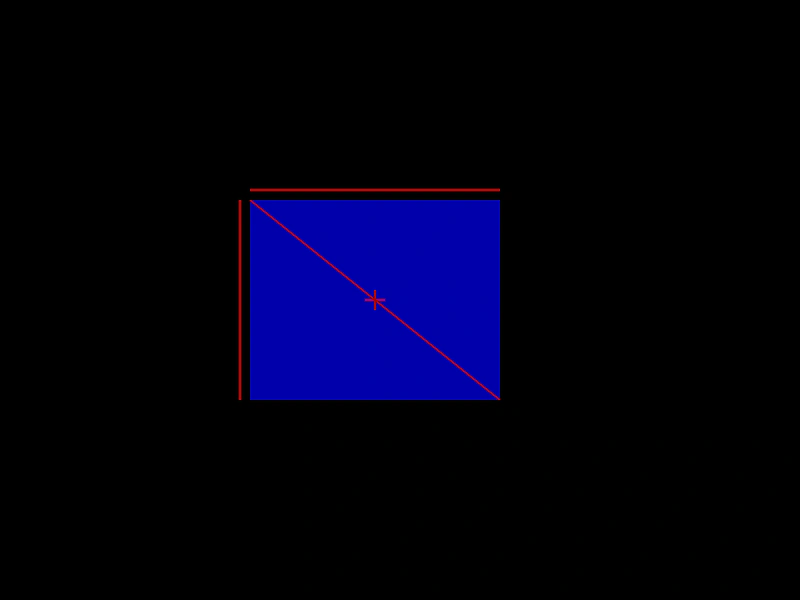
Demonstrates how to access and use various properties of a Rectangle geometry object, such as its edges and center coordinates.
800 × 600
class Example extends Phaser.Scene
{
    create ()
    {
        const rect = new Phaser.Geom.Rectangle(250, 200, 250, 200);

        const graphics = this.add.graphics({ fillStyle: { color: 0x0000aa } });
        graphics.fillRectShape(rect);

        graphics.lineStyle(2, 0xaa0000);

        graphics.lineBetween(rect.x, rect.y - 10, rect.x + rect.width, rect.y - 10);

        graphics.lineBetween(rect.x - 10, rect.y, rect.x - 10, rect.y + rect.height);

        graphics.lineBetween(rect.left, rect.top, rect.right, rect.bottom);

        graphics.lineBetween(rect.centerX - 10, rect.centerY, rect.centerX + 10, rect.centerY);
        graphics.lineBetween(rect.centerX, rect.centerY - 10, rect.centerX, rect.centerY + 10);
    }
}

const config = {
    scale: { mode: Phaser.Scale.FIT },
    width: 800,
    height: 600,
    type: Phaser.AUTO,
    parent: 'game-container',
    scene: Example
};

const game = new Phaser.Game(config);
More in Rectangle46 examples
 Rectangle Set EmptyLearn how to reset a Rectangle geometry object to zero position and dimensions using the setEmpty method.
 Rectangle Set SizeDemonstrates how to modify the width and height of a Rectangle geometry object using the setSize method.
 Rectangle Set ToDemonstrates how to update a rectangle's position and dimensions in a single call using the setTo method.
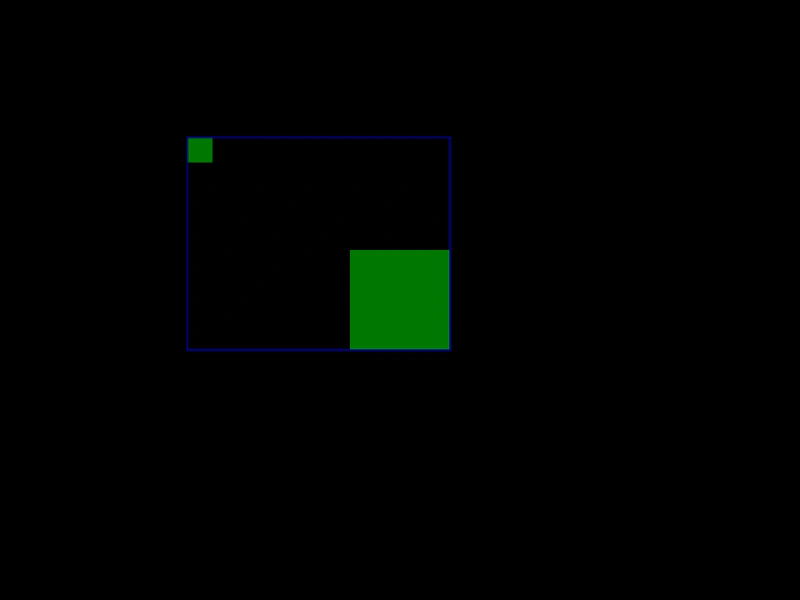 Rectangle UnionDemonstrates how to use the Rectangle Union function to calculate the smallest rectangle that encompasses two other rectangles.