Merge Rectangle with XY Point
Demonstrates how to expand a rectangle's dimensions to encompass a new set of X and Y coordinates using the MergeXY method.
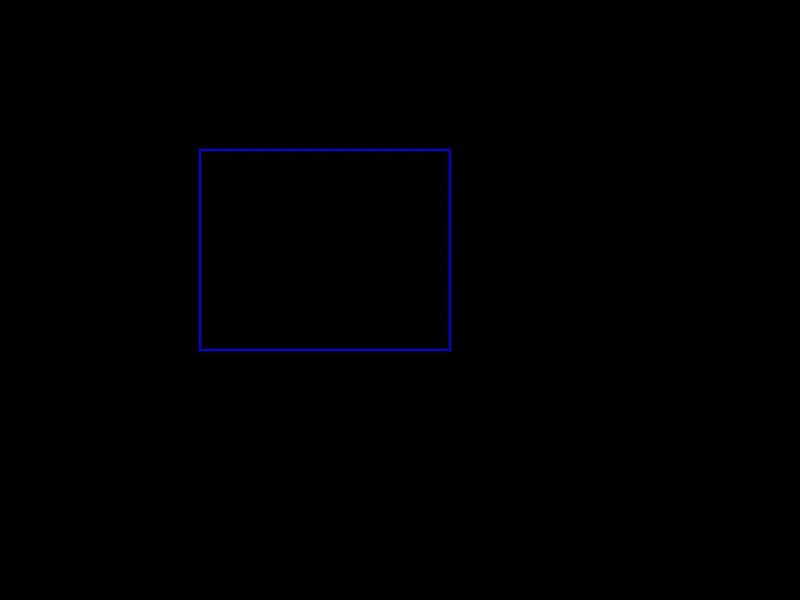
800 × 600
class Example extends Phaser.Scene
{
    create ()
    {
        const graphics = this.add.graphics({ lineStyle: { width: 2, color: 0x0000aa } });

        const rect = new Phaser.Geom.Rectangle(350, 250, 100, 100);

        this.input.on('pointerdown', pointer =>
        {

            Phaser.Geom.Rectangle.MergeXY(rect, pointer.x, pointer.y);

            redraw();

        });

        redraw();

        function redraw ()
        {
            graphics.clear();

            graphics.strokeRectShape(rect);
        }
    }
}

const config = {
    scale: { mode: Phaser.Scale.FIT },
    width: 800,
    height: 600,
    type: Phaser.AUTO,
    parent: 'game-container',
    scene: Example
};

const game = new Phaser.Game(config);
More in Rectangle46 examples
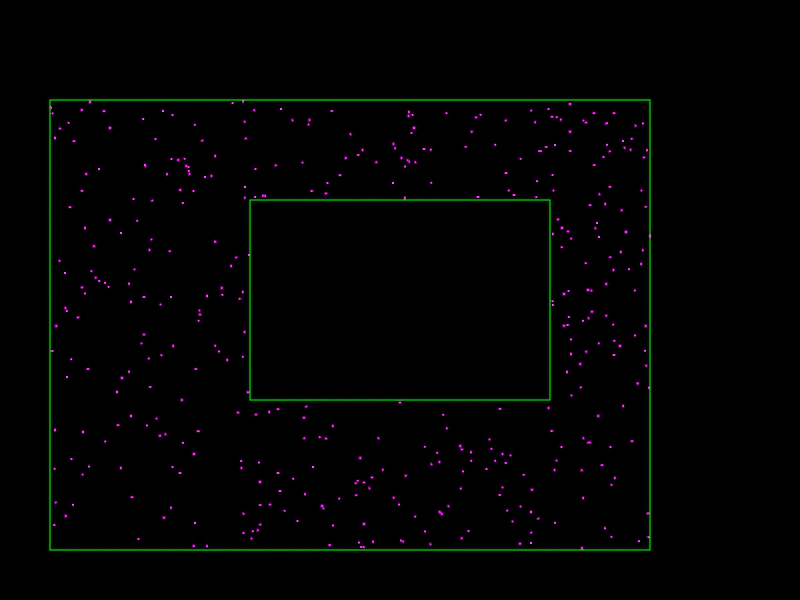 Random Point Outside RectangleDemonstrates how to generate random points that lie within an outer rectangle but outside of an inner rectangle.
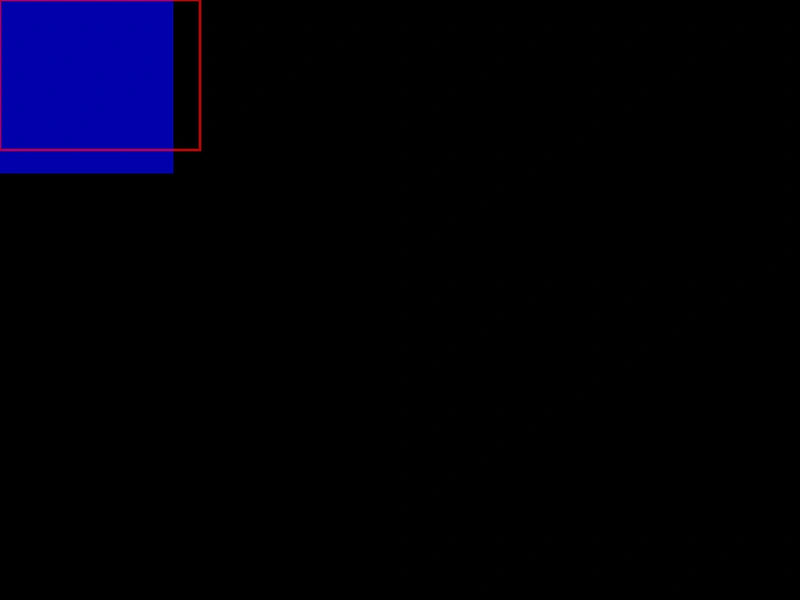 Rectangle AreaCalculate the area of a Rectangle based on pointer movement and use the result to resize a secondary square.
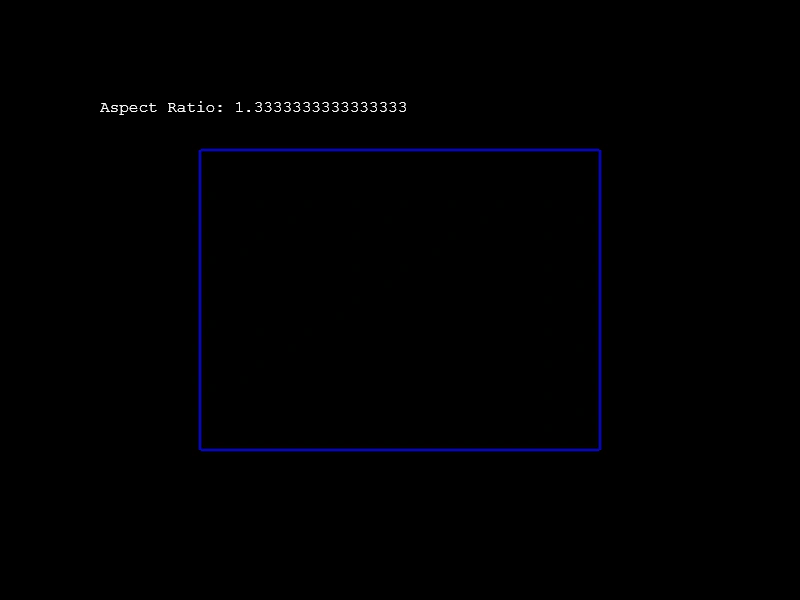 Rectangle Aspect RatioCalculate and display the aspect ratio of a rectangle as its width and height change dynamically based on pointer movement.
 Rectangle CeilDemonstrates how to use the Ceil method to round a rectangle's coordinates and dimensions up to the nearest integer, effectively snapping it to a pixel grid.