Simplex Noise Warp
Demonstrates how to animate the warp amount property on 2D and 3D Simplex noise game objects to create fluid, morphing patterns.
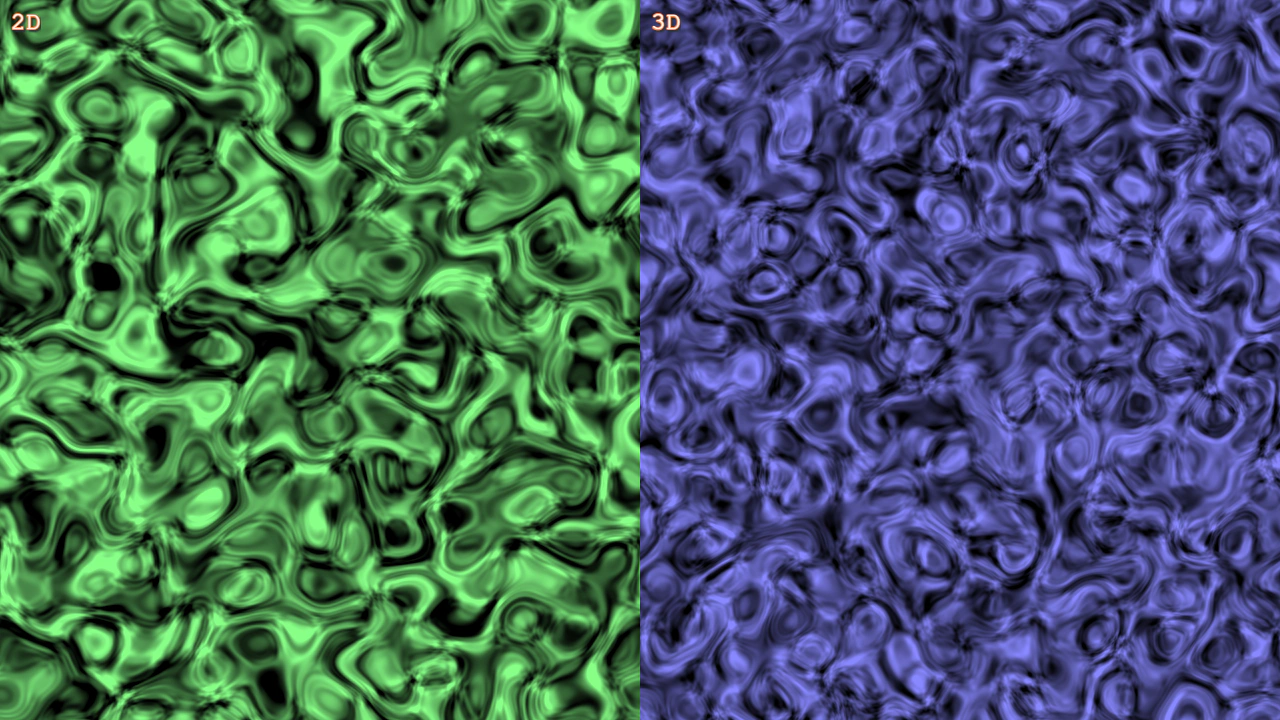
1280 × 720
class Example extends Phaser.Scene
{
    noise2d;
    noise3d;

    create()
    {
        const { width, height } = this.scale;

        this.noise2d = this.add.noisesimplex2d({
            noiseCells: [ 8, 9 ],
            noiseIterations: 3,
            noiseColorEnd: 0x88ff88
        }, width / 4, height / 2, width / 2, height);

        this.noise3d = this.add.noisesimplex3d({
            noiseCells: [ 8, 9, 4 ],
            noiseIterations: 3,
            noiseColorEnd: 0x8888ff
        }, width * 3 / 4, height / 2, width / 2, height);

        this.add.text(10, 10, '2D', { fontSize: 24 }).setStroke('#ff8844', 2).setShadow(2, 2, '#333333', 2, true, false);
        this.add.text(width / 2 + 10, 10, '3D', { fontSize: 24 }).setStroke('#ff8844', 2).setShadow(2, 2, '#333333', 2, true, false);
    }

    update (time)
    {
        const t = time / 1000;

        this.noise2d.noiseWarpAmount = Math.sin(t) * 0.5 + 0.5;
        this.noise3d.noiseWarpAmount = Math.sin(t) * 0.5 + 0.5;
    }
}

const config = {
    scale: { mode: Phaser.Scale.FIT },
    type: Phaser.WEBGL,
    parent: 'game-container',
    width: 1280,
    height: 720,
    scene: Example
};

const game = new Phaser.Game(config);
More in Noise33 examples
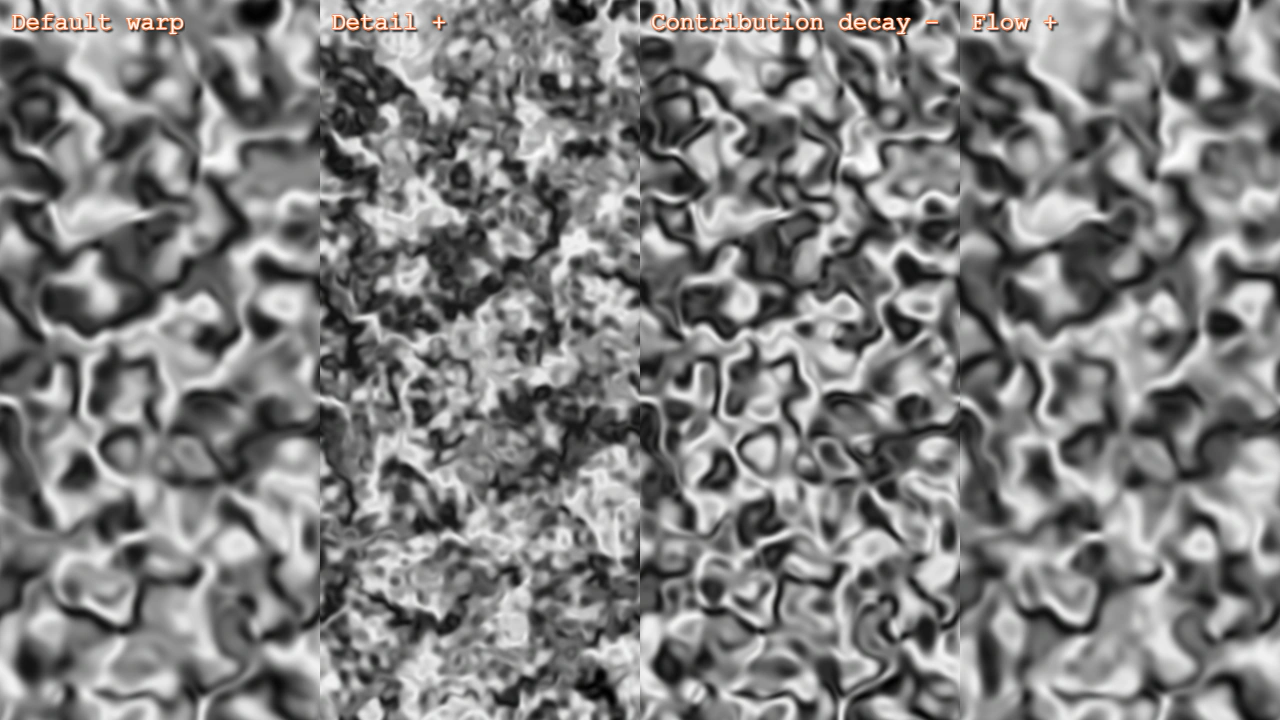 Simplex Noise Warp Iteration SculptingDemonstrates how to sculpt the visual appearance and animation of 2D Simplex Noise using warp iteration properties such as detail power, contribution decay, and flow power.
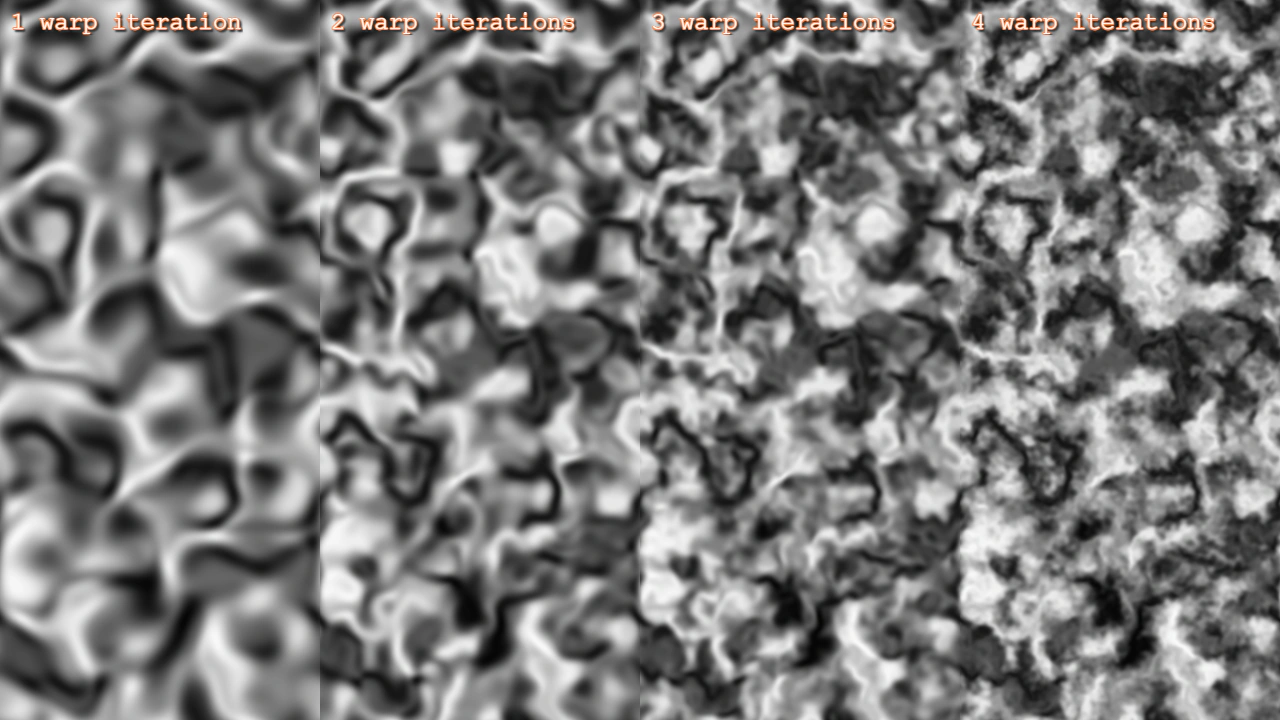 Simplex Noise Warp Iterations 2DCompare 2D Simplex noise textures across multiple warp iterations, demonstrating how increasing iterations adds complexity and visual detail to the noise pattern.
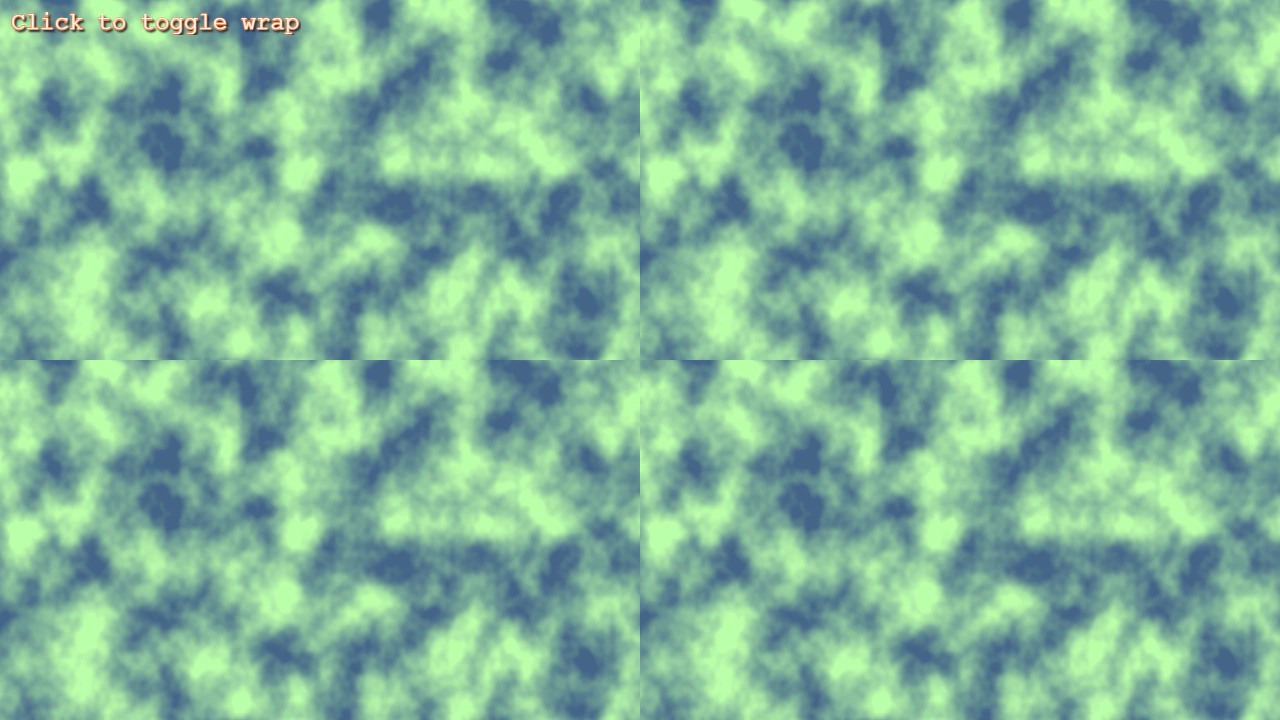 Simplex Noise Wrap ToggleToggle seamless texture wrapping for Simplex noise by adjusting the noisePeriod property.
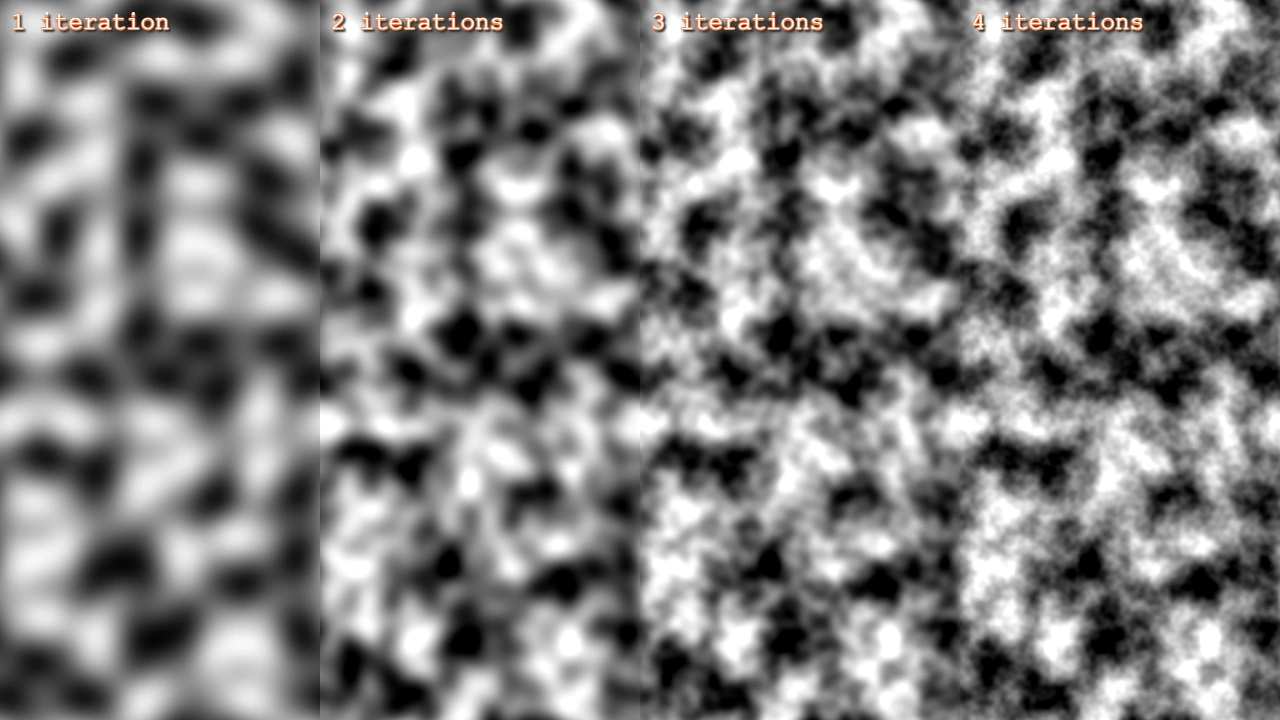 2D Simplex Noise IterationsDemonstrates the effect of the noiseIterations property on 2D Simplex noise, showing how multiple iterations add layers of detail and complexity to the generated texture.