Cellular Noise Scroll Z
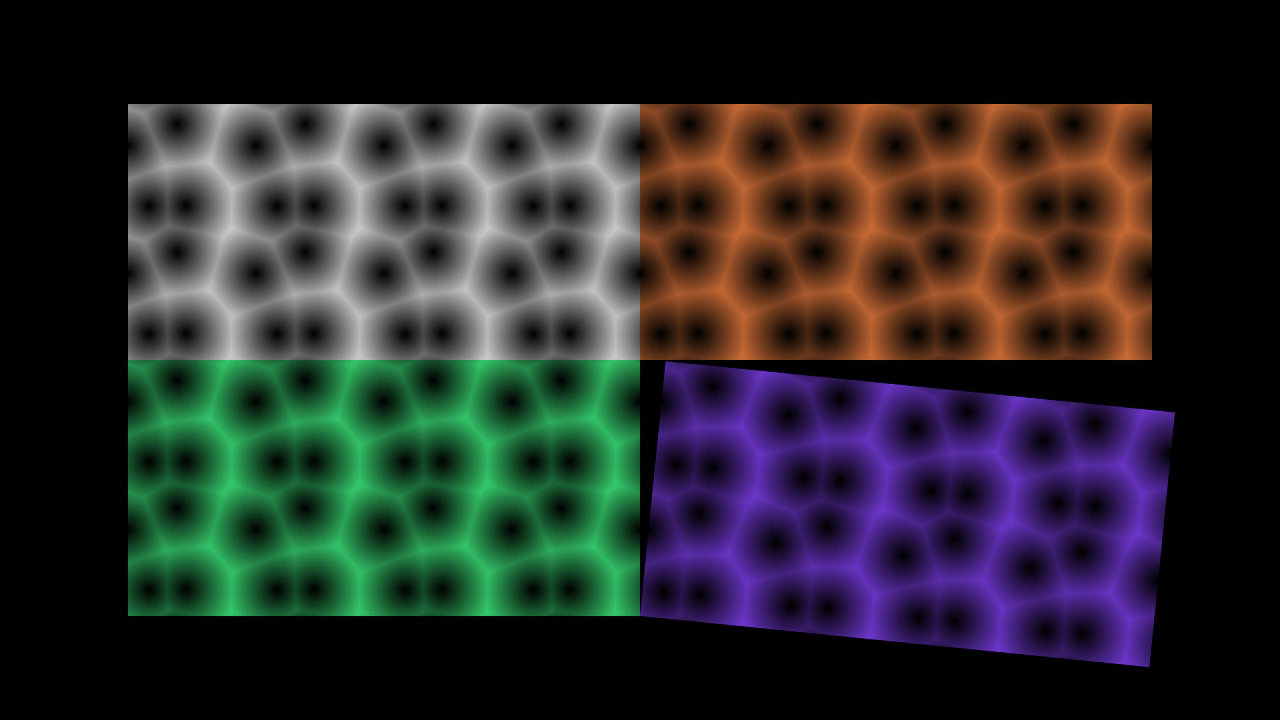
Animate 3D and 4D cellular noise by scrolling the Z-axis offset over time.
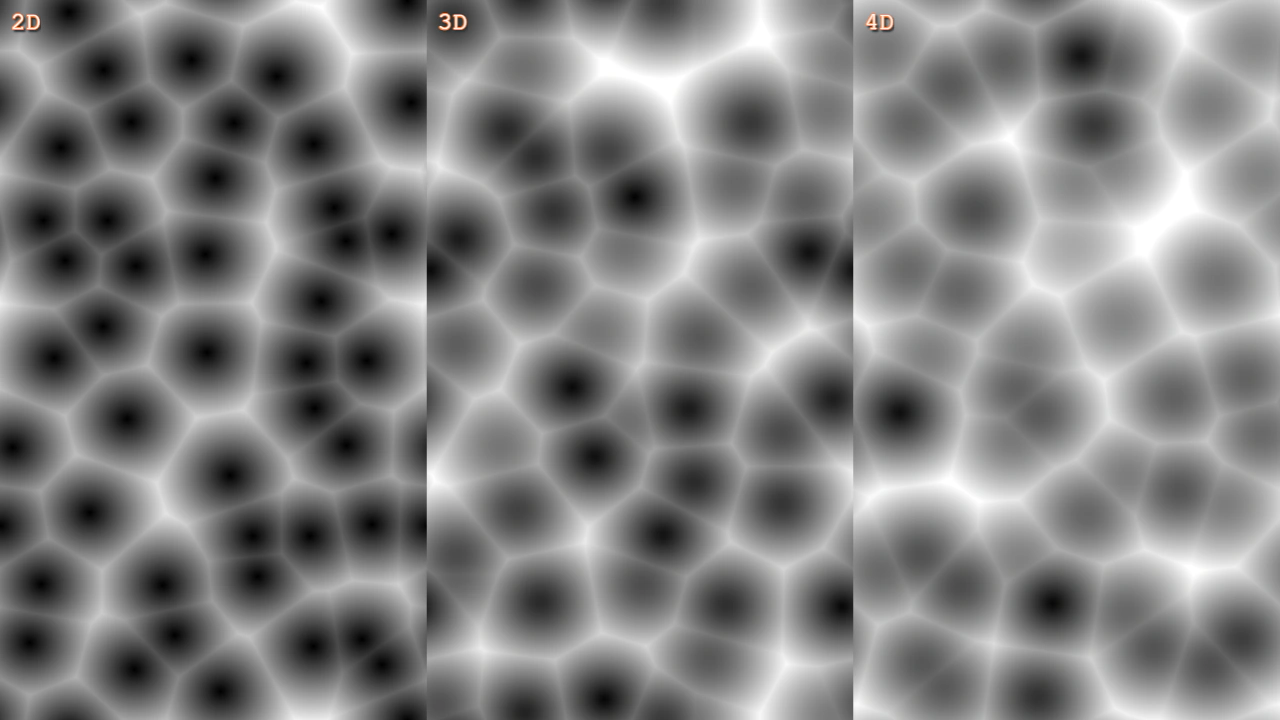
1280 × 720
class Example extends Phaser.Scene
{
    noise2;
    noise3;

    create()
    {
        const { width, height } = this.scale;

        this.add.noisecell2d({ noiseCells: [ 5, 9] }, width * 1 / 6, height / 2, width / 3, height);
        this.noise2 = this.add.noisecell3d({ noiseCells: [ 5, 9, 1 ] }, width * 3 / 6, height / 2, width / 3, height);
        this.noise3 = this.add.noisecell4d({ noiseCells: [ 5, 9, 1, 1 ] }, width * 5 / 6, height / 2, width / 3, height);

        this.add.text(10, 10, '2D', { fontSize: 24 }).setStroke('#ff8844', 2).setShadow(2, 2, '#333333', 2, true, false);
        this.add.text(width / 3 + 10, 10, '3D', { fontSize: 24 }).setStroke('#ff8844', 2).setShadow(2, 2, '#333333', 2, true, false);
        this.add.text(width * 2 / 3 + 10, 10, '4D', { fontSize: 24 }).setStroke('#ff8844', 2).setShadow(2, 2, '#333333', 2, true, false);
    }

    update (time)
    {
        // Scroll the Z axis.
        // Note that this will lose precision once it reaches high values.

        const t = time / 5000;

        // 2D noise has no extra dimension to offset.

        this.noise2.noiseOffset[2] = t;
        this.noise3.noiseOffset[2] = t;
    }
}

const config = {
    scale: { mode: Phaser.Scale.FIT },
    type: Phaser.WEBGL,
    parent: 'game-container',
    width: 1280,
    height: 720,
    scene: Example
};

const game = new Phaser.Game(config);
More in Noise33 examples
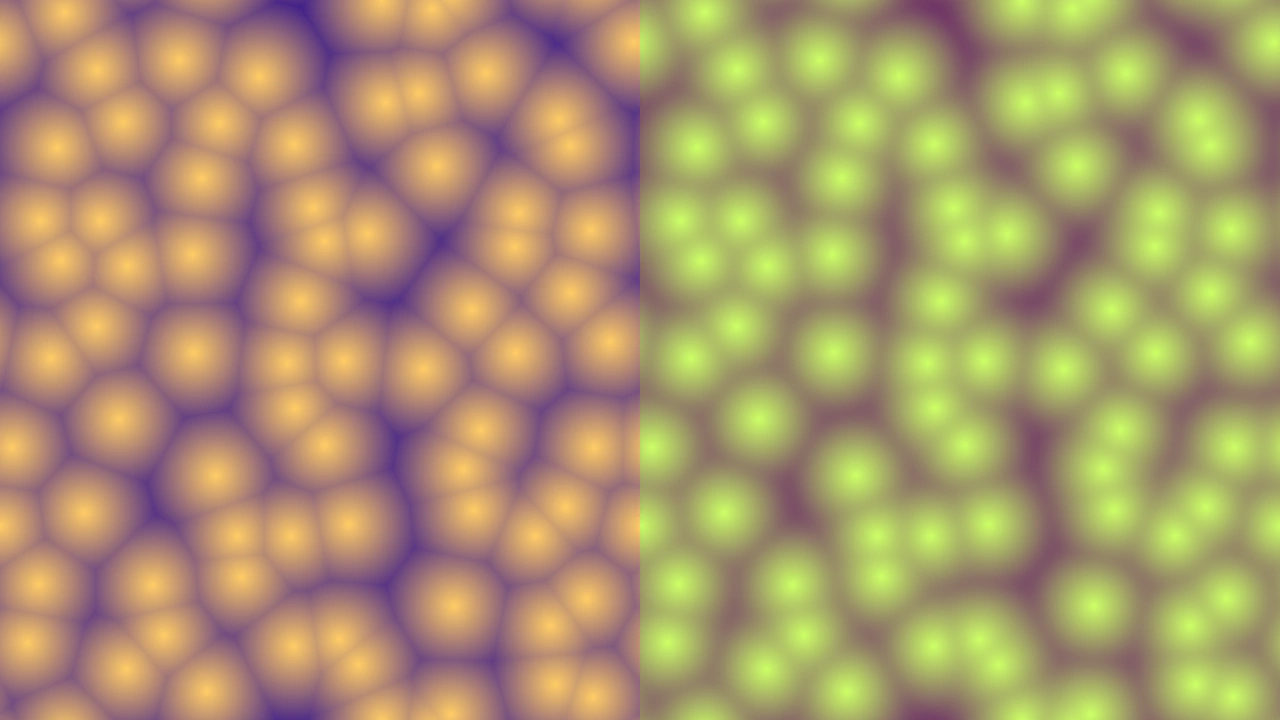 Cellular Noise SmoothingDemonstrates the difference between standard and smoothed 2D cellular noise using different render modes and smoothing values to create organic patterns.
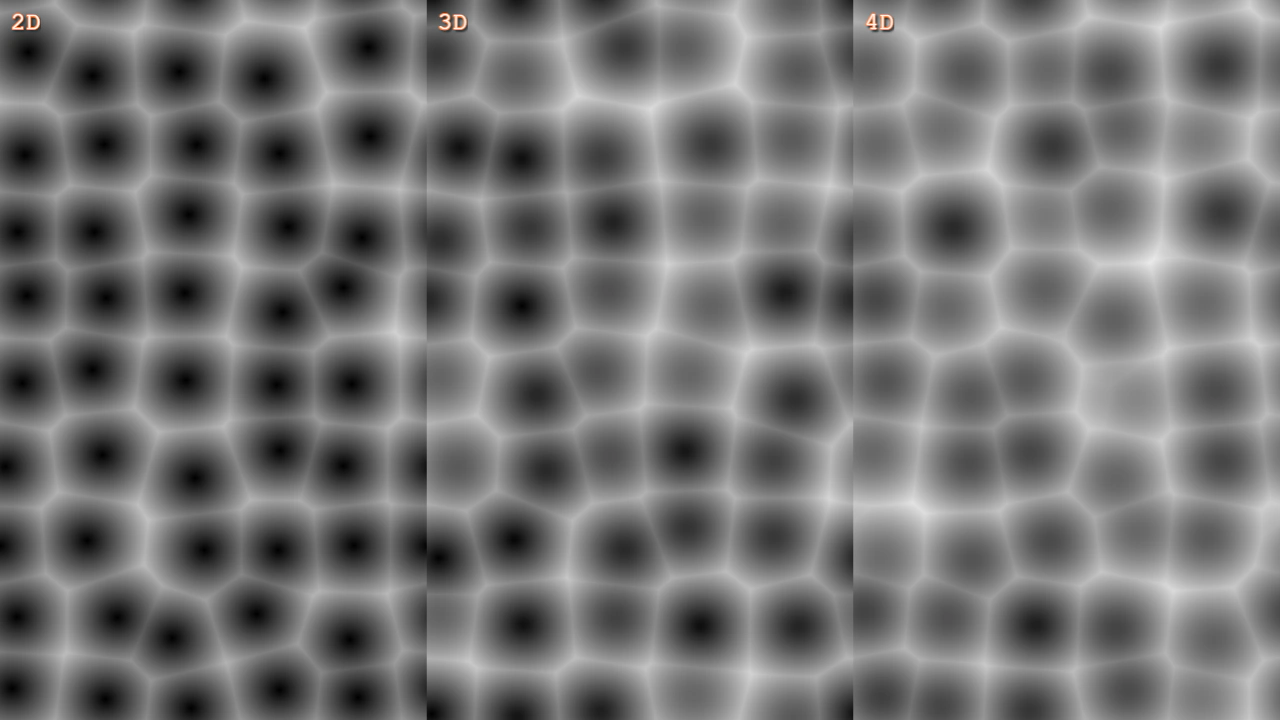 Cellular Noise VariationDemonstrates how to create and animate 2D, 3D, and 4D cellular noise Game Objects by dynamically adjusting their noise variation properties.
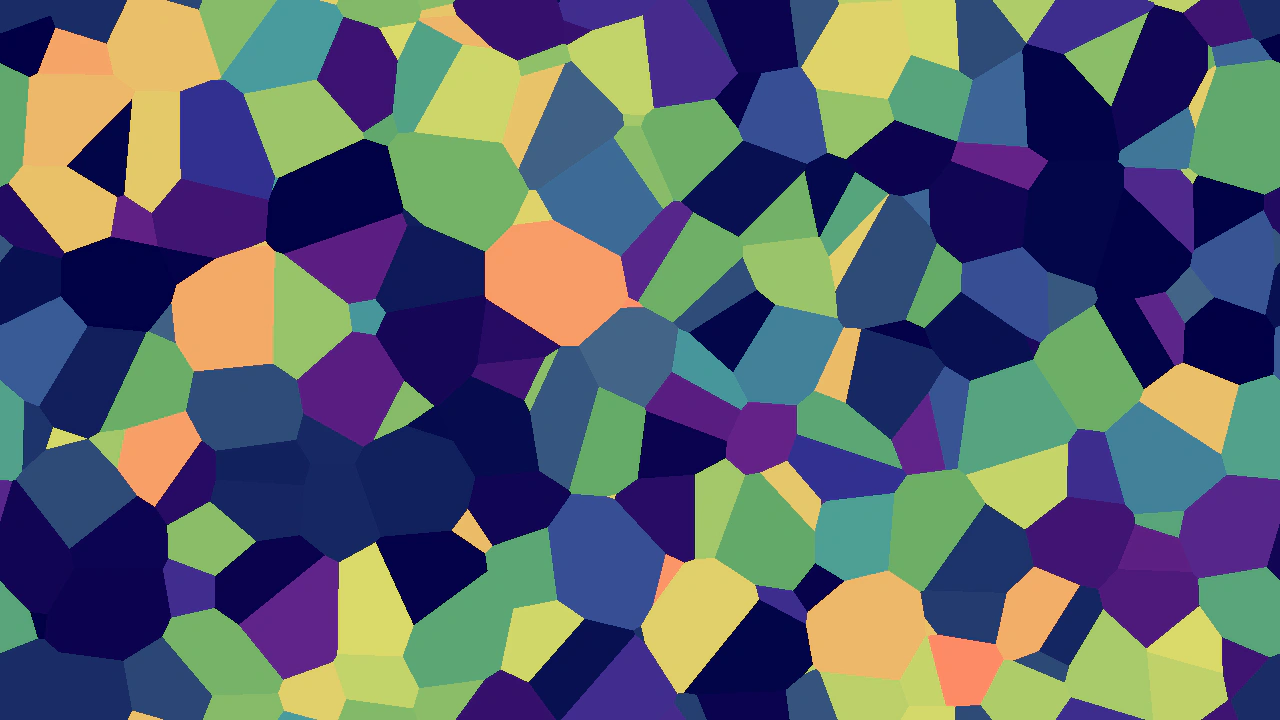 Cellular Noise with Gradient MapDemonstrates creating 3D cellular noise with flat-colored cells and applying a multi-stop color gradient map filter to the output.
 Cellular Noise WrapCreate and animate a seamless, wrapping 2D cellular noise texture. This example demonstrates configuring noise cells and wrapping parameters, rendering the output to a texture, and updating noise offsets over time.