Clouds With Simplex Noise
Generate an atmospheric cloud scene using multiple layers of 3D Simplex noise with parallax scaling, color tinting, and animated noise flow.

1280 × 720
class Example extends Phaser.Scene
{
    cloudLayers = [];

    create()
    {
        const { width, height } = this.scale;

        this.add.gradient({
            bands: [
                {
                    colorStart: 0xaa4422,
                    colorEnd: 0xffaa88,
                    colorSpace: 1
                }
            ],
            start: { x: 0, y: 1 },
            shape: { x: 0, y: -1 }
        }, width / 2, height / 2, width, height);

        const addCloudLayer = (k) => {
            const c = 1 - k * k * 0.5;
            const noise = this.add.noisesimplex3d({
                noiseOffset: [ 0, 0, k / 4 ], // Depth evolution
                noiseCells: [ 4, 4, 4 ],
                noiseIterations: 4, // Nice level of detail.
                noiseColorStart: [ 1, 1, c, 0 ], // Tint bright layers gold.
                noiseColorEnd: [ 1, c, c, 0.2 ], // Tint shadows red.
                noiseValueAdd: 0.1, // Increase open areas.
                noiseWarpAmount: 0.1,
                noiseWarpIterations: 3
            }, width / 2, height / 2 + k * 64, width / 4, width / 4)
            .setScale(5 - k / 1.7, (5 - k) / 1.7); // Simulate parallax.

            this.cloudLayers.push(noise);
        };

        // Add several layers of clouds.
        // Adjust the Z offset for every layer, so the clouds change with height.
        // This causes a lot of overdraw; you'd probably want to pre-render it in production.
        for (let i = 0; i <= 1; i += 0.05)
        {
            addCloudLayer(i);
        }
    }

    update (time)
    {
        for (const cloudLayer of this.cloudLayers)
        {
            cloudLayer.noiseOffset[0] = -time / 5000;
            cloudLayer.noiseOffset[1] = -time / 15000;
            cloudLayer.noiseFlow = time / 4000;
        }
    }
}

const config = {
    scale: { mode: Phaser.Scale.FIT },
    type: Phaser.WEBGL,
    parent: 'game-container',
    width: 1280,
    height: 720,
    scene: Example
};

const game = new Phaser.Game(config);
More in Noise33 examples
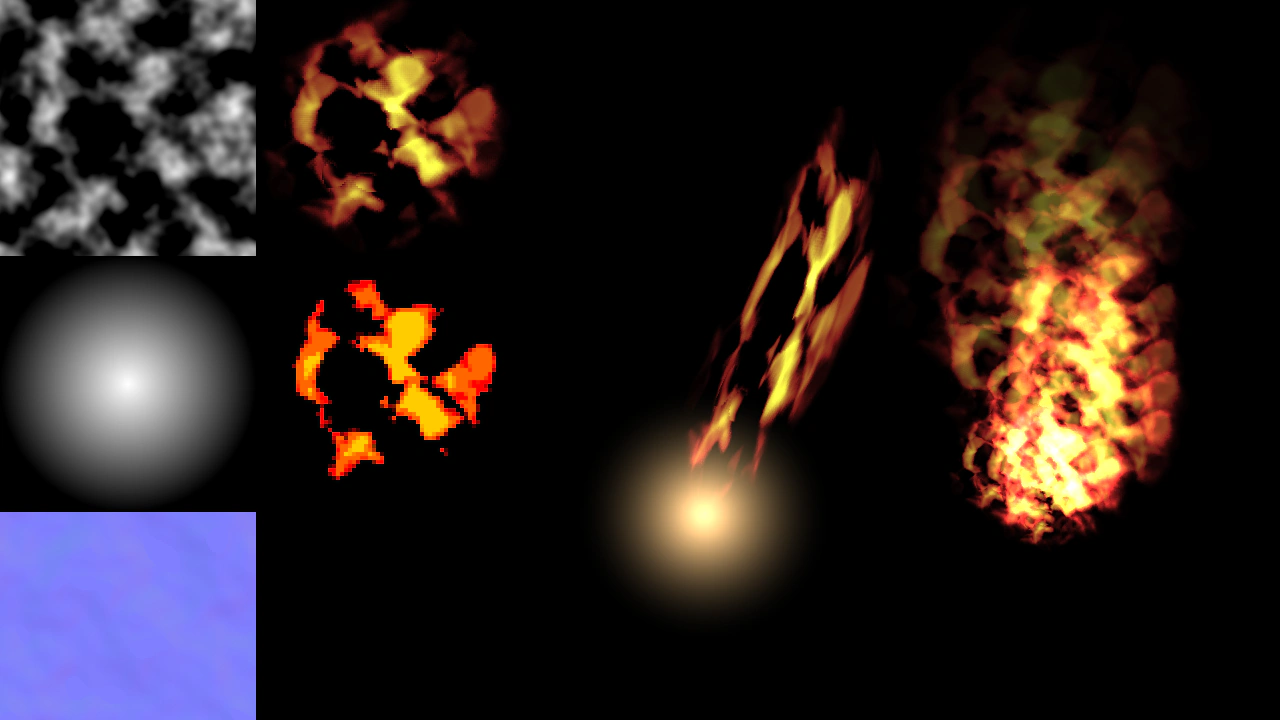 Fire with Simplex NoiseCreate procedural fire effects using Simplex Noise textures, displacement filters, and gradient mapping. This example shows how to generate dynamic textures, apply stylized filters, and animate fire using Rope game objects.
 Heat Haze with Simplex NoiseApply a displacement filter to an image using a procedural Simplex Noise texture to create an animated heat haze or liquid distortion effect.
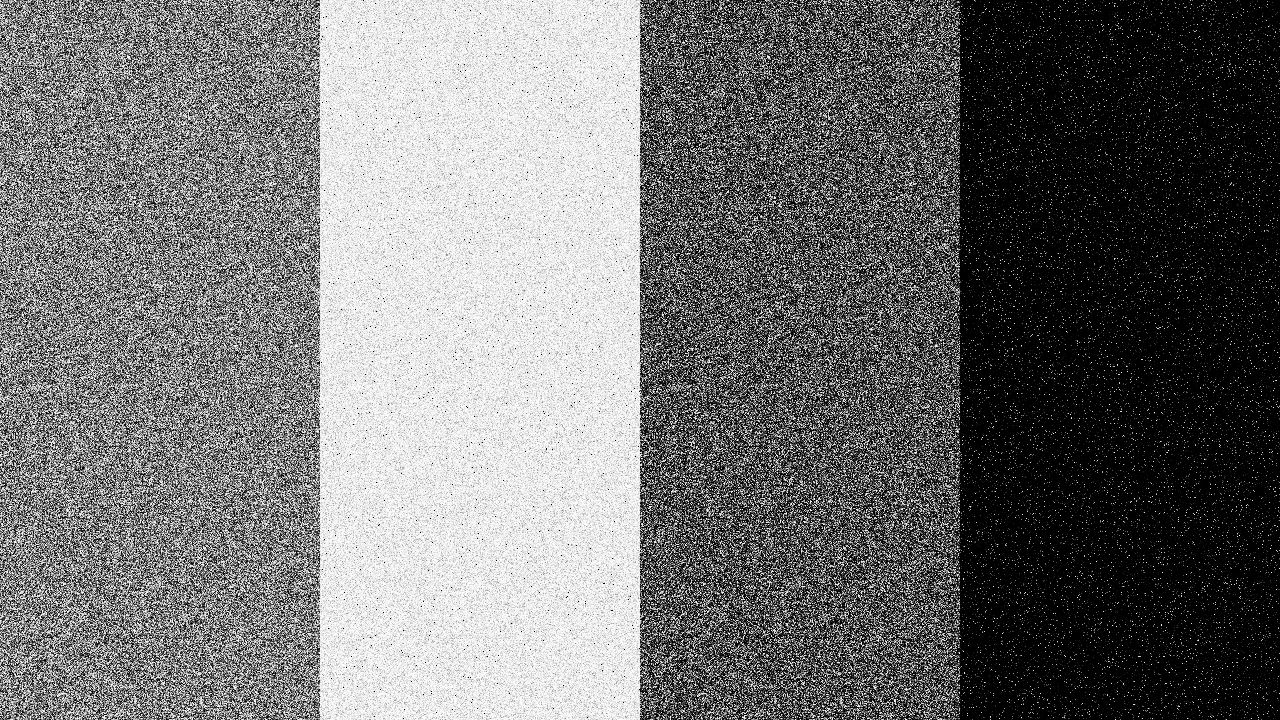 Noise PowerDemonstrates how the noisePower property affects the visual intensity and contrast of Noise Game Objects.
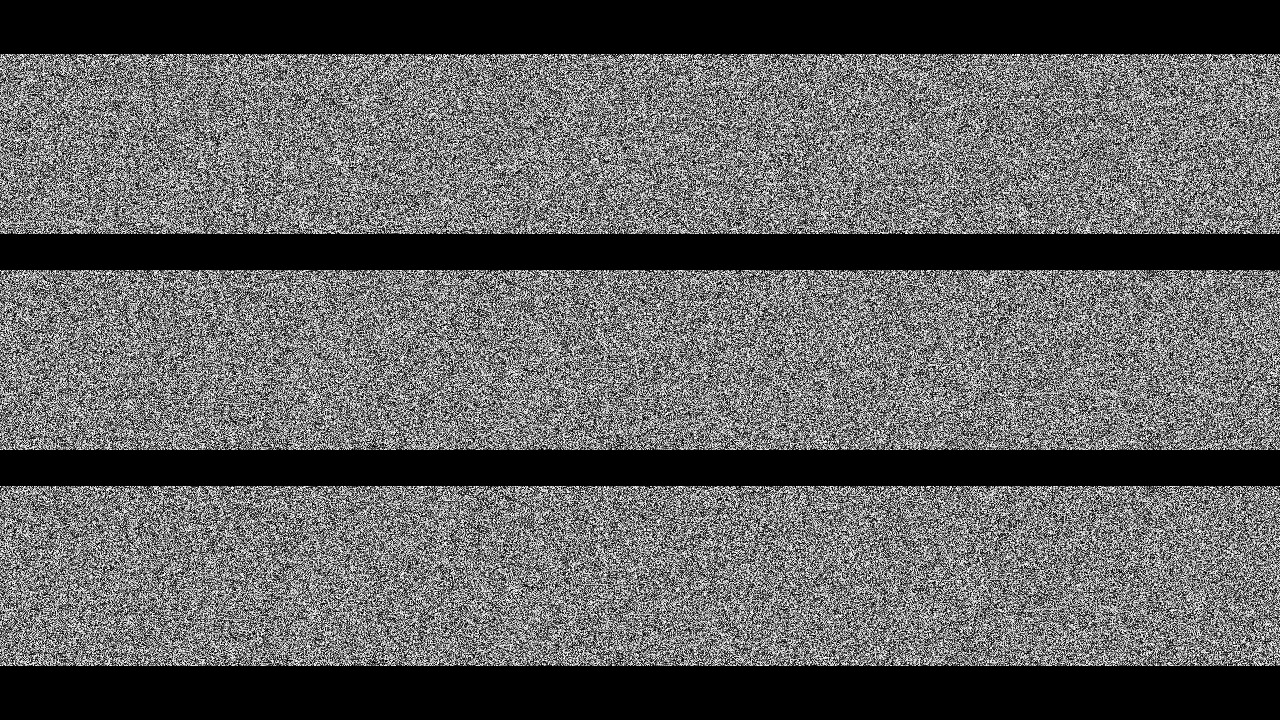 Noise Scrolling TechniquesDemonstrates various ways to animate noise patterns, including direct offset manipulation and using a Noise object as a texture for a scrolling TileSprite.