Cellular Noise with Gradient Map
Demonstrates creating 3D cellular noise with flat-colored cells and applying a multi-stop color gradient map filter to the output.
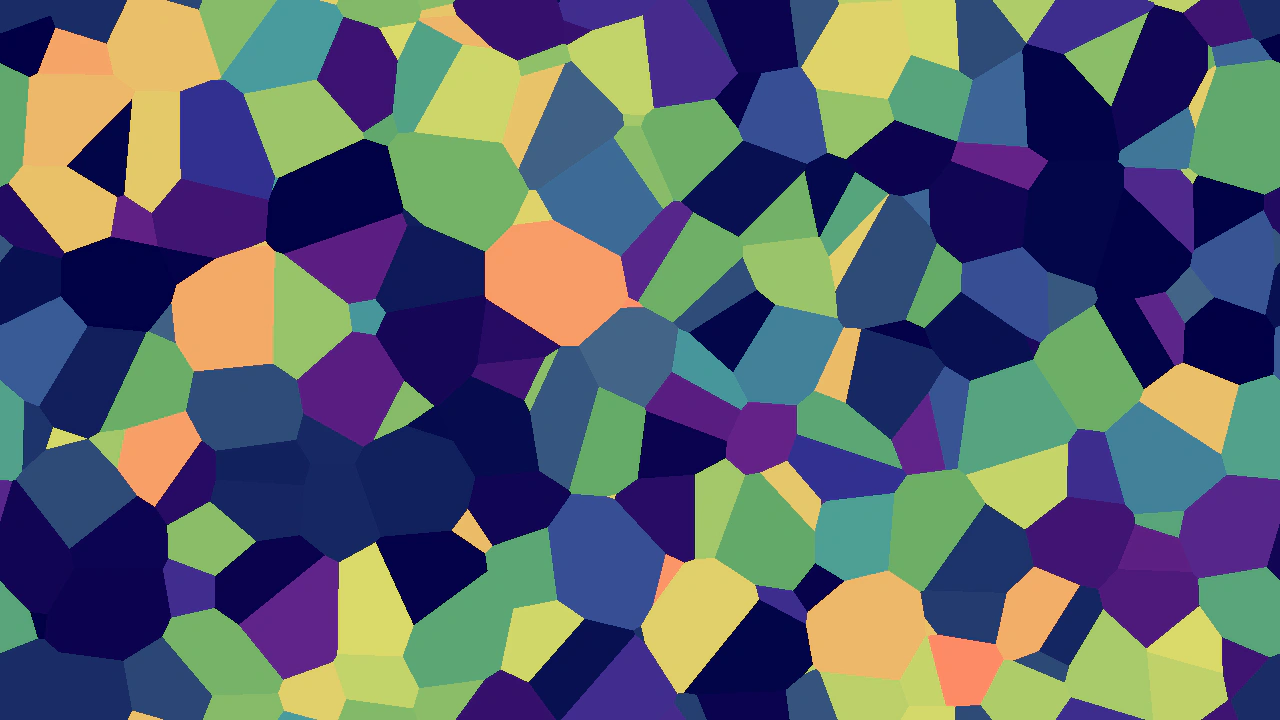
1280 × 720
class Example extends Phaser.Scene
{
    red = new Phaser.Display.Color(255, 0, 0);
    blue = new Phaser.Display.Color(0, 0, 255);
    color1 = new Phaser.Display.Color();
    color2 = new Phaser.Display.Color();
    color3 = new Phaser.Display.Color();
    color4 = new Phaser.Display.Color();
    color5 = new Phaser.Display.Color();

    create()
    {
        const { width, height } = this.scale;

        const noise = this.add.noisecell3d({
            noiseCells: [ 16, 9, 4 ],
            noiseMode: 1 // Render cells as random flat values.
        }, width / 2, height / 2, width, height);

        // Use a black-and-white input to drive a complex color output.
        Phaser.Display.Color.IntegerToColor(0x446688, this.color1);
        Phaser.Display.Color.IntegerToColor(0x000044, this.color2);
        Phaser.Display.Color.IntegerToColor(0x662288, this.color3);
        Phaser.Display.Color.IntegerToColor(0x66aa66, this.color4);
        Phaser.Display.Color.IntegerToColor(0xff8866, this.color5);
        noise.enableFilters().filters.internal.addGradientMap({
            ramp: [
                {
                    colorStart: this.color1,
                    colorEnd: this.color2,
                    colorSpace: 1,
                    size: 0.3
                },
                {
                    colorStart: this.color2,
                    colorEnd: this.color3,
                    colorSpace: 1,
                    size: 0.2,
                },
                {
                    colorStart: this.color3,
                    colorEnd: this.color4,
                    colorSpace: 1,
                    size: 0.2,
                },
                {
                    colorStart: this.color4,
                    colorEnd: this.color5,
                    colorSpace: 1,
                    size: 0.3,
                }
            ]
        });
    }
}

const config = {
    scale: { mode: Phaser.Scale.FIT },
    type: Phaser.WEBGL,
    parent: 'game-container',
    width: 1280,
    height: 720,
    scene: Example
};

const game = new Phaser.Game(config);
More in Noise33 examples
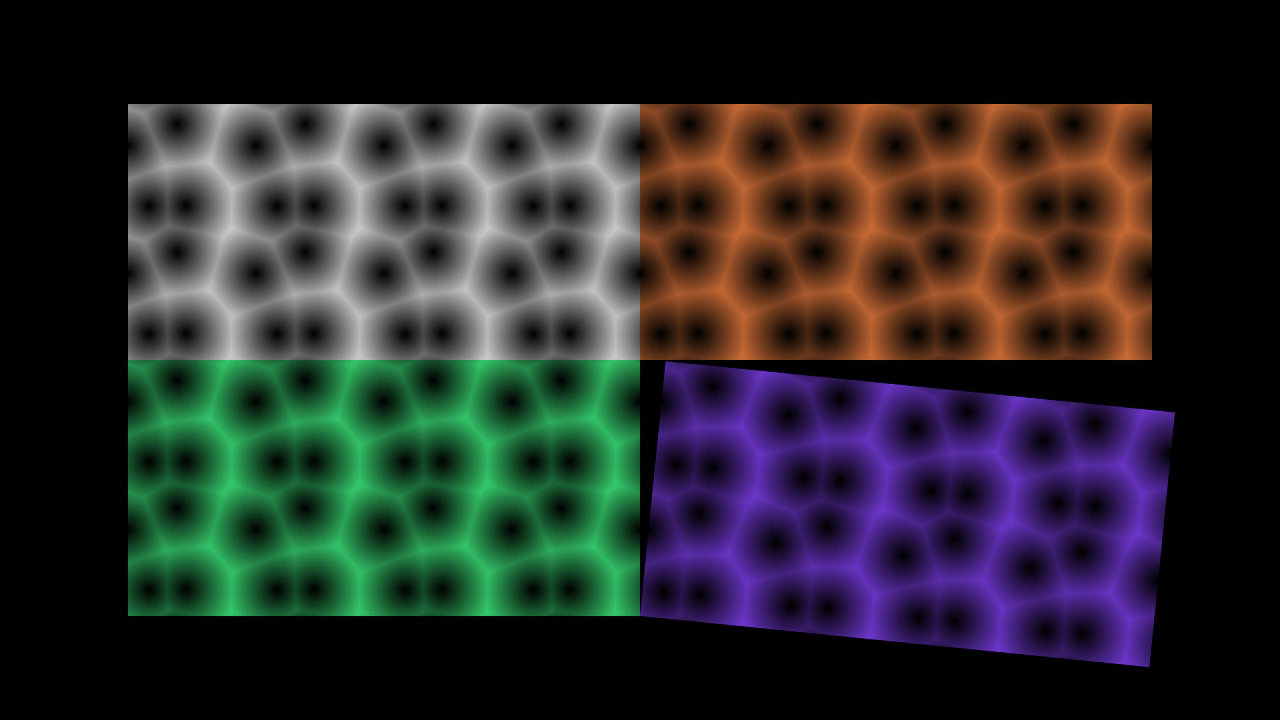 Cellular Noise WrapCreate and animate a seamless, wrapping 2D cellular noise texture. This example demonstrates configuring noise cells and wrapping parameters, rendering the output to a texture, and updating noise offsets over time.
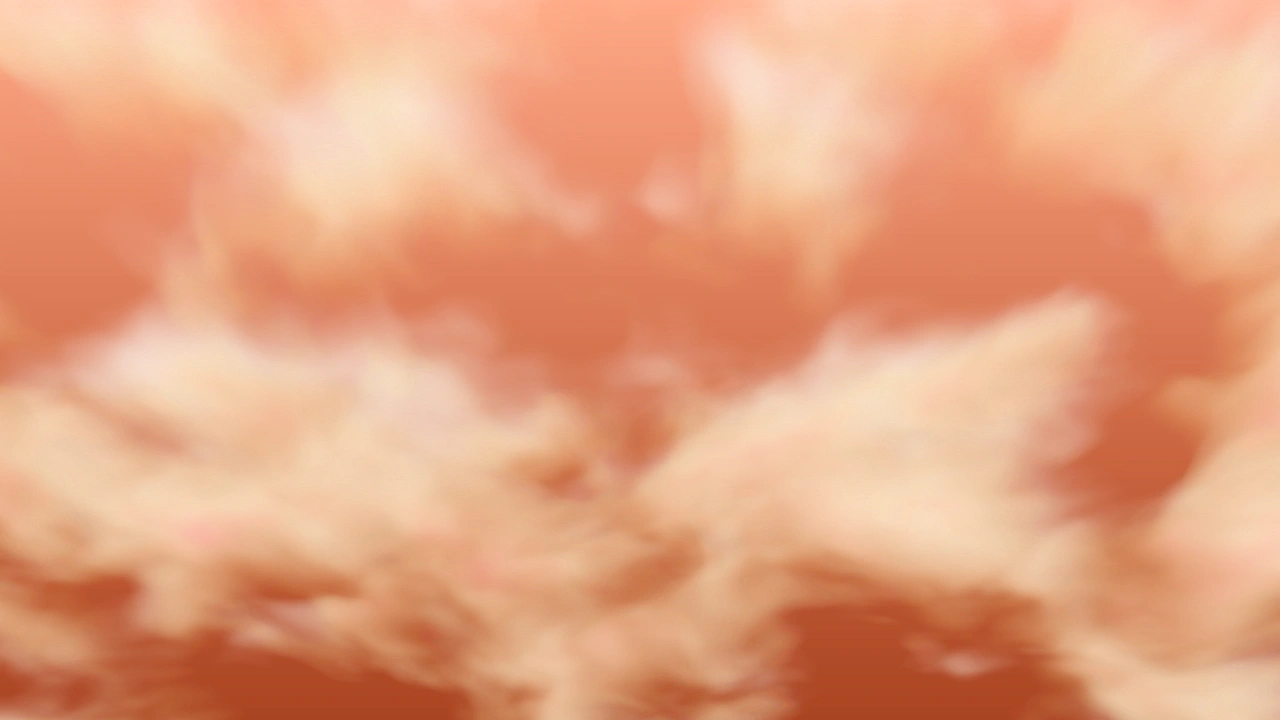 Clouds With Simplex NoiseGenerate an atmospheric cloud scene using multiple layers of 3D Simplex noise with parallax scaling, color tinting, and animated noise flow.
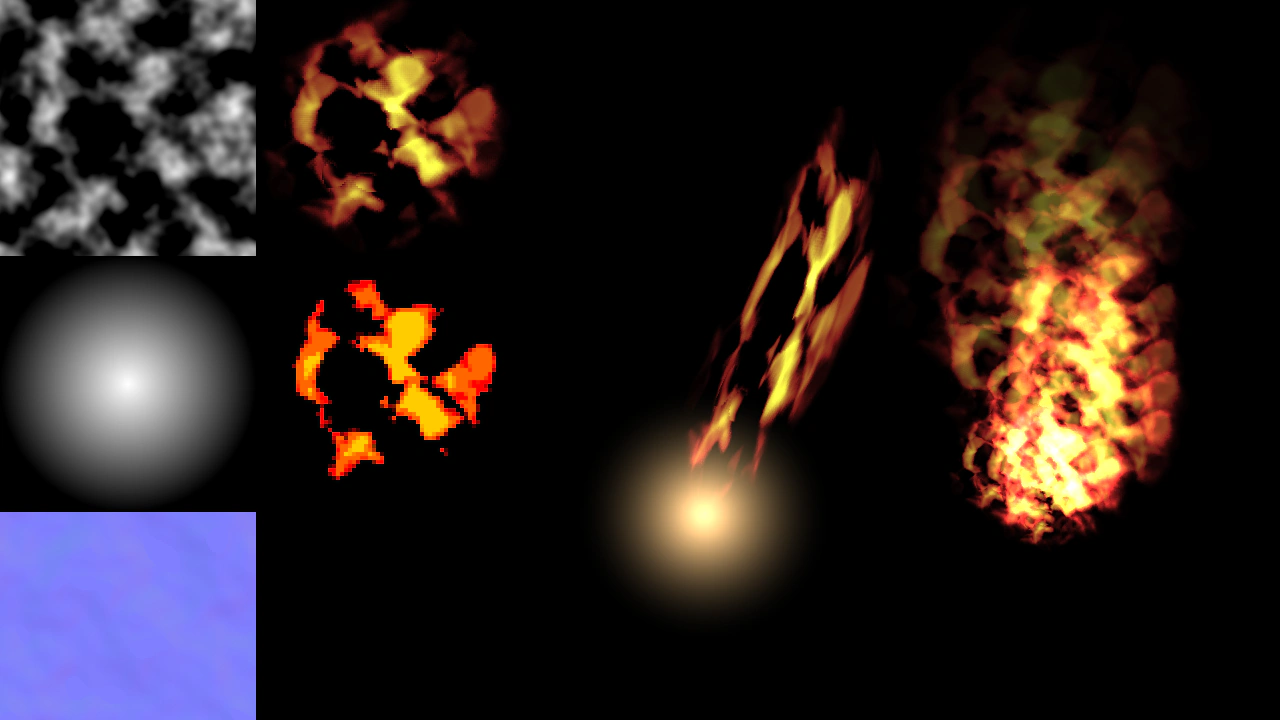 Fire with Simplex NoiseCreate procedural fire effects using Simplex Noise textures, displacement filters, and gradient mapping. This example shows how to generate dynamic textures, apply stylized filters, and animate fire using Rope game objects.
 Heat Haze with Simplex NoiseApply a displacement filter to an image using a procedural Simplex Noise texture to create an animated heat haze or liquid distortion effect.