Cellular Noise Grid Density
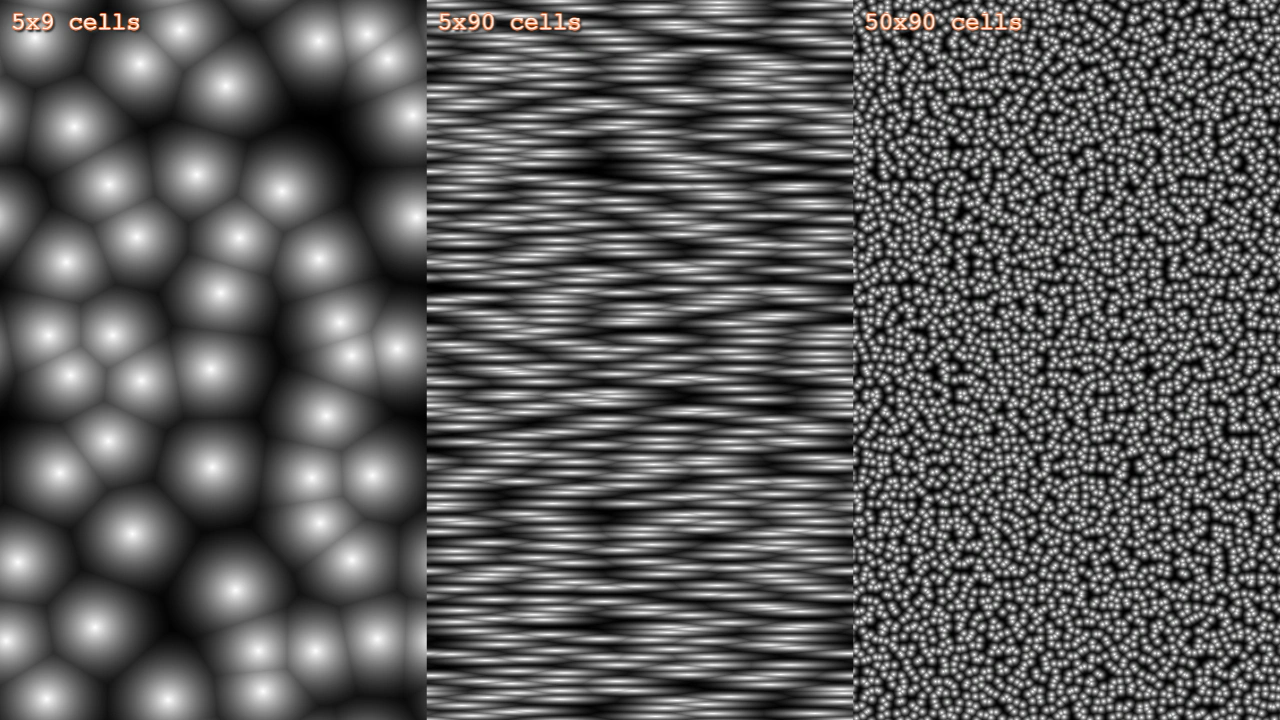
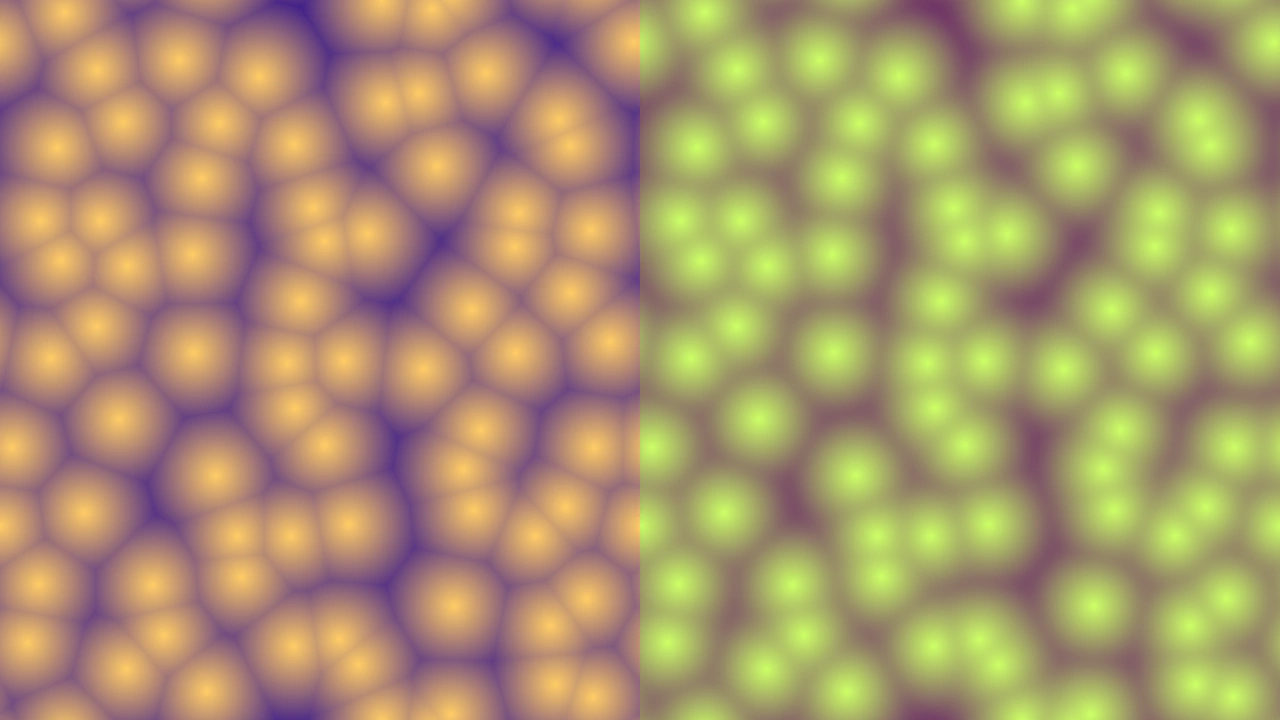
Demonstrates how to create and animate 2D cellular noise patterns using different grid densities, aspect ratios, and movement offsets.
1280 × 720
class Example extends Phaser.Scene
{
    noise1;
    noise2;
    noise3;

    create()
    {
        const { width, height } = this.scale;

        const config = {
            noiseCells: [ 5, 9 ],
            noiseColorStart: 0xffffff,
            noiseColorEnd: [ 0, 0, 0, 0 ]
        };

        // Create cell patterns at different cell grid sizes and aspect ratios.
        // Note that there is no performance difference.

        this.noise1 = this.add.noisecell2d(config, width * 1 / 6, height / 2, width / 3, height);
        this.noise2 = this.add.noisecell2d({
            ...config,
            noiseCells: [ 5, 90 ]
        }, width * 3 / 6, height / 2, width / 3, height);
        this.noise3 = this.add.noisecell2d({
            ...config,
            noiseCells: [ 50, 90 ]
        }, width * 5 / 6, height / 2, width / 3, height);

        this.add.text(10, 10, '5x9 cells', { fontSize: 24 }).setStroke('#ff8844', 2).setShadow(2, 2, '#333333', 2, true, false);
        this.add.text(width / 3 + 10, 10, '5x90 cells', { fontSize: 24 }).setStroke('#ff8844', 2).setShadow(2, 2, '#333333', 2, true, false);
        this.add.text(width * 2 / 3 + 10, 10, '50x90 cells', { fontSize: 24 }).setStroke('#ff8844', 2).setShadow(2, 2, '#333333', 2, true, false);
    }

    update (time)
    {
        const t = time / 10000;
        const c = Math.cos(t);
        const s = Math.sin(t);

        this.noise1.noiseOffset[0] = c;
        this.noise1.noiseOffset[1] = s;
        this.noise2.noiseOffset[0] = c;
        this.noise2.noiseOffset[1] = s;
        this.noise3.noiseOffset[0] = c;
        this.noise3.noiseOffset[1] = s;
    }
}

const config = {
    scale: { mode: Phaser.Scale.FIT },
    type: Phaser.WEBGL,
    parent: 'game-container',
    width: 1280,
    height: 720,
    scene: Example
};

const game = new Phaser.Game(config);
More in Noise33 examples
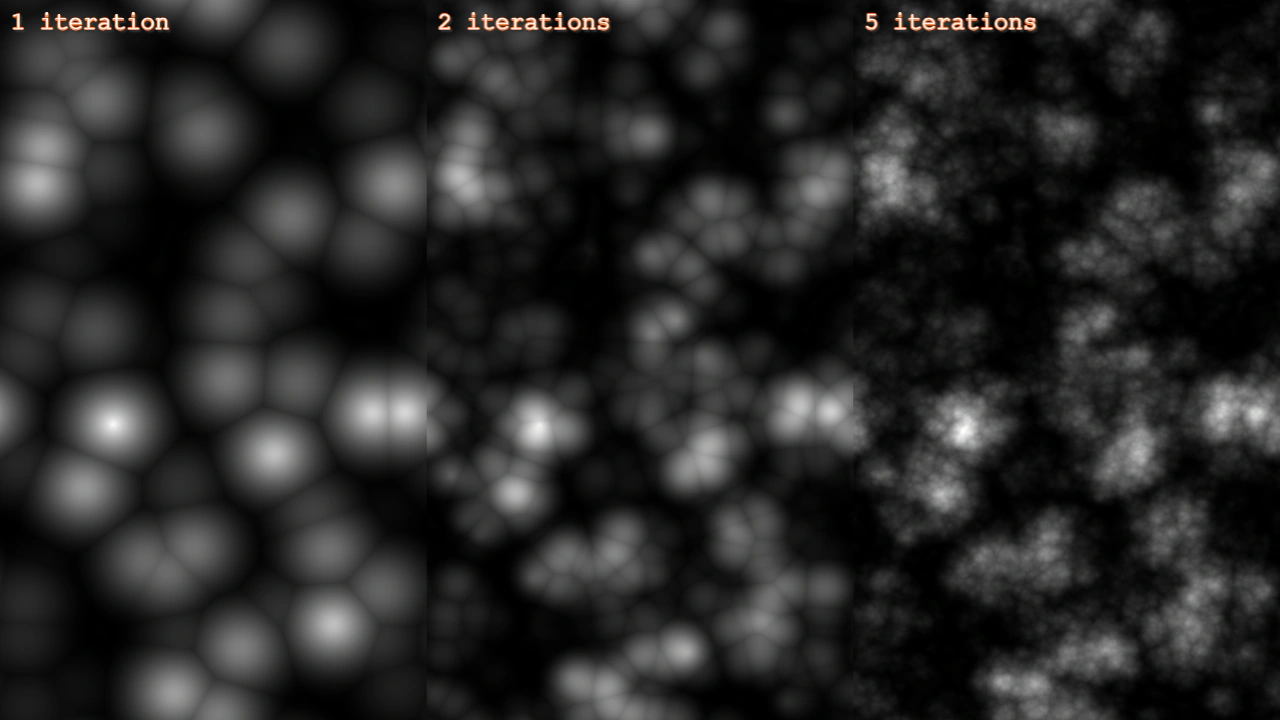 Cellular Noise IterationsThis example demonstrates how varying the number of iterations affects the complexity and detail of a 4D cellular noise Game Object.
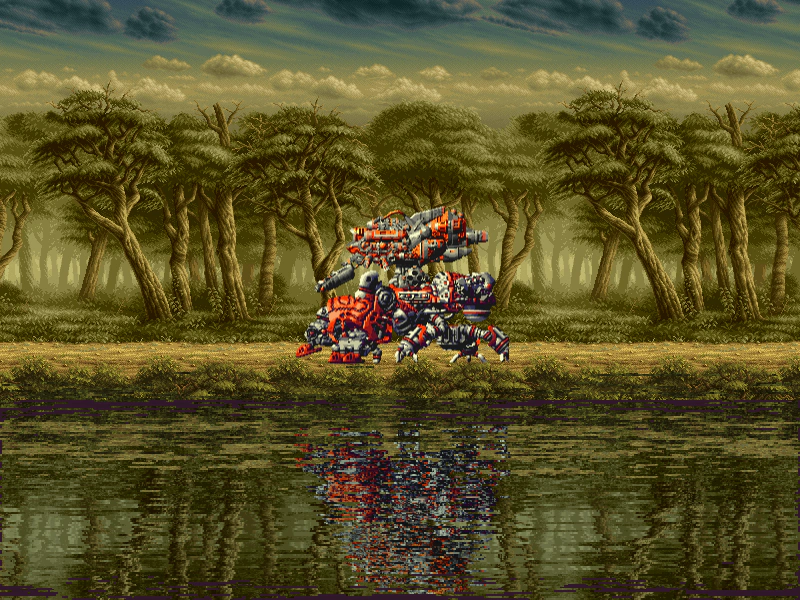 Cellular Noise Normal MapDemonstrates creating an animated water reflection effect using a 4D cellular noise normal map as a displacement filter.
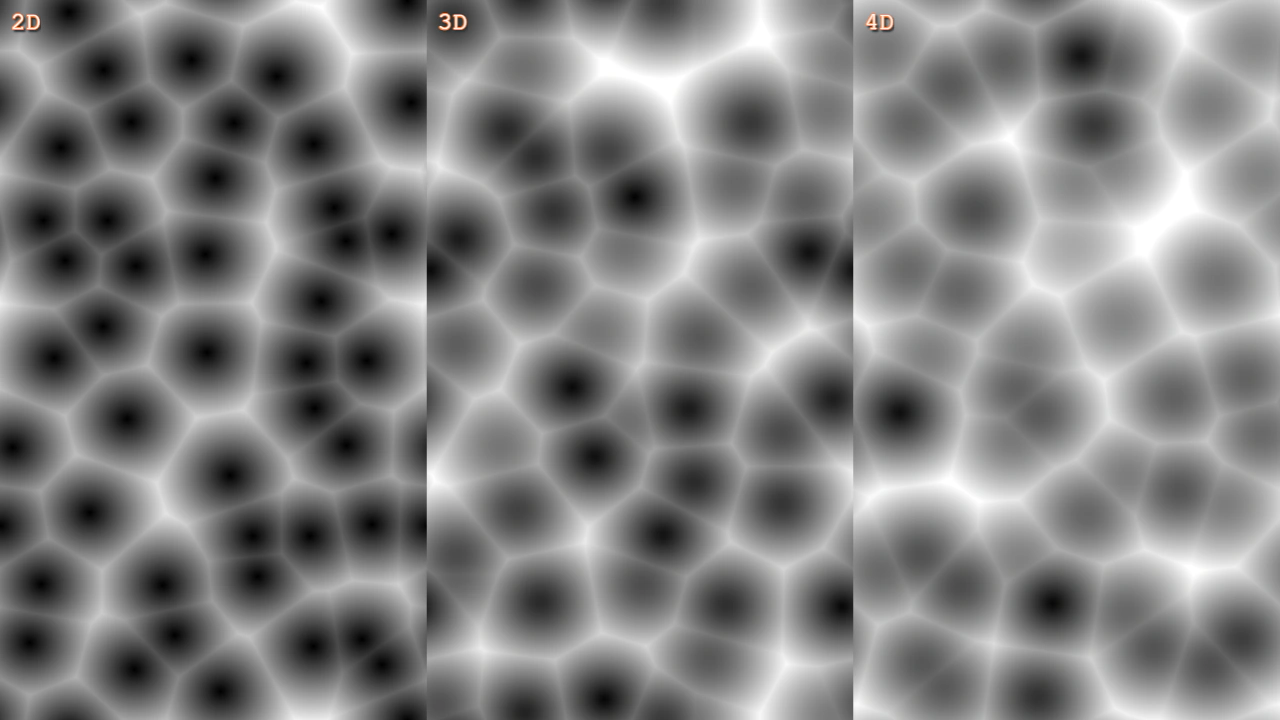 Cellular Noise Scroll ZAnimate 3D and 4D cellular noise by scrolling the Z-axis offset over time.
 Cellular Noise SmoothingDemonstrates the difference between standard and smoothed 2D cellular noise using different render modes and smoothing values to create organic patterns.