Noise Scrolling Techniques
Demonstrates various ways to animate noise patterns, including direct offset manipulation and using a Noise object as a texture for a scrolling TileSprite.

1280 × 720
class Example extends Phaser.Scene
{
    noise1;
    noise2;
    noise3;
    tileSprite;
    acc = 0;

    create()
    {
        const { width, height } = this.scale;

        this.noise1 = this.add.noise({}, width / 2, height / 5, width, height / 4);

        this.noise2 = this.add.noise({}, width / 2, height / 2, width, height / 4);

        this.noise3 = this.add.noise({}, width / 2, height * 4 / 5, width, height / 4);

        this.noise3.setRenderToTexture('noise3');

        this.tileSprite = this.add.tileSprite(width / 2, height * 4 / 5, width, height / 4, 'noise3');
    }

    update (time)
    {
        // Unaligned offset creates random noise, even when extremely small.
        const t = time / 1000000;
        this.noise1.noiseOffset = [t, 0];

        this.acc++;

        // Offset that matches noise resolution is more stable, but can flicker.
        this.noise2.noiseOffset = [this.acc / this.scale.width, 0];

        // Using noise as a texture in a TileSprite is smooth.
        // Note that `noise3` re-renders the same image every frame; this could be optimized.
        this.tileSprite.setTilePosition(this.acc, 0);
    }
}

const config = {
    scale: { mode: Phaser.Scale.FIT },
    type: Phaser.WEBGL,
    parent: 'game-container',
    width: 1280,
    height: 720,
    scene: Example
};

const game = new Phaser.Game(config);
More in Noise33 examples
 Reflections with Simplex NoiseCreate dynamic animated reflections using Simplex noise as a normal map with the Image Light filter.
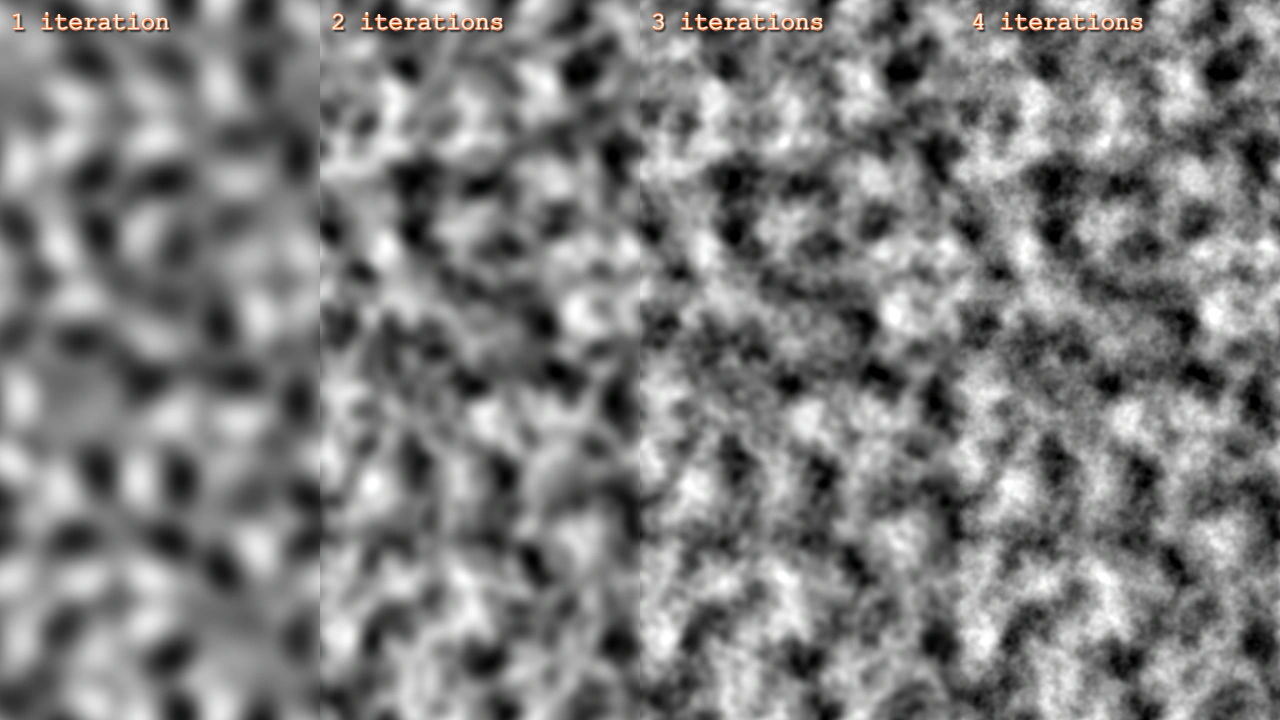 Simplex Noise 3D IterationsCompare the visual impact of increasing noise iterations on a 3D Simplex noise Game Object, showing how more iterations add complexity and detail.
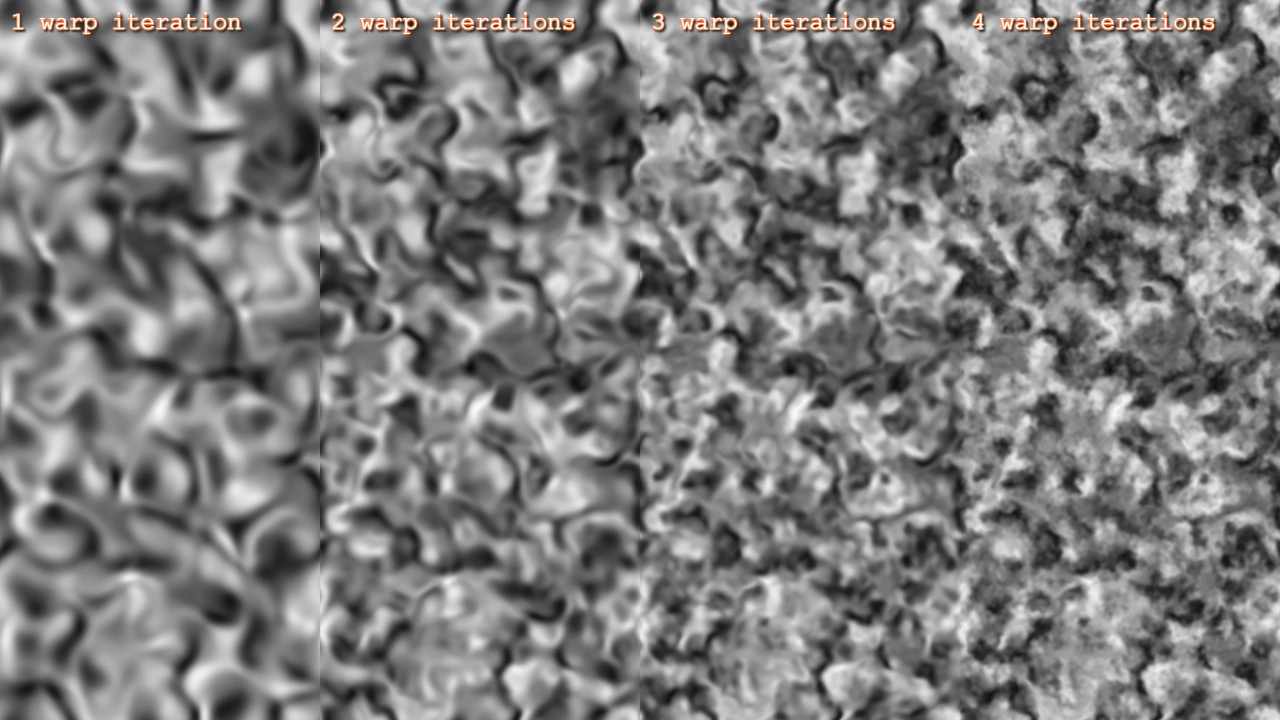 Simplex Noise 3D Warp IterationsCompare the visual effect of increasing warp iterations on 3D Simplex noise textures.
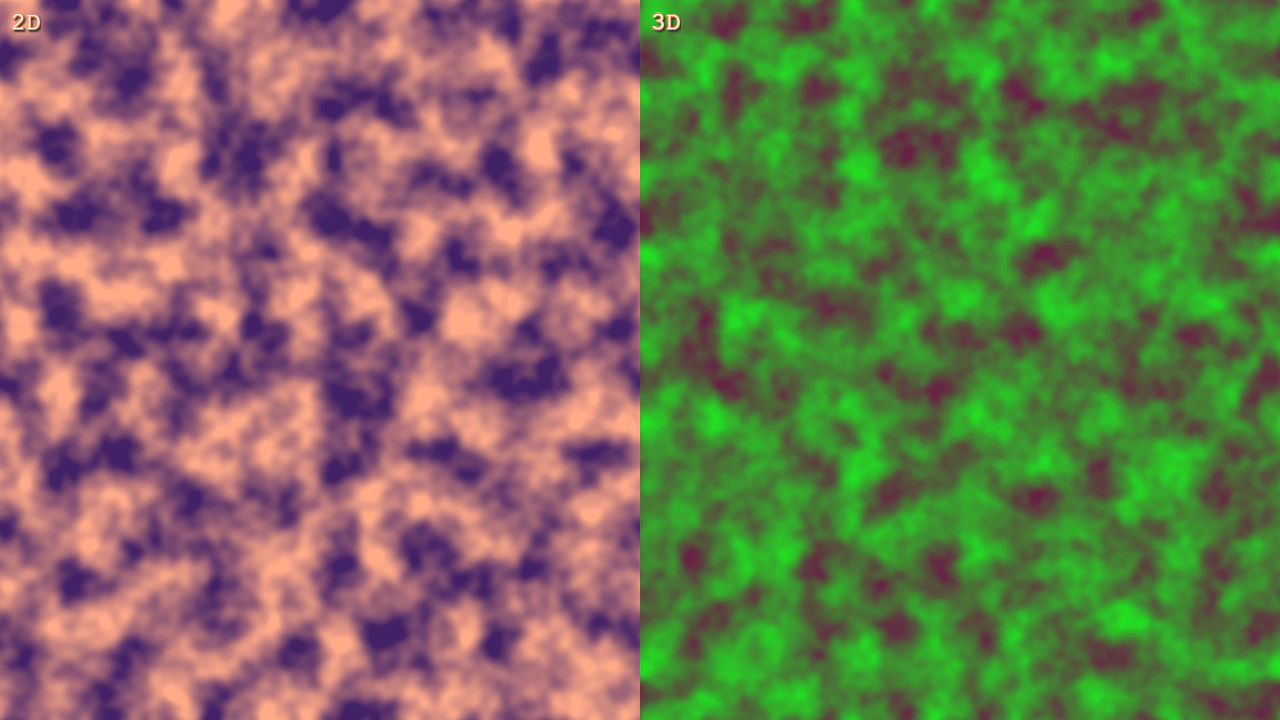 Simplex Noise FlowAnimate 2D and 3D Simplex Noise Game Objects by updating the noiseFlow property to create evolving generative patterns.