Basic Noise Colors
Demonstrates how to configure and animate colors in a Noise Game Object using hex codes, RGBA arrays for transparency, and channel randomization.
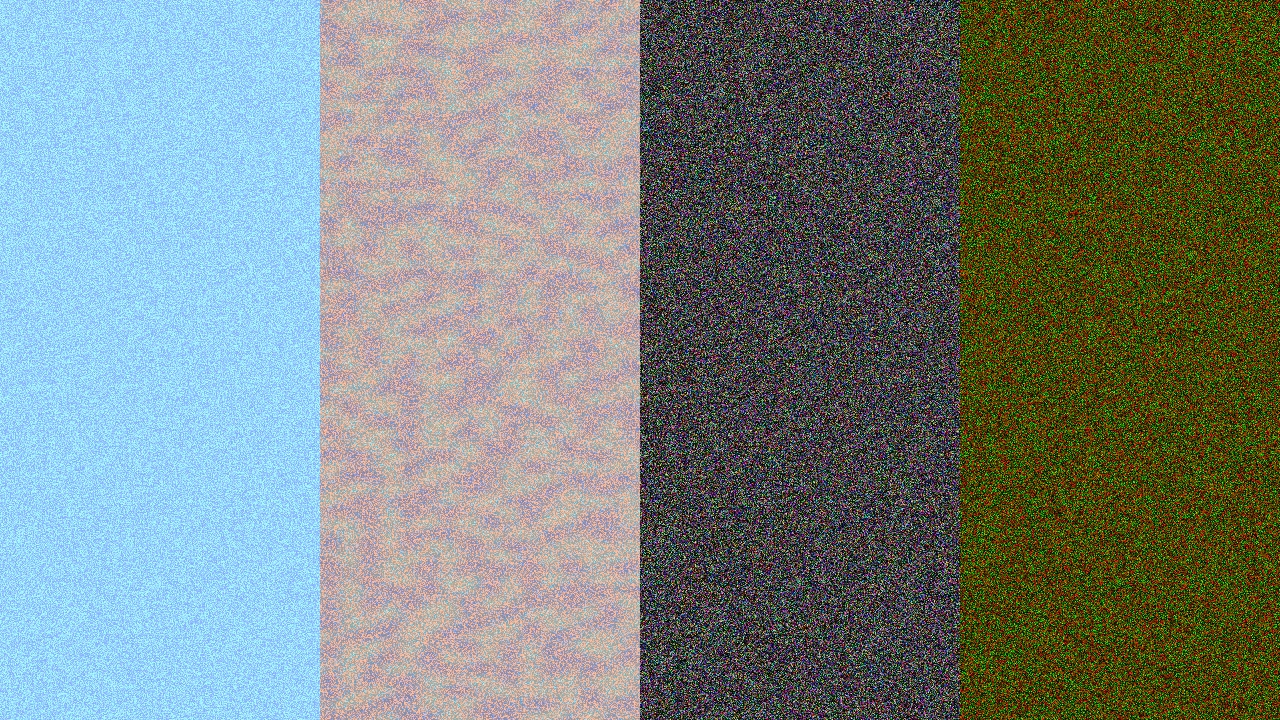
1280 × 720
class Example extends Phaser.Scene
{
    noise2;

    create()
    {
        const { width, height } = this.scale;

        this.bg = this.add.noisesimplex2d({
            noiseColorStart: 0x88aaff,
            noiseColorEnd: 0xaaffff,
        }, width / 2, height / 2, width, height);

        // Set colors.
        this.add.noise({
            noiseColorStart: 0x88aaff,
            noiseColorEnd: 0xaaffff
        }, width * 1 / 8, height / 2, width / 4, height);

        // Color to transparent.
        this.noise2 = this.add.noise({
            noiseColorStart: [ 1, 12 / 16, 10 / 16 ],
            noiseColorEnd: [ 0, 0, 0, 0 ], // Use channel notation to include alpha.
            noisePower: 4
        }, width * 3 / 8, height / 2, width / 4, height);

        // Randomize color channels.
        this.add.noise({
            noiseRandomChannels: true
        }, width * 5 / 8, height / 2, width / 4, height);

        // Randomize color channels on specific colors.
        this.add.noise({
            noiseColorStart: 0xff0000,
            noiseColorEnd: 0x00ff00,
            noiseRandomChannels: true
        }, width * 7 / 8, height / 2, width / 4, height);
    }

    update (time)
    {
        this.bg.noiseFlow = time / 2000;

        this.noise2.noisePower = Math.sin(time / 1000) + 1;
    }
}

const config = {
    scale: { mode: Phaser.Scale.FIT },
    type: Phaser.WEBGL,
    parent: 'game-container',
    width: 1280,
    height: 720,
    scene: Example
};

const game = new Phaser.Game(config);
More in Noise33 examples
 Basic Normal Noise DisplacementDemonstrates how to generate a normal-distributed noise texture and use it as a displacement map to distort an image.
 Cellular NoiseDemonstrates how to generate and display 2D, 3D, and 4D cellular (Worley) noise patterns side-by-side using specialized noise Game Objects.
 Cellular Noise 4D LoopCreate a seamless, high-precision looping animation by rotating the offsets of a 4D cellular noise object over time.
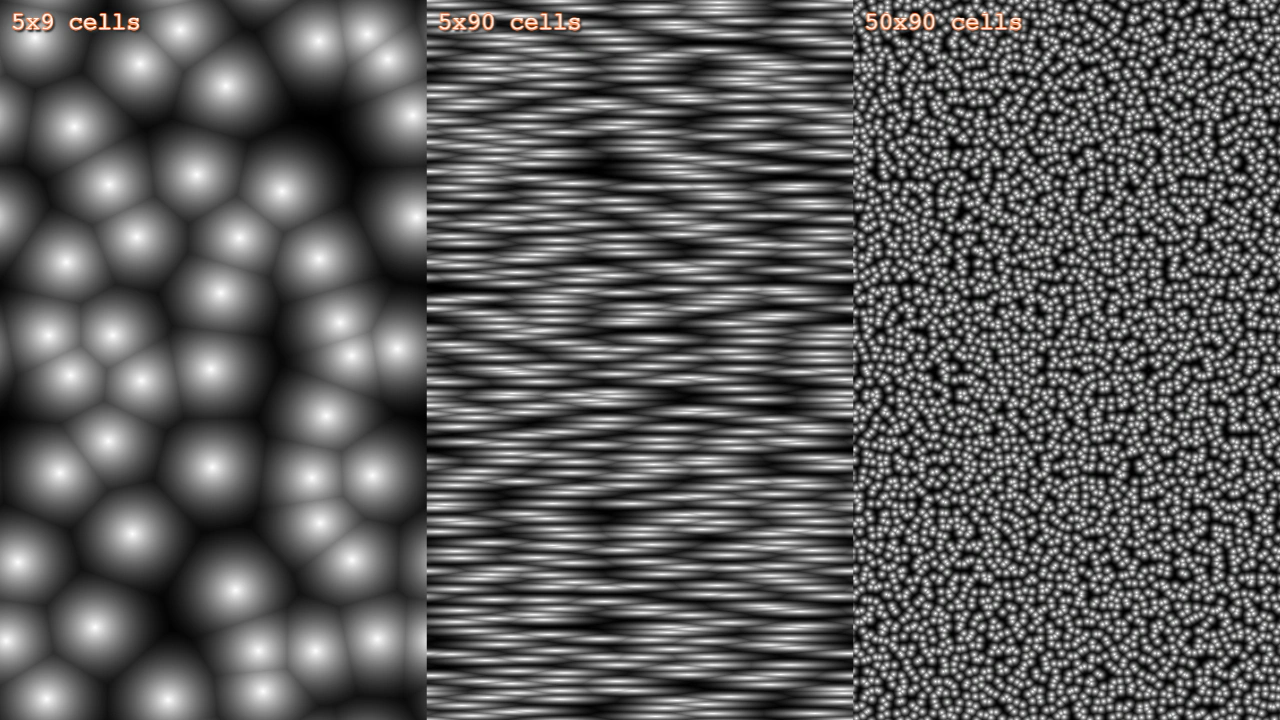 Cellular Noise Grid DensityDemonstrates how to create and animate 2D cellular noise patterns using different grid densities, aspect ratios, and movement offsets.