Trimmed Frame from Texture Atlas
Demonstrates loading a texture atlas and displaying a specific frame that has been trimmed, illustrating how Phaser handles original source dimensions versus trimmed sizes.

800 × 600
class Example extends Phaser.Scene
{
    preload ()
    {
        this.load.setBaseURL('https://cdn.phaserfiles.com/v410');
        this.load.atlas('atlas', 'assets/atlas/megaset-2.png', 'assets/atlas/megaset-2.json');
    }

    create ()
    {
        const i = this.add.image(400, 300, 'atlas', 'hello');

        console.log(i.width, i.height);

        console.log(i.frame);
    }
}

const config = {
    scale: { mode: Phaser.Scale.FIT },
    type: Phaser.AUTO,
    parent: 'game-container',
    width: 800,
    height: 600,
    scene: Example
};

const game = new Phaser.Game(config);
More in Textures36 examples
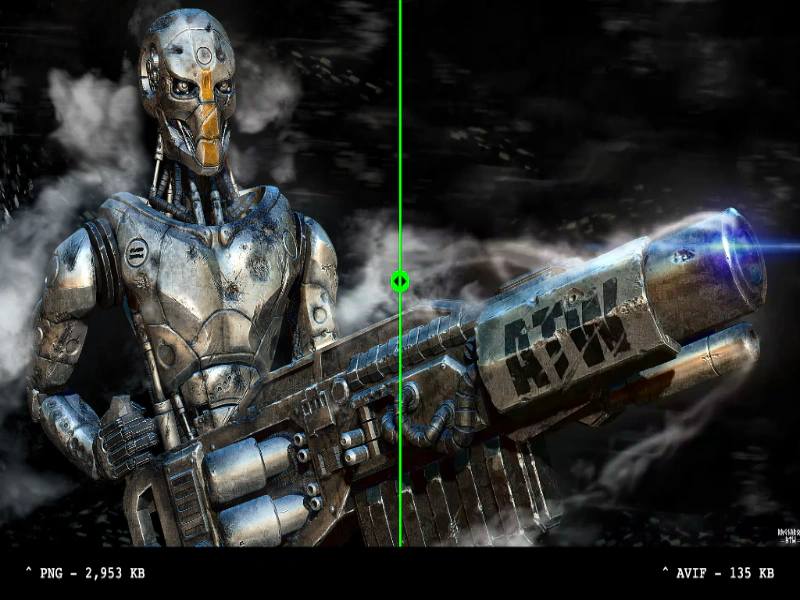 AVIF Texture SupportLoad and display AVIF images to compare visual quality and significant file size savings against standard PNGs using an interactive comparison slider.
 Compressed Multi-Texture AtlasDemonstrates loading a multi-file texture atlas using various hardware-compressed formats like ASTC, ETC, PVRTC, and S3TC with an image fallback.
 Compressed Texture AtlasDemonstrates how to load a multi-format compressed texture atlas. Phaser automatically detects device support for formats like ASTC, ETC, PVRTC, and S3TC, loading the optimal file or falling back to a standard PNG.
 Compressed Texture Atlas via File ConfigLoad a texture atlas by providing multiple compressed texture formats (ASTC, ETC, PVRTC, S3TC) and a PNG fallback within a single configuration object.