Cropping Multiple Texture Atlas Frames
Demonstrates how to apply individual crop rectangles to multiple images that are using different frames from the same texture atlas.
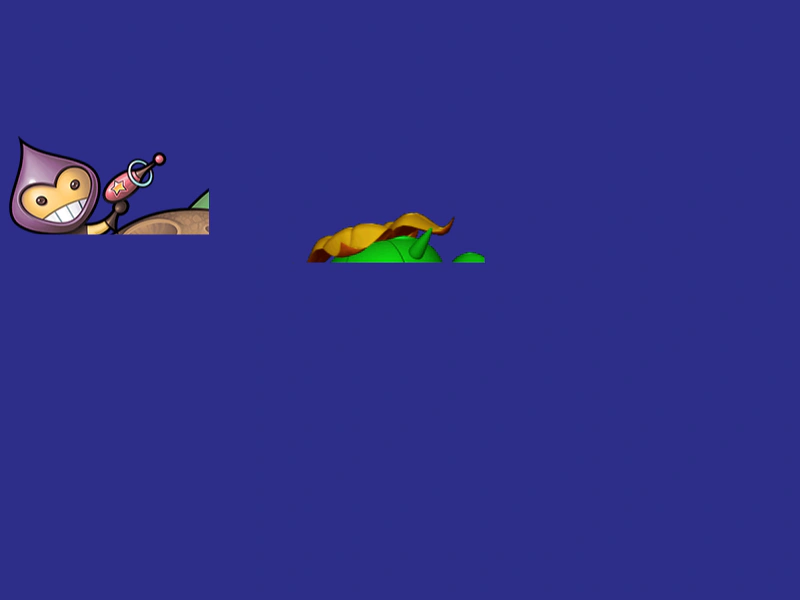
800 × 600
class Example extends Phaser.Scene
{
    preload ()
    {
        this.load.setBaseURL('https://cdn.phaserfiles.com/v410');
        this.load.atlas('atlas', 'assets/atlas/megaset-0.png', 'assets/atlas/megaset-0.json');
    }

    create ()
    {
        const image1 = this.add.image(200, 300, 'atlas', 'phaser2');

        image1.setCrop(0, 0, 200, 100);

        const image2 = this.add.image(400, 300, 'atlas', 'cactuar');

        image2.setCrop(0, 0, 200, 50);
    }
}

const config = {
    scale: { mode: Phaser.Scale.FIT },
    type: Phaser.CANVAS,
    parent: 'game-container',
    width: 800,
    height: 600,
    backgroundColor: '#2d2d88',
    scene: Example
};

const game = new Phaser.Game(config);
More in Textures36 examples
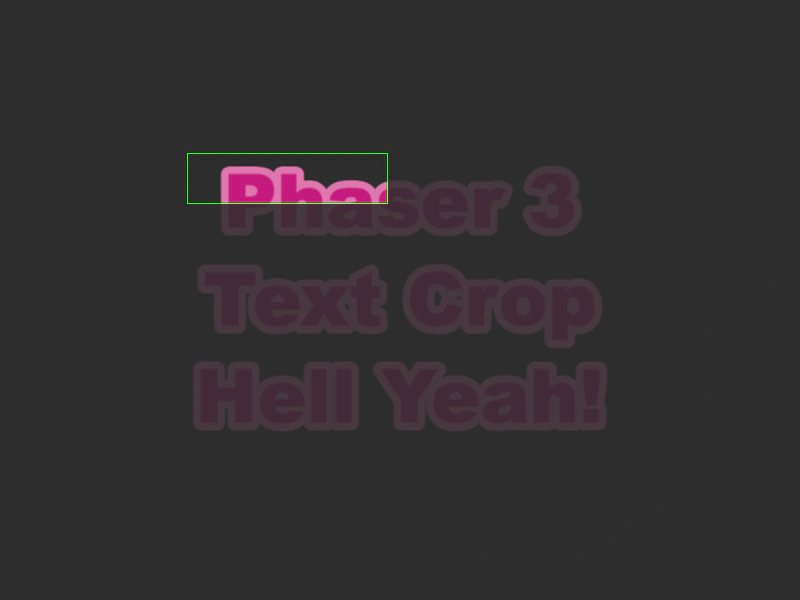 Dynamic Text CroppingDemonstrates how to apply and update a rectangular crop on a Text object using the setCrop method to reveal only specific portions of the text interactively.
 Edit Texture Hue ShiftDemonstrates how to modify texture pixel data in real-time by creating a Canvas Texture, manipulating its HSV values using getImageData, and updating the renderer with the refresh method.
 Edit Texture SilhouetteDemonstrates how to create a silhouette effect by creating a Canvas texture and manually modifying its pixel data using the 2D context getImageData and putImageData methods.
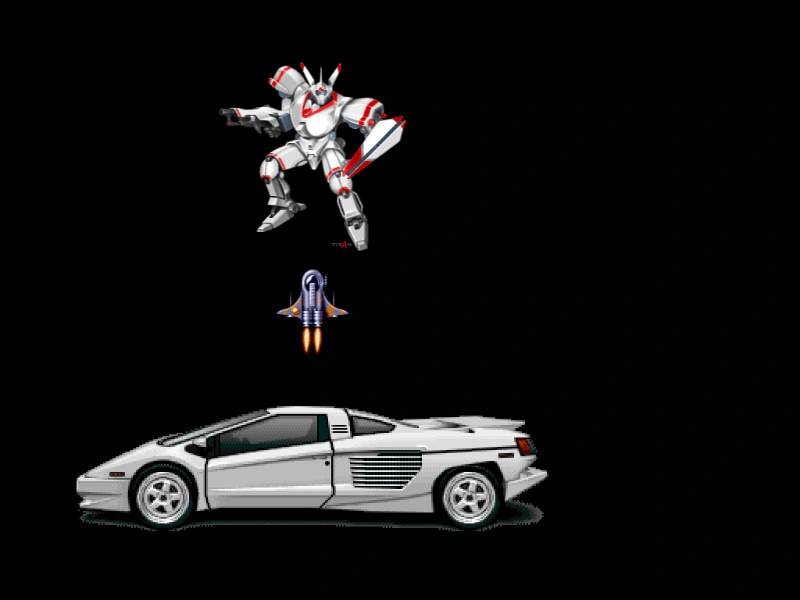 Frames From a Single Texture AtlasDemonstrates how to load a single texture atlas and display multiple different images by referencing their individual frame names.